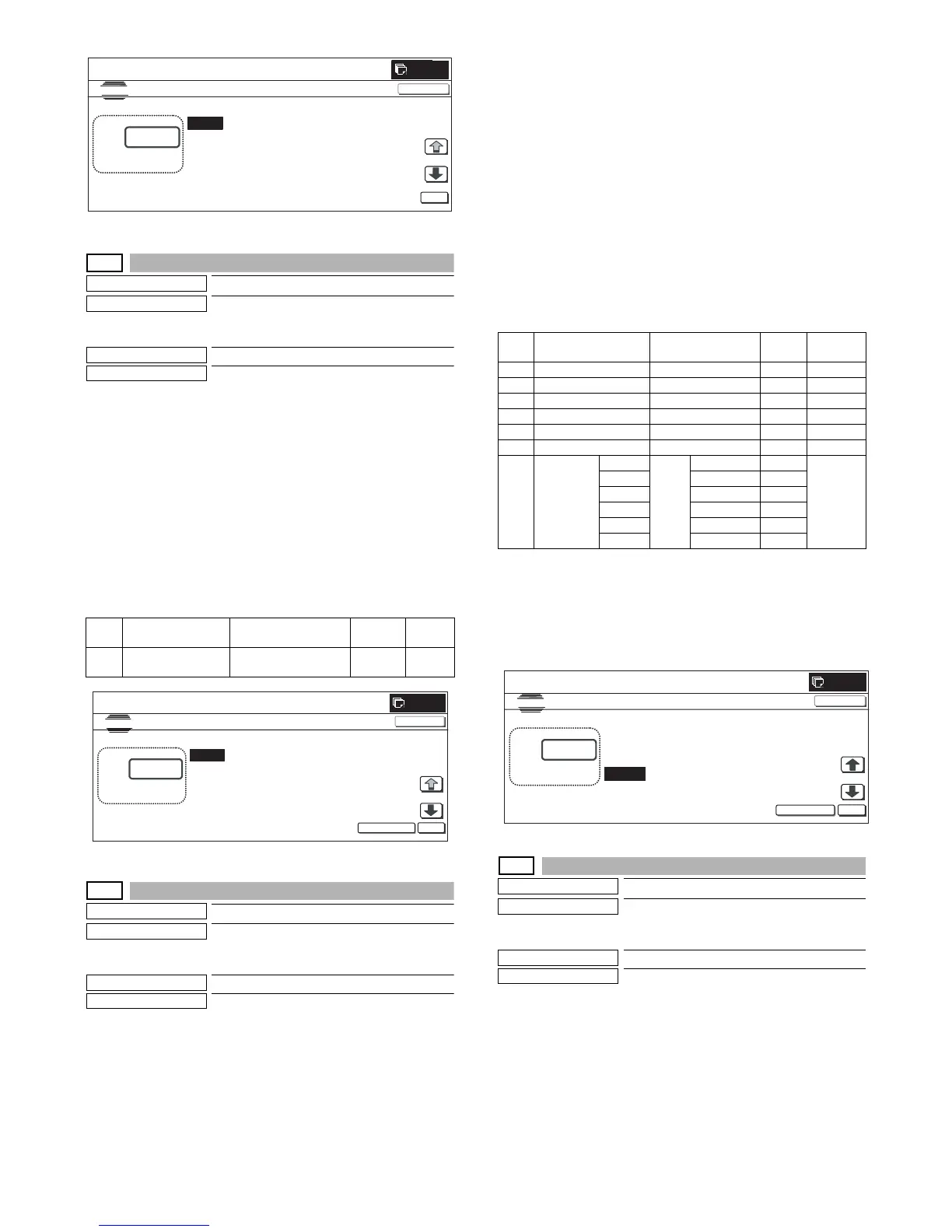
MX3500N SIMULATION 7 – 89
46-40
Purpose
Adjustment
Function (Purpose)
Used to execute the FAX exposure adjust-
ment. (Collective adjustment of all the
modes). (Only when FAX is installed)
Section
MFP/FAX
Item
Image quality
Operation/Procedure
1) Enter the set value with 10-key.
* When [C] key is pressed, the entered value is cleared.
2) When [EXECUTE] button is pressed, it is highlighted and the
current set value is saved to EEPROM and RAM. Printing for
the adjustment is started.
After completion of printing, [EXECUTE] button returns to the
normal display.
* When [OK] button, [COLOR], or [BLACK] key is pressed, the
data are saved to EEPROM and RAM.
* When [C], [CA], [SYSTEM SETTINGS], or [EXECUTE] button is
pressed during printing, the operation is interrupted.
<Set range and default value of each setup>
46-41
Purpose
Adjustment
Function (Purpose)
Used to execute the FAX exposure adjust-
ment (Normal). (Only when FAX is
installed)
Section
MFP/FAX
Item
Image quality
Operation/Procedure
1) Select the set item with [↑] and [↓] buttons.
The highlighted set value is switched and the value is dis-
played in the setting area.
* If there is any item over [↑], an active display is made and
item is shifted.
If there is no item over [↑], the display grays out and the
operation is invalid.
If there is any item under [↓], an active display is made and
item is shifted.
If there is no item over [↓], the display grays out and the
operation is invalid.
2) Enter the set value with 10-key.
* When [C] key is pressed, the entered value is cleared.
3) When [EXECUTE] button is pressed, it is highlighted and the
current set value is saved to EEPROM and RAM. Printing for
the adjustment is started.
After completion of printing, [EXECUTE] button returns to the
normal display.
* When [↑], [↓], [OK] button, [COLOR], or [BLACK] key is
pressed, the data are saved to EEPROM and RAM.
* When [C], [CA], [SYSTEM SETTINGS], or [EXECUTE] button is
pressed during printing, the operation is interrupted.
<Set range and default value of each setup>
* Items G are displayed as "Display item: Detail of display."
Example: EXECUTE MODE: AUTO
<Reflection to item G after settlement of values>
When [EXECUTE] key is pressed after changing and settlement of
exposure adjustment values A to F, the data are saved to EEPROM
and RAM and set to item G at the same time.
46-42
Purpose
Adjustment
Function (Purpose)
Used to execute the FAX exposure adjust-
ment (Fine text). (Only when FAX is
installed)
Section
MFP/FAX
Item
Image quality
Operation/Procedure
1) Select the set item with [↑] and [↓] buttons.
The highlighted set value is switched and the value is dis-
played in the setting area.
* If there is any item over [↑], an active display is made and
item is shifted.
If there is no item over [↑], the display grays out and the
operation is invalid.
If there is any item under [↓], an active display is made and
item is shifted.
Item
Display item &
Detail of display
Content
Set
range
Default
value
A EXPOSURELEVEL
(ALL)
Exposure data value
(Collective)
1 to 99 50
CLOSE
0



 To Next Page