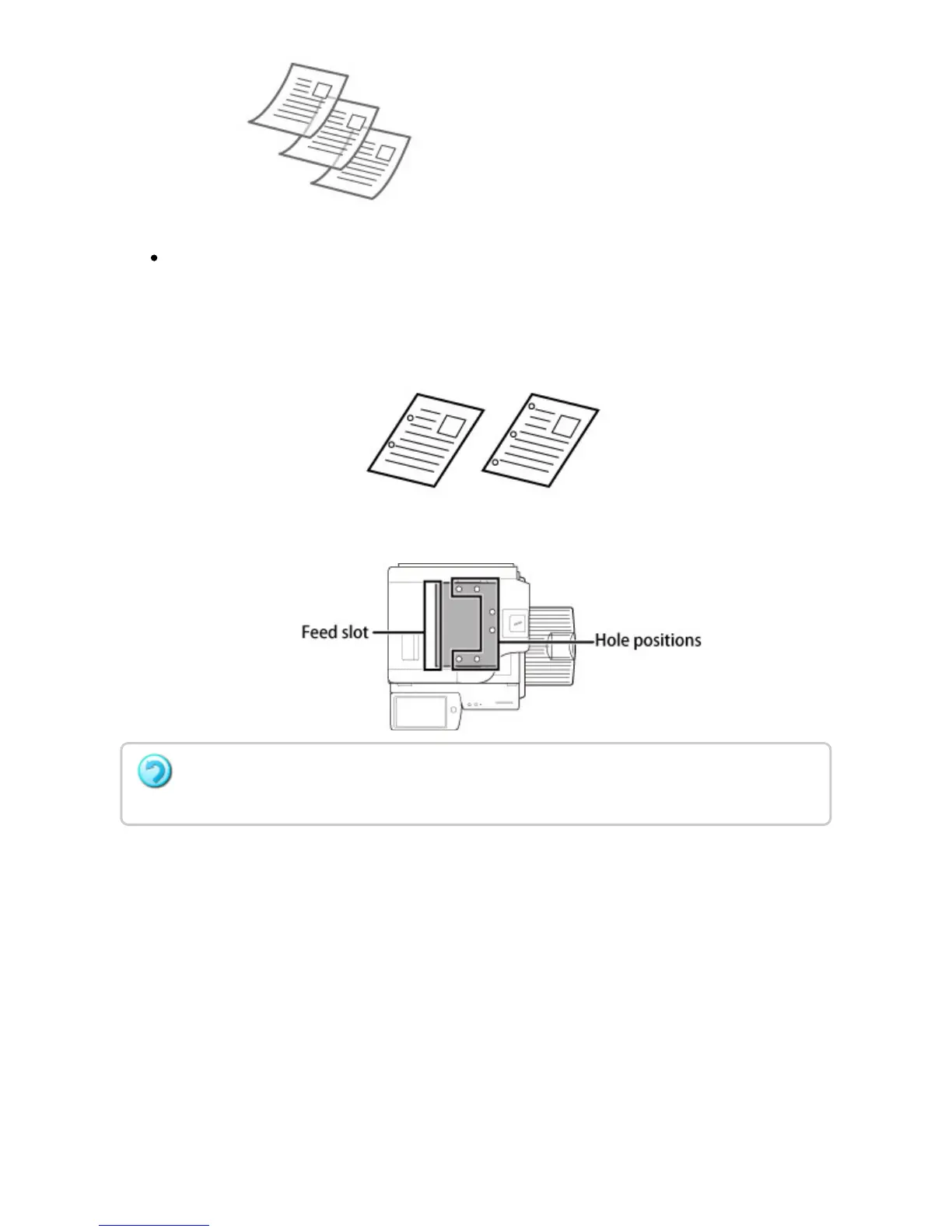
Original with two or three filing holes
Place the original so that the punched edge does not fall on the feed slot of the
document feeder tray. Specify the orientation of the original using [Original Setting].
Before inserting originals into the document feeder tray, be sure to remove any staples or
paper clips. If they cannot be removed, use the document glass.
USER'S MANUAL | MX-M365N/MX-M465N/MX-M565N USER'S ... http://siica.sharpusa.com/portals/0/downloads/Manuals/MX-M365N-M...
132 of 1441 3/17/2016 7:14 AM



 To Next Page