*." appear in th
e touch panel?
*Letters and nu
mbers appear in
xx-xx.
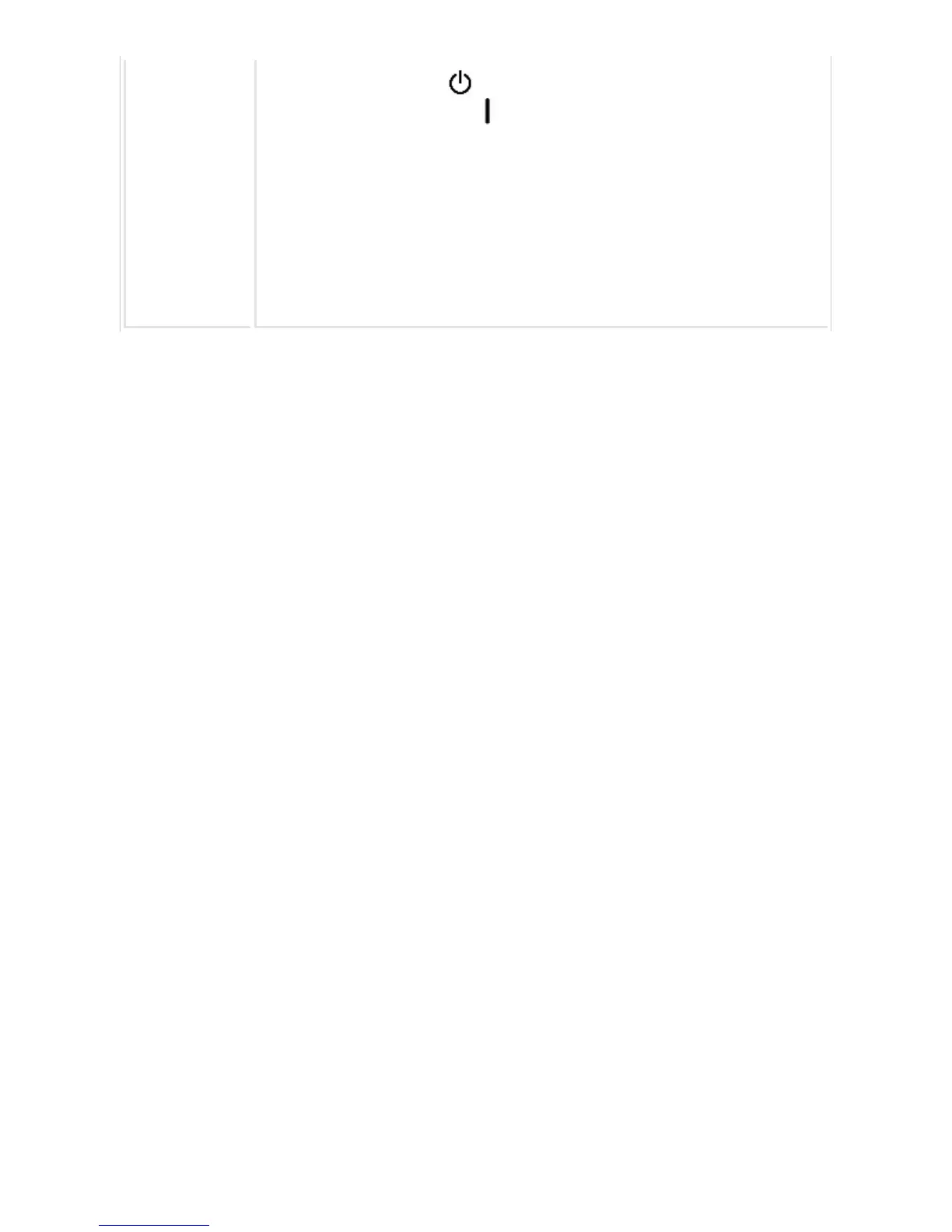
main power switch to the " " position. Wait at least 10 seconds and then turn
the main power switch to the " " position. After the main power indicator color
changes to green, press the [POWER] button.
If the message still appears after switching the [Power] button and the main powe
r switch off and on several times, it is likely that a failure has occurred that requir
es service. In this event, stop using the machine, unplug the power plug, and cont
act your dealer or nearest SHARP Service Department. (When contacting your de
aler or nearest SHARP Service Department, inform them of the displayed error co
de.)
USER'S MANUAL | MX-M365N/MX-M465N/MX-M565N USER'S ... http://siica.sharpusa.com/portals/0/downloads/Manuals/MX-M365N-M...
1327 of 1441 3/17/2016 7:14 AM



 To Next Page