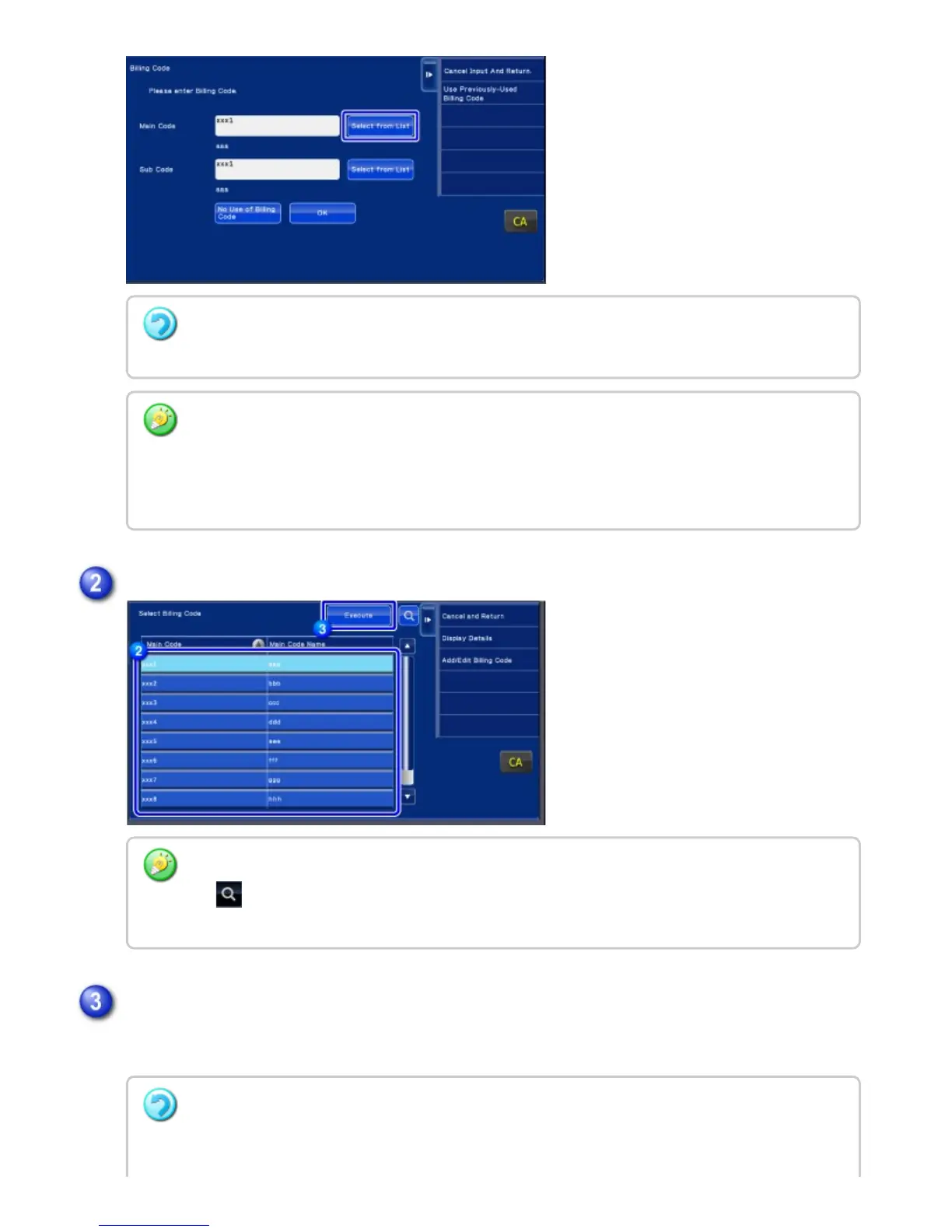
Returns the screen to the billing code entry window.
When not specifying a billing code
Tap the [No Use of Billing Code] key.
To select the previously used billing code (at the time of user authentication)
Tap the [Use Previously-Used Billing Code.] key on the action panel at the time of user
authentication; this displays the main code and sub code the authenticated user has entered
previously.
Tap and select the main code from the list
To search for the main code or main code name
Tap . When the search window is displayed, enter the main code and main code name, then
tap the [Start Search] key. The search result list is displayed.
Tap the [Enter] key
To cancel the selection from the list
Tap the [Cancel and Return] key on the action panel. This cancels the selected main code and
USER'S MANUAL | MX-M365N/MX-M465N/MX-M565N USER'S ... http://siica.sharpusa.com/portals/0/downloads/Manuals/MX-M365N-M...
165 of 1441 3/17/2016 7:14 AM



 To Next Page