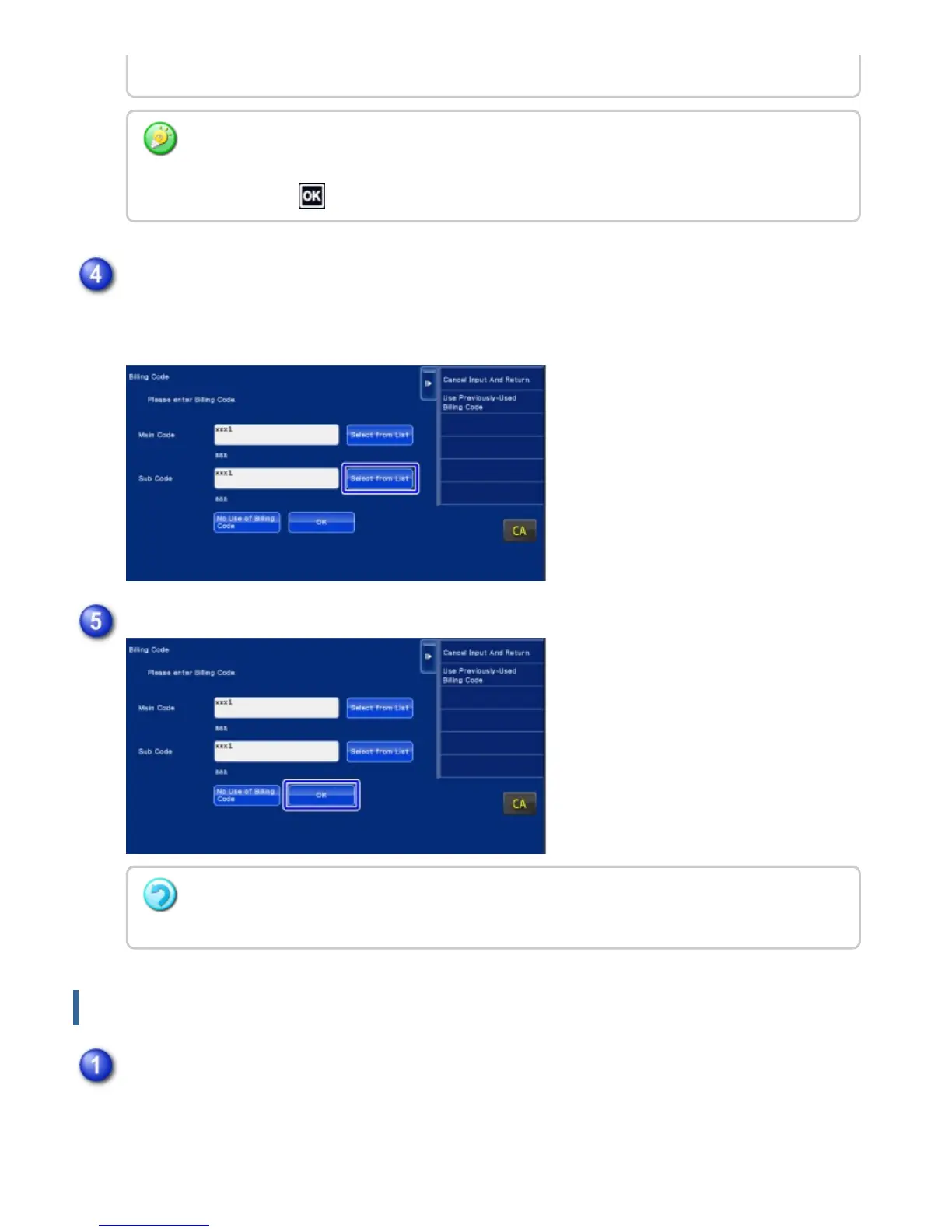
The sub code list is displayed. Perform the procedure shown in steps 2 and 3, then specify
the sub code.
Directly entering a billing code
Specify the code using up to 32 single-byte characters.
returns the screen to the billing code entry window.
To check the details of the main code
Tap the [Display Details] key on the action panel. The detail window is displayed. Check the
details, then tap .
Tap the [Select from List] key of the sub code.
Tap the [OK] key
To clear the value of the specified billing code
Tap the [CA] key. Enter the billing code again.
When the billing code entry window is displayed, tap the text box in [Main Code], then
enter the main code.
USER'S MANUAL | MX-M365N/MX-M465N/MX-M565N USER'S ... http://siica.sharpusa.com/portals/0/downloads/Manuals/MX-M365N-M...
166 of 1441 3/17/2016 7:14 AM



 To Next Page