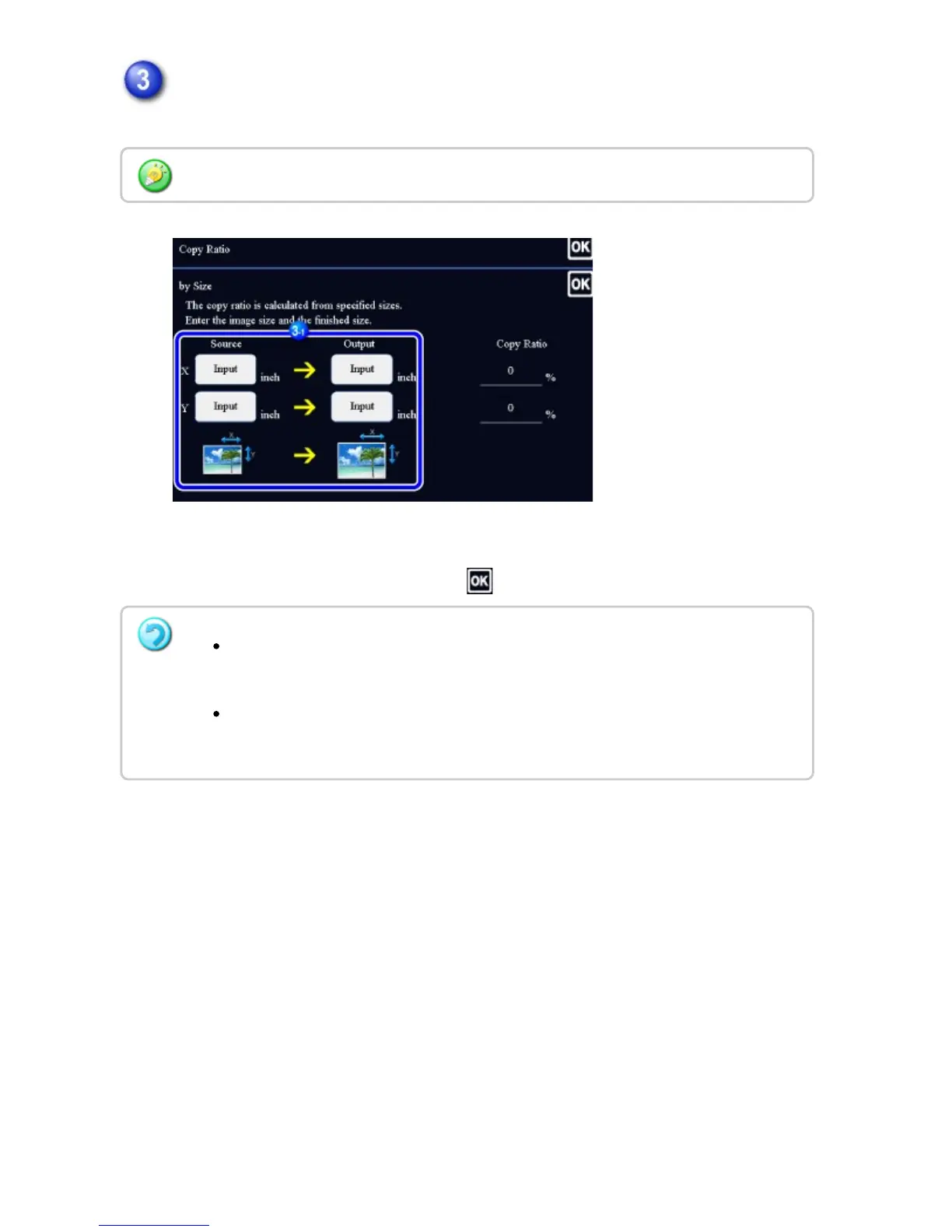
Specify the X and Y dimensions of the image size and those of the output
size.
Check that a paper size suitable for the ratio is selected.
After the settings are completed, tap .
Tap the area of image size and output size, and enter the sizes using the numeric keys.
If you have entered an incorrect size:
Tap the [C] key, and then enter the correct size.
To cancel all settings:
Tap the [CA] key.
USER'S MANUAL | MX-M365N/MX-M465N/MX-M565N USER'S ... http://siica.sharpusa.com/portals/0/downloads/Manuals/MX-M365N-M...
246 of 1441 3/17/2016 7:14 AM



 To Next Page