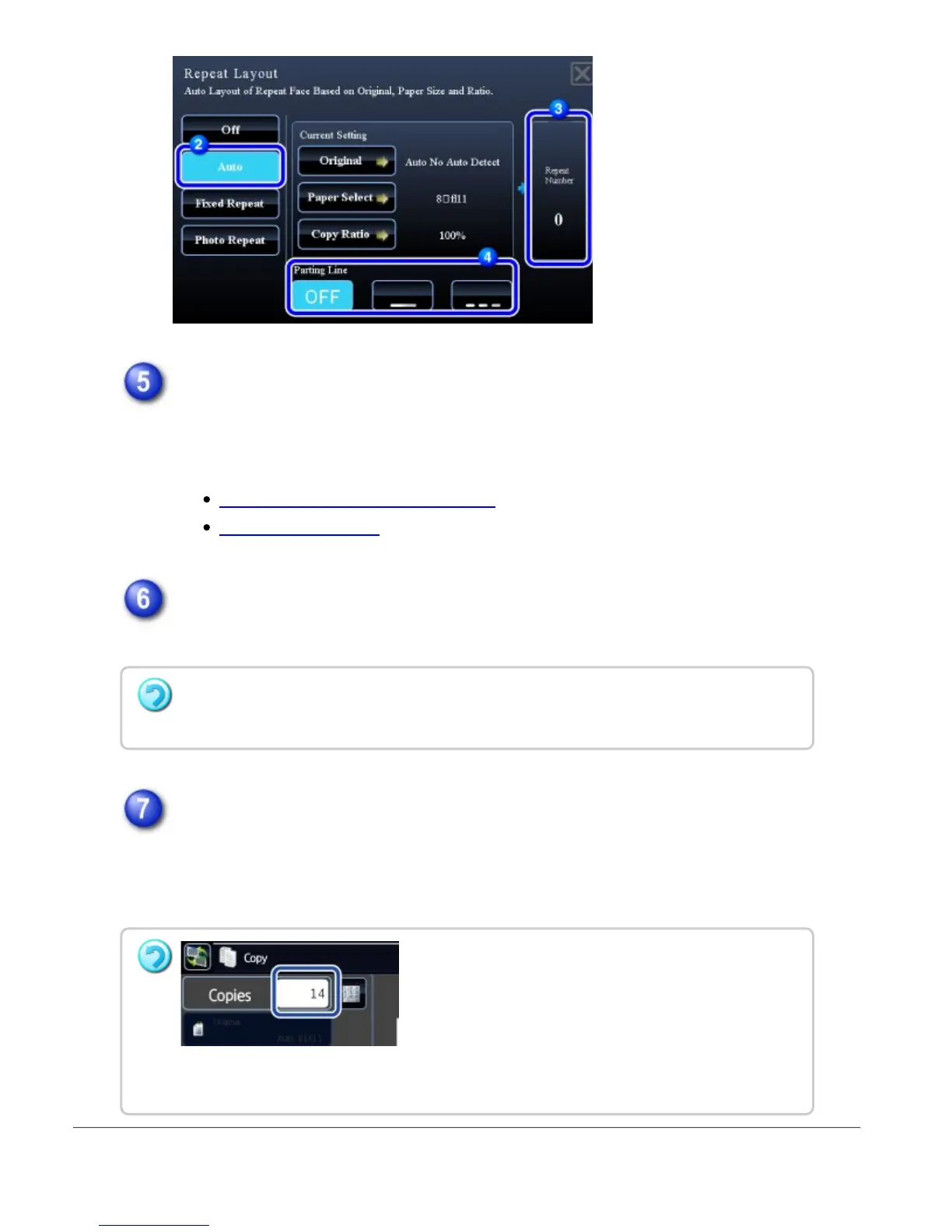
Place the original and tap the [Preview] key.
Place the original in the document feeder tray of the automatic document feeder,
or on the document glass.
AUTOMATIC DOCUMENT FEEDER
DOCUMENT GLASS
Check the preview image in the preview screen.
Check whether or not settings produce the required results.
Tap the [Start] key to start copying.
When making only one set of copies, you do not need to specify the number of
copies.
To cancel all settings:
Tap the [CA] key.
To make two or more copies,
tap the copies display key to set a number of copies.
USER'S MANUAL | MX-M365N/MX-M465N/MX-M565N USER'S ... http://siica.sharpusa.com/portals/0/downloads/Manuals/MX-M365N-M...
275 of 1441 3/17/2016 7:14 AM



 To Next Page