Operation
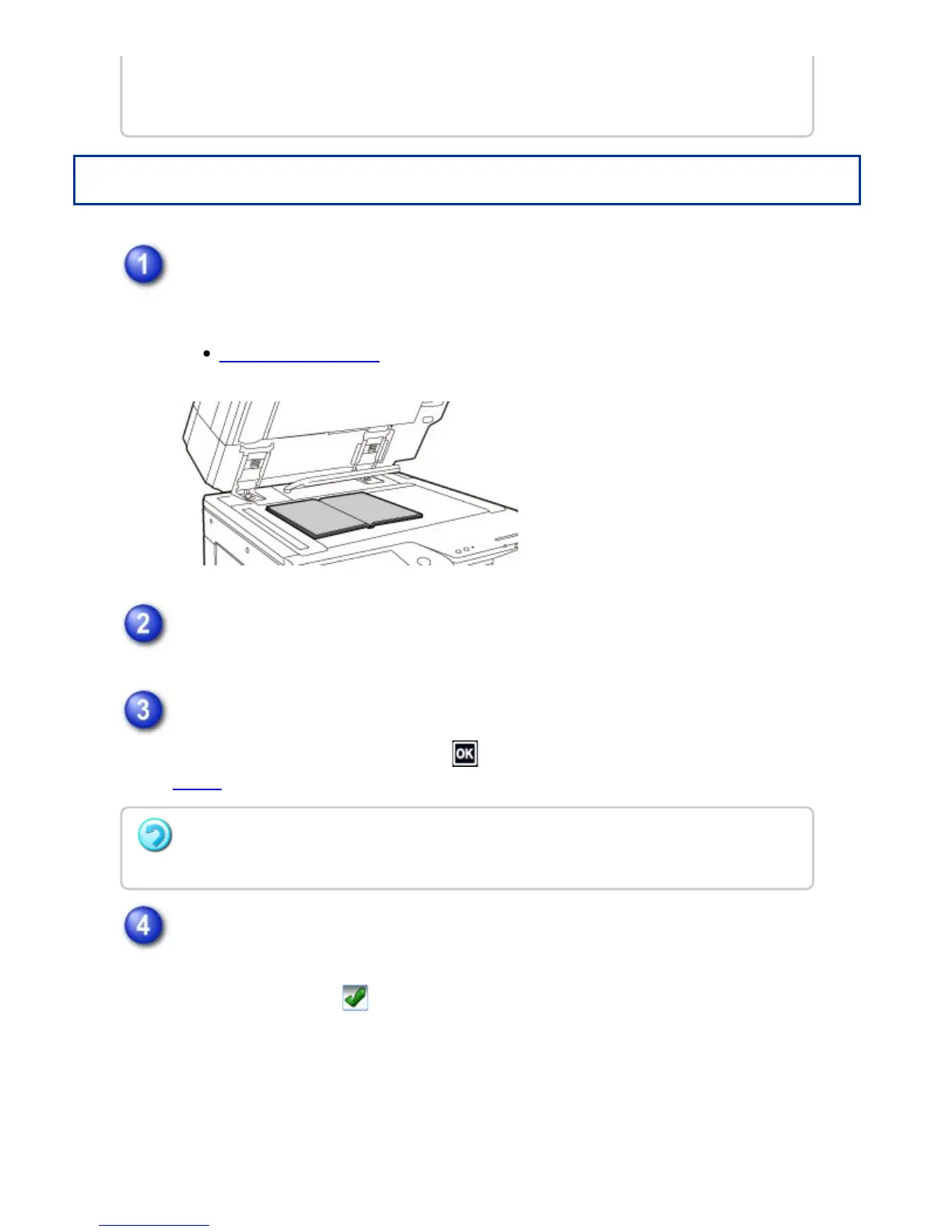
Place the original on the document glass.
Place the opened pages of the "front and last sheets".
DOCUMENT GLASS
Tap the [Others] key, and tap the [Book Copy] key.
Select a binding position.
When not inserting a cover, tap the and [Back] keys in sequence. Then, go to
step 5.
When inserting a cover, tap the [Cover Setting] key, and tap the [On] key.
To make a copy on the inserted cover sheet, check the [Make Copy on Cover
(Duplex)] box so that appears.
When settings are selected that prevent 2-sided copying, the book copy function
cannot be used.
To cancel book copy:
Tap the [Off] key.
USER'S MANUAL | MX-M365N/MX-M465N/MX-M565N USER'S ... http://siica.sharpusa.com/portals/0/downloads/Manuals/MX-M365N-M...
289 of 1441 3/17/2016 7:14 AM



 To Next Page