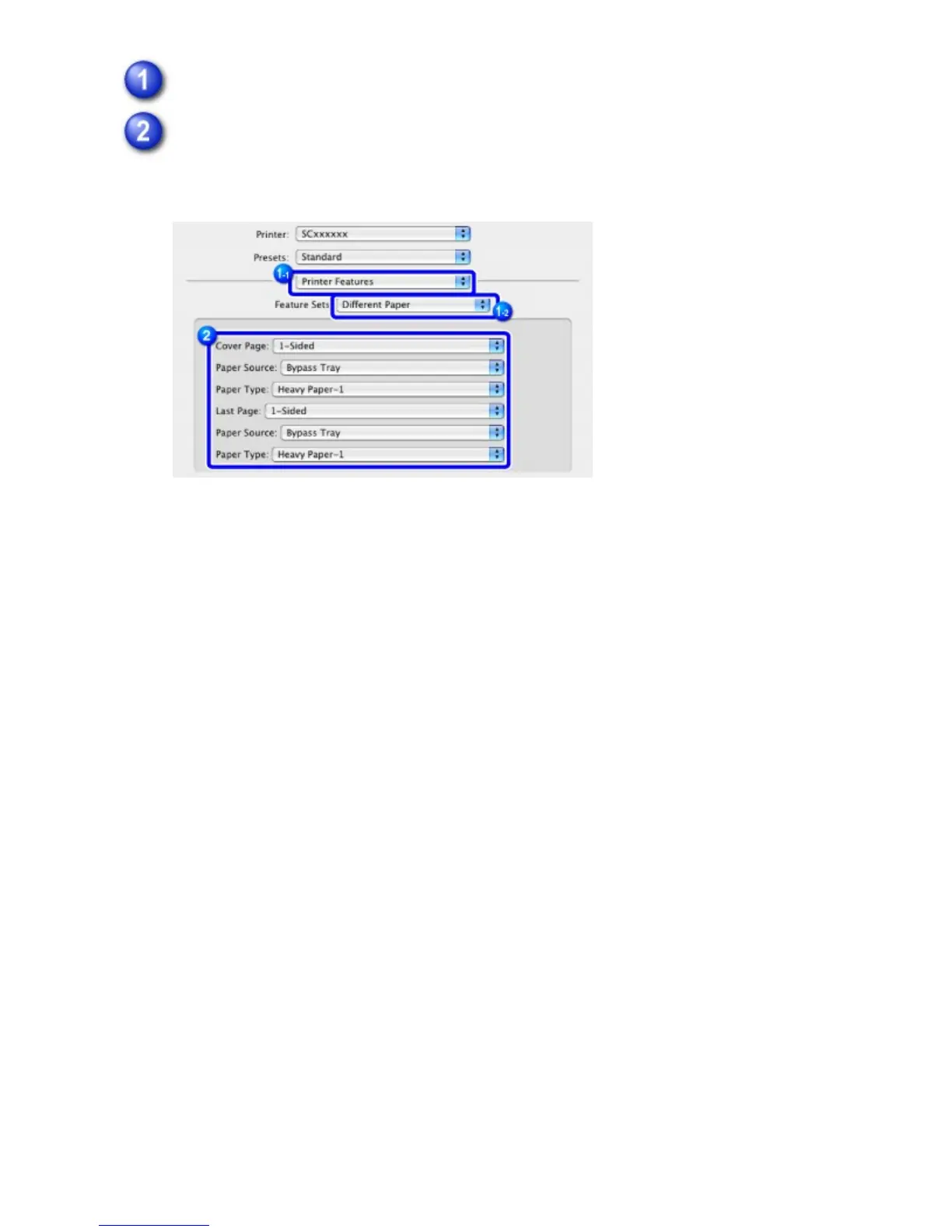
Select [Printer Features] and select [Different Paper].
Select the cover insertion settings.
Select the print setting, paper tray, and paper type for the front and back covers.
USER'S MANUAL | MX-M365N/MX-M465N/MX-M565N USER'S ... http://siica.sharpusa.com/portals/0/downloads/Manuals/MX-M365N-M...
464 of 1441 3/17/2016 7:14 AM



 To Next Page