ADDING INSERTS WHEN PRINTING ON
TRANSPARENCY FILM
(TRANSPARENCY INSERTS)
Overview
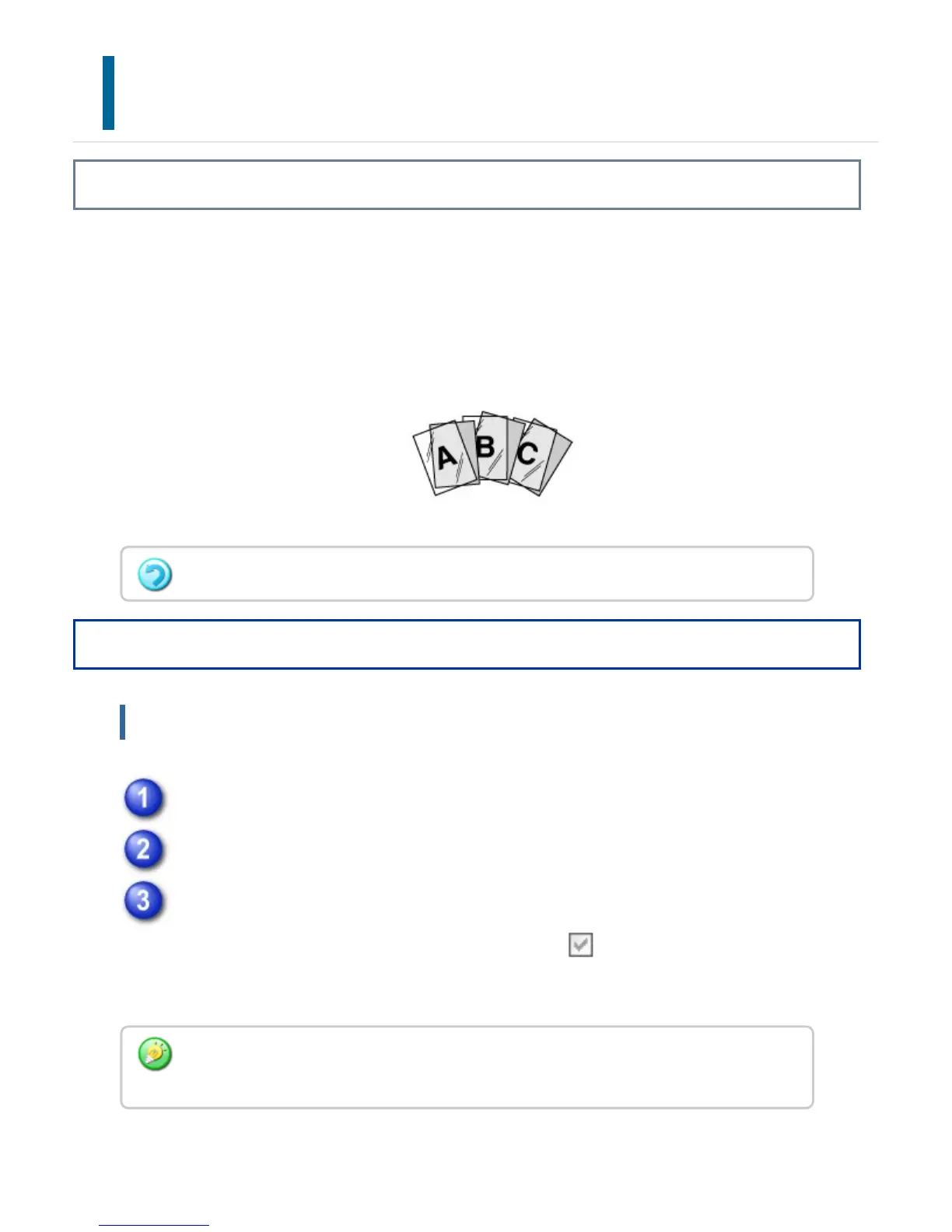
When transparency film is used for printing, this function prevents the sheets of
transparency film from sticking together by inserting a sheet of paper between each
sheet of film. As necessary, the same content as that printed on each sheet of
transparency film is also printed on the corresponding sheet of inserted paper.
Operation
Windows
Click the [Special Modes] tab.
Select [Transparency Inserts] and click the [Settings] button.
Select the transparency insert settings.
When the [Printed] checkbox is selected to set to , the same content as that
printed on the transparency film is also printed on the insert. Select the paper
source and type if needed.
Transparency film must be loaded in the bypass tray.
Set the paper type of the bypass tray to [Transparency] and load transparency film into
the bypass tray.
USER'S MANUAL | MX-M365N/MX-M465N/MX-M565N USER'S ... http://siica.sharpusa.com/portals/0/downloads/Manuals/MX-M365N-M...
465 of 1441 3/17/2016 7:14 AM



 To Next Page