SAVING AND USING PRINT FILES
(FORCE
RETENTION/DOCUMENT FILING)
Overview
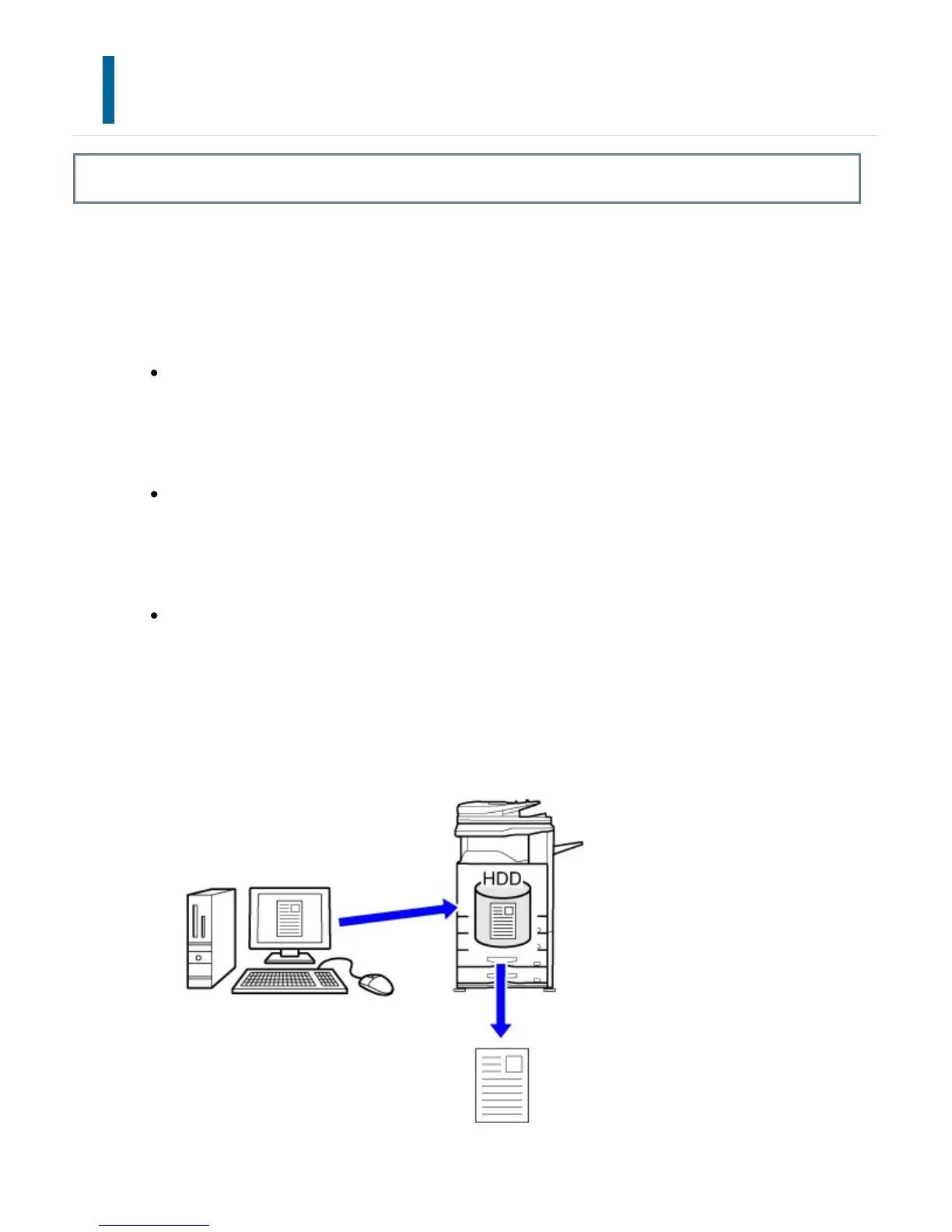
This function stores a print job as a file on the machine's hard drive, allowing the job to
be printed from the touch panel when needed. The location for storing a file can be
selected to prevent the file from being mixed together with files of other users.
Hold Only
This setting is used to hold a print job on the machine's hard drive without printing
it.
Hold After Print
This setting is used to hold a print job on the machine's hard drive after it is
printed.
Sample Print
When a print job is sent to the machine, only the first set of copies is printed.
After checking the contents of the first set of copies, you can print the remaining
sets from the operation panel of the machine. This prevents the occurrence of
excessive misprints.
USER'S MANUAL | MX-M365N/MX-M465N/MX-M565N USER'S ... http://siica.sharpusa.com/portals/0/downloads/Manuals/MX-M365N-M...
490 of 1441 3/17/2016 7:14 AM



 To Next Page