If a screen appears prompting you to enter a user name and password, check with
your server administrator and enter the appropriate user name and password.
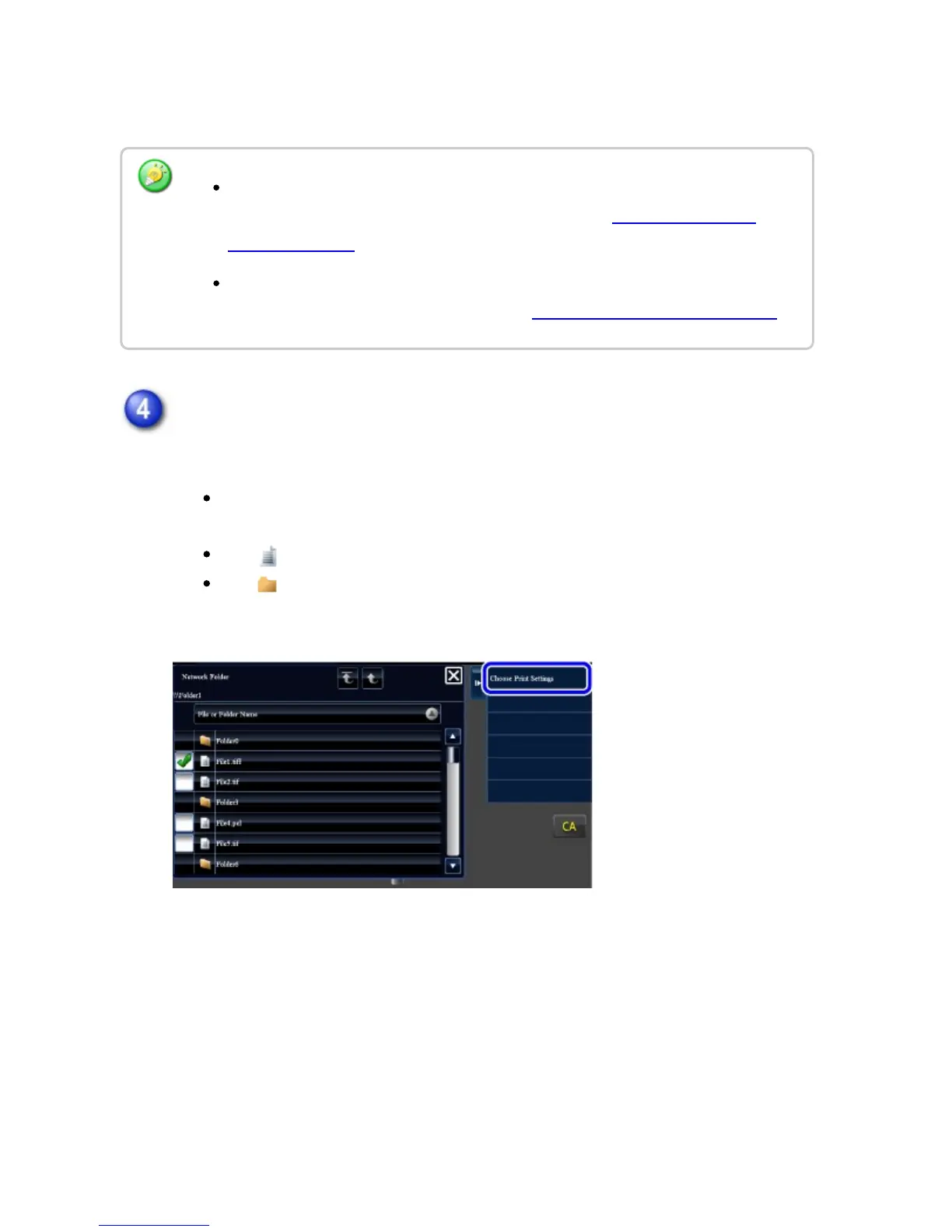
Tap the key of the file that you wish to print, and tap the [Choose Print
Settings] key on the action panel.
When printing multiple files, tap the keys of the files you wish to print, and
tap the [Print] key on the action panel.
The icon appears to the left of keys of files that can be printed.
The icon is displayed to the left of keys of folders in the network folder.
To display a folder or a file in a folder, tap this key.
When you tap the [Direct Input of Folder Path] key, a screen appears to allow
direct input of the network folder path. For details, see "Entering the network
folder path directly".
When you select the workgroup, server, and network folder in sequence, you can
access the network folder. For details, see "Referring to the network folder path".
USER'S MANUAL | MX-M365N/MX-M465N/MX-M565N USER'S ... http://siica.sharpusa.com/portals/0/downloads/Manuals/MX-M365N-M...
505 of 1441 3/17/2016 7:14 AM



 To Next Page