FAX TRANSMISSION METHODS
The methods that can be used to send a fax from the machine are described below. Select
the method that best suits your needs.
To fax a large number of sheet originals:
To fax thick originals or pages of a book:
If you wish to send a fax ahead of other previously reserved fax transmissions:
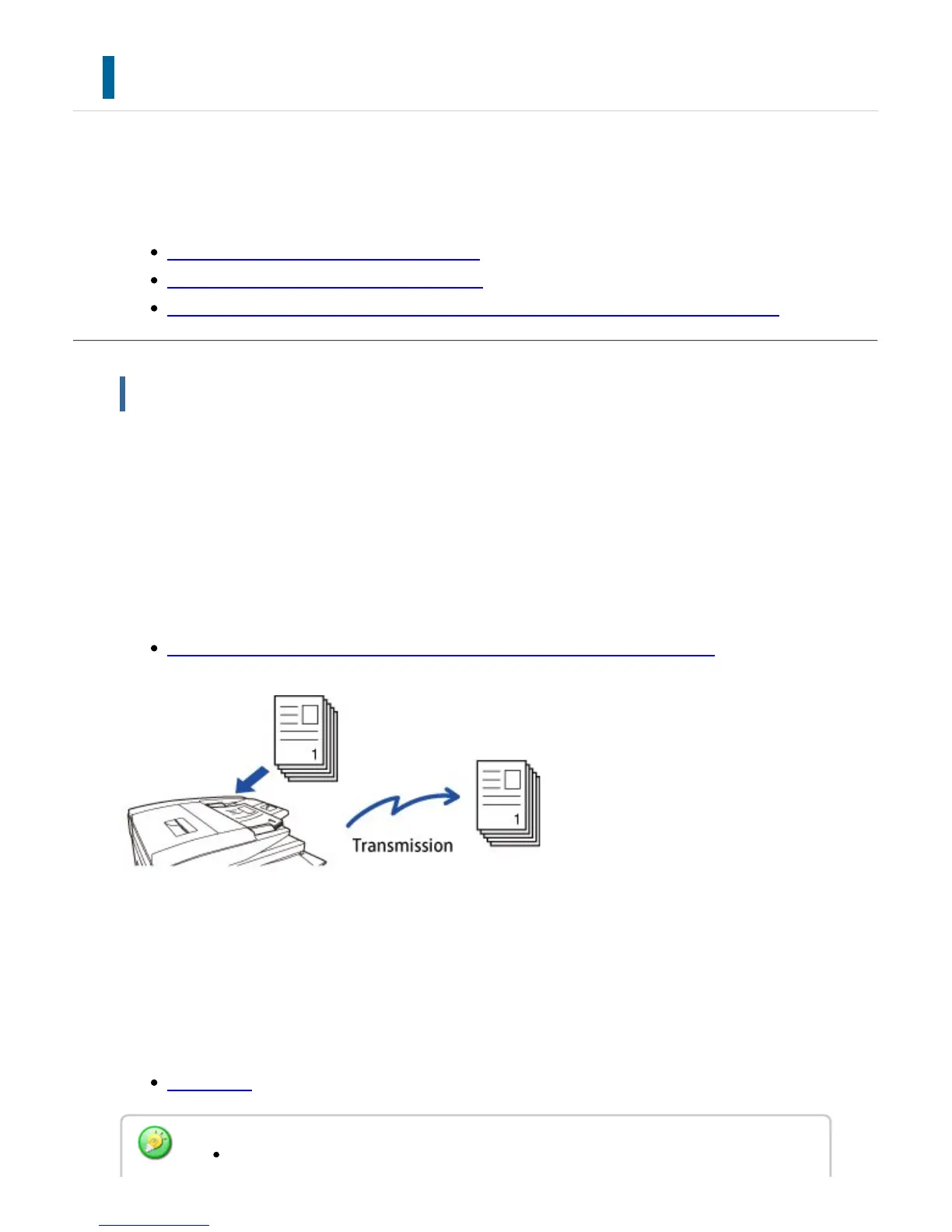
To fax a large number of sheet originals:
Use the automatic document feeder.
The originals will be scanned into memory and then transmitted (memory transmission).
When multiple original sheets are placed in line idle state, they will be sent in sequence
from the scanned page in parallel with the scanning process (Quick On Line Sending).
If transmission cannot begin immediately because the line is in use, all pages will be
scanned into memory and the transmission will be reserved.
USING THE AUTOMATIC DOCUMENT FEEDER FOR TRANSMISSION
Storing a fax job
If transmission cannot begin immediately because the line is in use, all pages will be
scanned and stored in memory. If you want to attempt to send a fax while another job is in
progress, you can store the fax job. To check the stored fax job, display the job status
screen.
FAX JOBS
If memory becomes full while the first original page is being scanned, transmission
USER'S MANUAL | MX-M365N/MX-M465N/MX-M565N USER'S ... http://siica.sharpusa.com/portals/0/downloads/Manuals/MX-M365N-M...
547 of 1441 3/17/2016 7:14 AM



 To Next Page