SENDING A FAX DIRECTLY FROM A
COMPUTER
(PC-Fax)
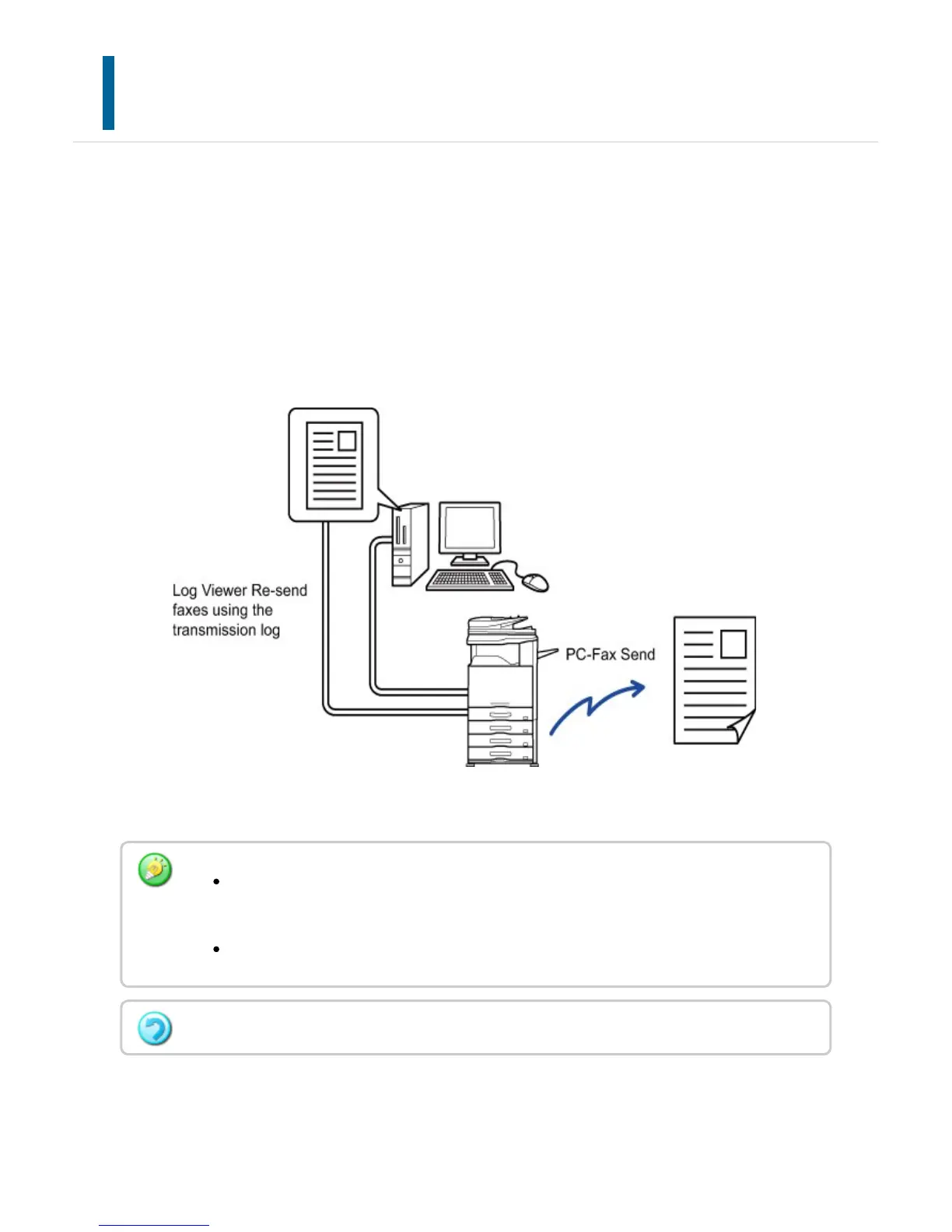
A file on a computer can be sent via the machine as a fax (PC-Fax function). Faxes are
sent using the PC-Fax function in the same way that documents are printed. Select the
PC-Fax driver as the printer driver for your computer and then select the Print command
in the application. Image data for transmission will be created and sent as a fax.
By using the "Log Viewer" application, faxes can be sent using the transmission log
displayed in the Log Viewer.
For the procedures for using this function, see the PC-Fax driver Help.
To use the PC-Fax function, the PC-Fax driver must be installed. For more
information, see "Software Setup Guide".
This function can only be used on a Windows
®
computer.
Only transmission is available for this function. Faxes cannot be received by your computer.
USER'S MANUAL | MX-M365N/MX-M465N/MX-M565N USER'S ... http://siica.sharpusa.com/portals/0/downloads/Manuals/MX-M365N-M...
579 of 1441 3/17/2016 7:14 AM



 To Next Page