AUTOMATICALLY SCANNING BOTH SIDES OF
AN ORIGINAL
(2-SIDED ORIGINAL)
Overview
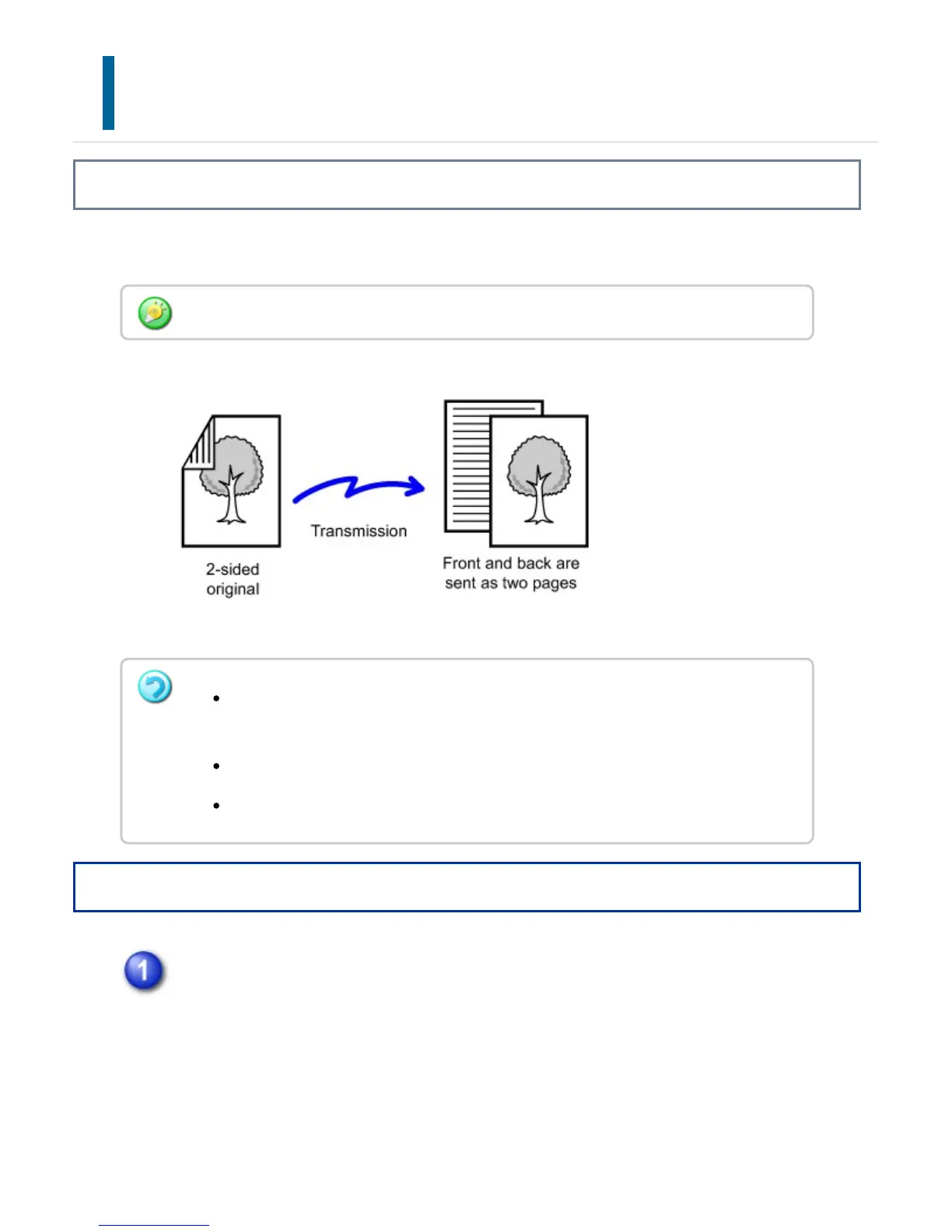
The automatic document feeder will automatically scan both sides of the document.
Operation
After tapping the [Original] key, tap the [2-sided original type Book] key or
the [2-sided original type Tablet] key.
See the figure on the right to check the binding edge if the original and select the
key to be tapped.
2-sided scanning automatically turns off after transmission has ended.
2-sided scanning is not possible when direct transmission or speaker
transmission is performed.
2-sided scanning is not possible when a mixed-size original is scanned.
You cannot use 2-sided scanning when the original size is set to Long Size.
USER'S MANUAL | MX-M365N/MX-M465N/MX-M565N USER'S ... http://siica.sharpusa.com/portals/0/downloads/Manuals/MX-M365N-M...
580 of 1441 3/17/2016 7:14 AM



 To Next Page