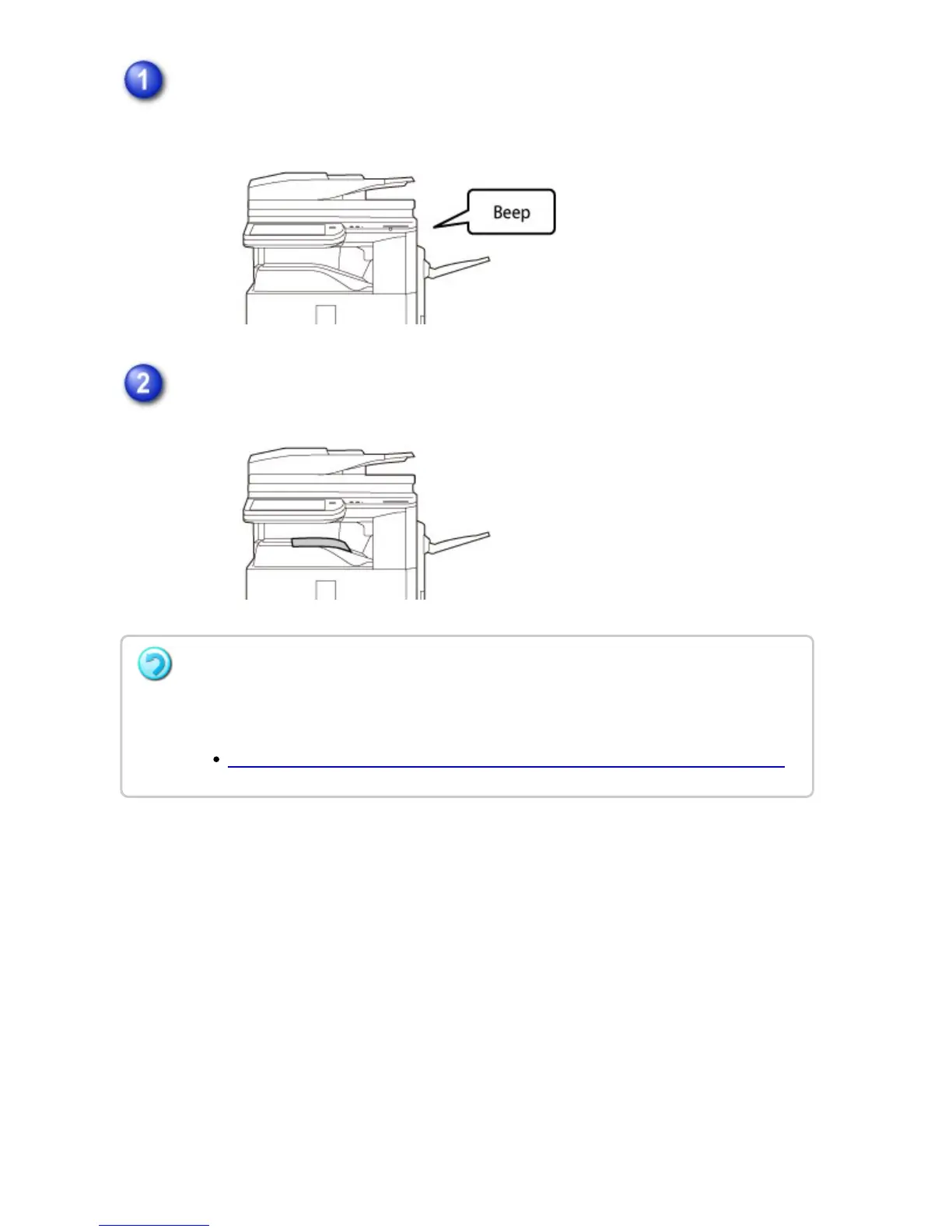
The machine rings and fax reception begins automatically.
A beep sounds when reception ends.
The faxes are printed automatically.
How to check the fax reception mode
You can check current fax reception mode in the system area at the top of the screen.
If a password entry screen appears:
A password is registered to print the received fax data. When the correct password is
entered, the received fax is printed.
PRINTING A PASSWORD-PROTECTED FAX (Hold setting for received data print)
USER'S MANUAL | MX-M365N/MX-M465N/MX-M565N USER'S ... http://siica.sharpusa.com/portals/0/downloads/Manuals/MX-M365N-M...
594 of 1441 3/17/2016 7:14 AM



 To Next Page