PRINTING RECEIVED DATA AT A SPECIFIED
TIME
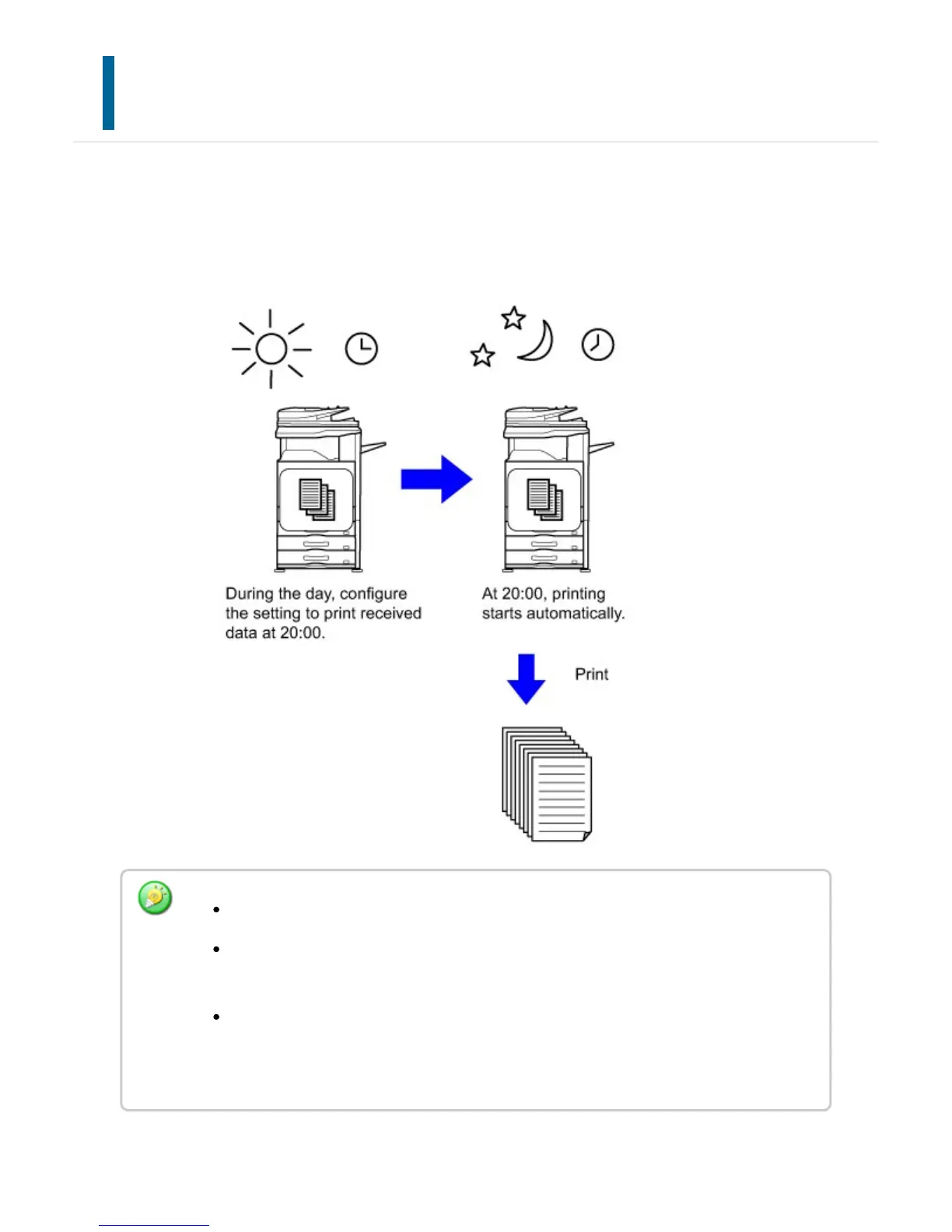
You can start printing the received data at a specified time.
For stress-free printing, you should avoid printing large numbers of pages at peak times
during the day, and when you do not urgently need to print.
The printed data is automatically deleted from memory.
If the power is turned off at the specified time, printing will start at the timing when
the power is turned on.
This function is enabled if [System Settings] → [Operation Settings] → [Preview
Setting] are selected in "Setting mode (administrator)" and if [Received Data Image
Check Setting] is enabled.
USER'S MANUAL | MX-M365N/MX-M465N/MX-M565N USER'S ... http://siica.sharpusa.com/portals/0/downloads/Manuals/MX-M365N-M...
599 of 1441 3/17/2016 7:14 AM



 To Next Page