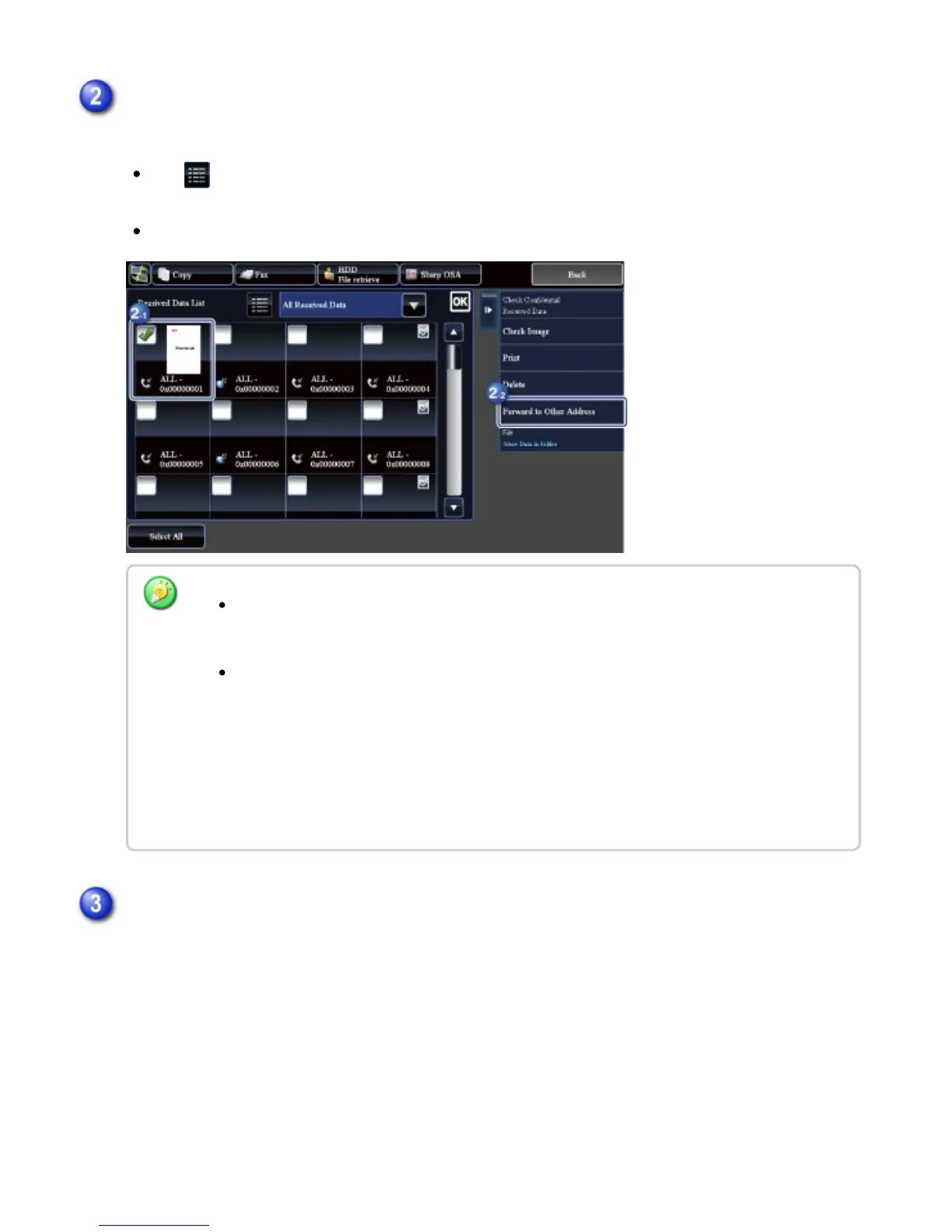
Tap to show a list of received data. The list view or thumbnails view can be changed
depending on the setting mode.
Multiple sets of received data can be selected.
Tap the key of the received data you wish to save, and tap the [File] key on the action
panel
When you select a single received data only, you can tap the [Check Image] key on the
action panel and check the image on the preview screen.
To store the sender fax number as a number for "Allow/Reject Number Setting", tap
the [Store to Unwanted Fax] key and, in the confirmation message screen, tap the
[Store] key.
Specify a sender fax number as a number for "Allow/Reject Number Setting" by
selecting, in "Setting mode (administrator)", select [System Settings] [Image Send
Settings] [Fax Settings] [Receive Settings] [Allow/Reject Number Setting].
Set the file information, and tap the [Save] key
USER'S MANUAL | MX-M365N/MX-M465N/MX-M565N USER'S ... http://siica.sharpusa.com/portals/0/downloads/Manuals/MX-M365N-M...
618 of 1441 3/17/2016 7:14 AM



 To Next Page