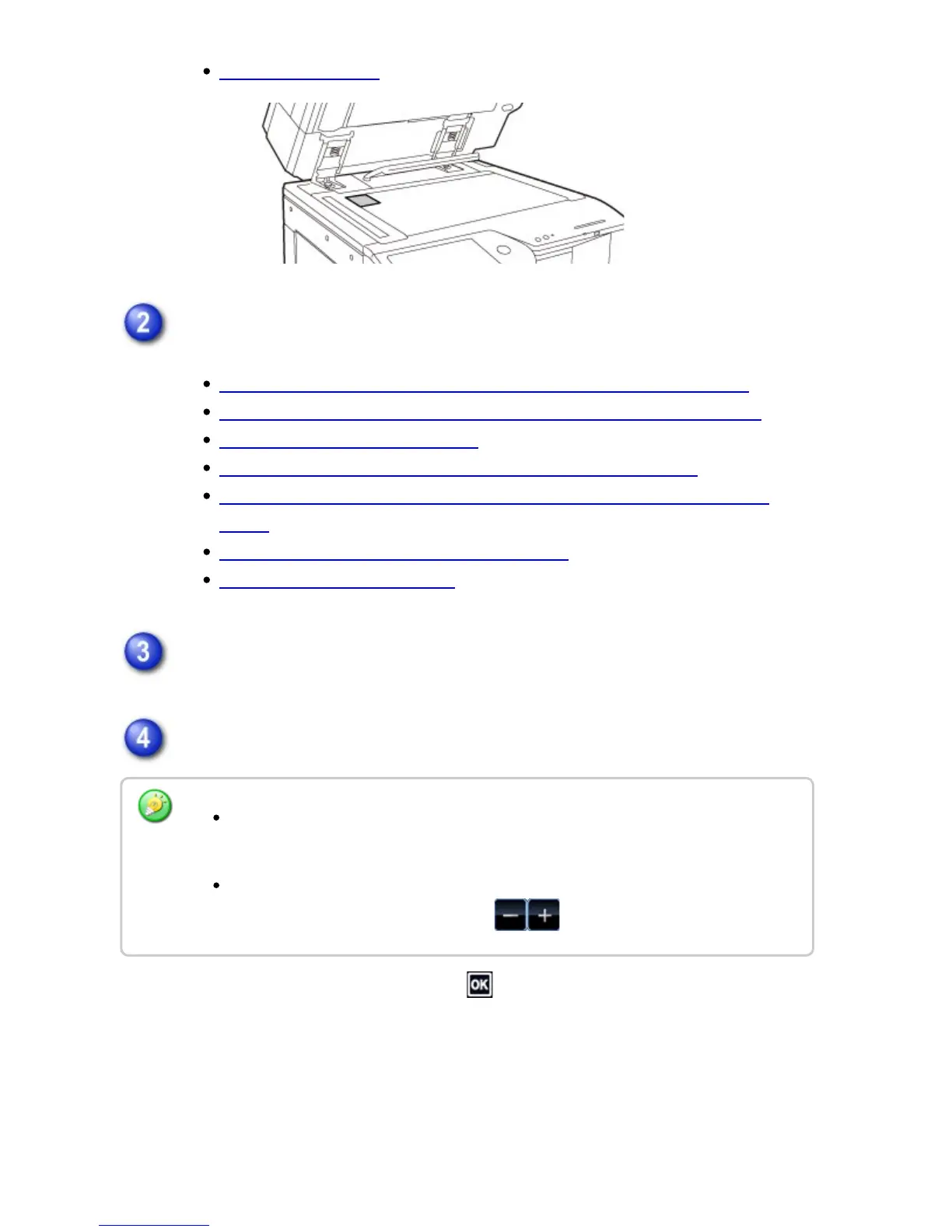
DOCUMENT GLASS
Enter the destination fax number.
ENTERING A DESTINATION NUMBER USING THE NUMERIC KEYS
RETRIEVING A DESTINATION NUMBER FROM AN ADDRESS BOOK
THE SELECTED DESTINATIONS
USING A SEARCH NUMBER TO RETRIEVE A DESTINATION
RETRIEVING A DESTINATION NUMBER FROM A GLOBAL ADDRESS
BOOK
USING A TRANSMISSION LOG TO RESEND
SENDING BY CHAIN DIALING
Tap the [Others] key, and tap the [Card Shot] key.
Tap the [On] key, and specify the original size as required.
After the settings are completed, tap and [Back] keys in sequence.
Tap the areas displaying width and height sizes respectively, and enter the sizes
using the numeric keys.
To quickly set the size, first specify a value close to the desired ratio value by the
numeric keys, then adjust it by tapping .
USER'S MANUAL | MX-M365N/MX-M465N/MX-M565N USER'S ... http://siica.sharpusa.com/portals/0/downloads/Manuals/MX-M365N-M...
626 of 1441 3/17/2016 7:14 AM



 To Next Page