SENDING ORIGINALS OF DIFFERENT
SIZES
(MIXED SIZE ORIGINAL)
Overview
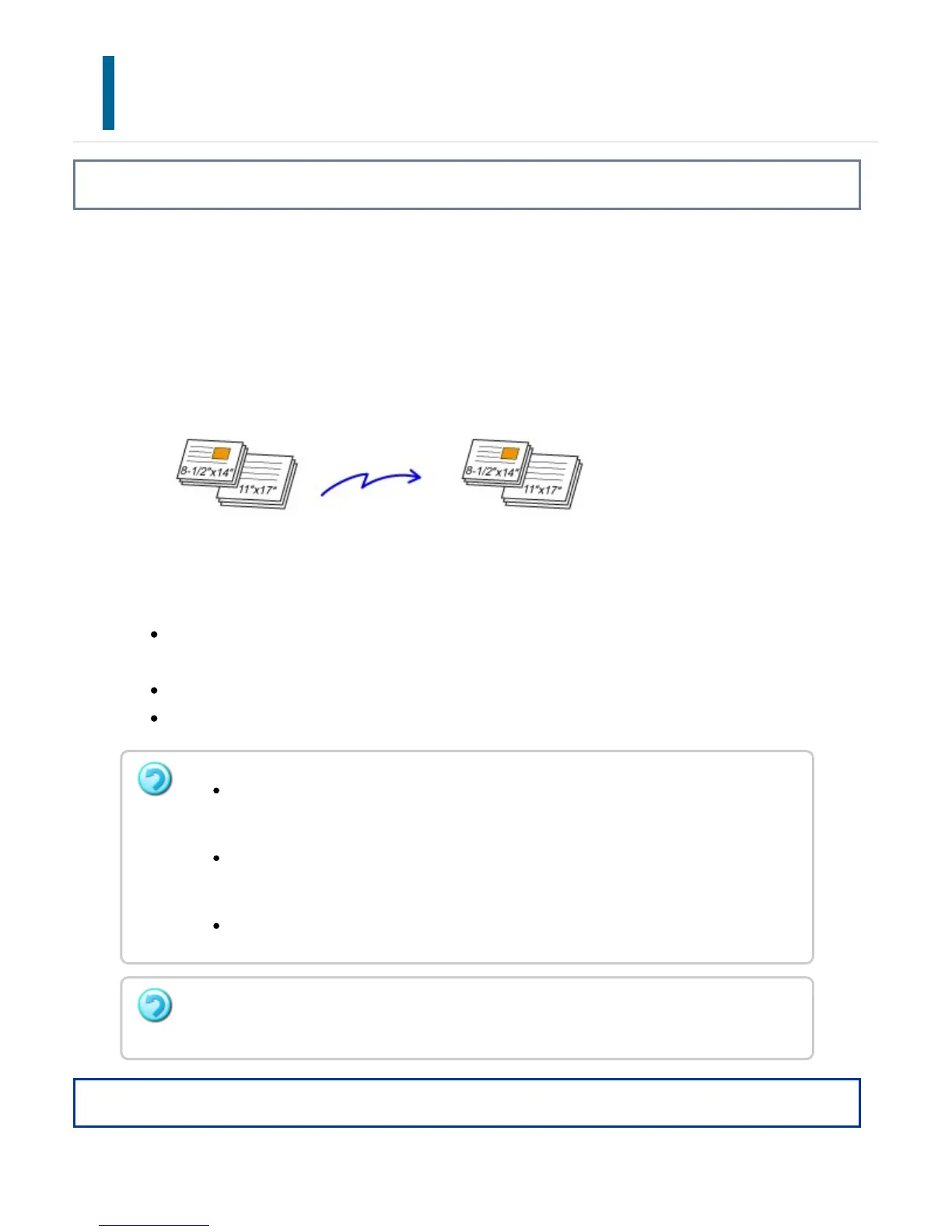
This feature lets you scan and transmit originals of different sizes at the same time; for
example, 8-1/2" x 14" (B4) size originals mixed together with 11" x 17" (A3) size
originals.
When scanning the originals, the machine automatically detects the size of each original.
This feature can only be used with the following combinations of original sizes:
11" x 17" and 8-1/2" x 14", 11" x 17" and 8-1/2" x 13", 11" x 17" and 5-1/2" x
8-1/2"
A3 and B4, A3 and B5, B4 and A4, A4 and B5
A4R and B5, B4 and A4R, B4 and A5, B5 and A5
Operation
Once mixed size originals has been selected, an original scan size cannot be
specified.
Once the original scan size has been selected, Mixed Size Original cannot be
specified.
Rotate cannot be used when Mixed Size Original is enabled.
This function is not available if [System Settings] → [Device Control] → [Original Size
Detector Setting] is set to "AB-3" in "Setting mode".
USER'S MANUAL | MX-M365N/MX-M465N/MX-M565N USER'S ... http://siica.sharpusa.com/portals/0/downloads/Manuals/MX-M365N-M...
632 of 1441 3/17/2016 7:14 AM



 To Next Page