2.1
0.6
I
PLOT
ON
........................................................
(Abbreviated
format:
PL.
ON)
Format I PLOT ON
I
Function I
Example
Note
This statement makes
it
possible to use the color
plotter
-printer
as
a display unit.
Thus,
the
MZ-700 can be used
without
an external display screen.
This statement is effective only when
the
color plotter-printer
is
installed and the
MODE TN statement has been previously executed.
PLOT ON
A period " . " is printed to represent any characters which are
not
stored in the
color plotter-printer's character generator (see page 156). The
I INST I , I DEL l·and
"
El
" keys are disabled
by
executing this statement. I CTRL I+
IQ]
can be used
to
change
the
pen.
2.1
0.
7 PLOT OFF
........................
~
..........................
(Abbreviated format: PL. OFF)
,-I
_F
__
o_r_m-at
---,1
PLOT
OFF
I Function I
I
Example I
This statement cancels PLOT ON made
of
plotter-printer operation.
PLOT
OFF
2.1
0.8 CONSOLE
.....................................................
(Abbreviated format: CONS.)
I Format I CONSOLE
<Is,
In<
,Cs,
Cn
>>
Example
Function
Is
: Starting line
of
the
scroll area 0 .....
..
....... · c s
....
..
..
.....
........
.
..
......
..
·39
In
: Number
of
lines within the scroll area 9
Cs : Starting column
of
the
scroll area
C n
Cn: Number
of
columns in the scroll area
I s
-
---------···---
D
CONSOL
E
0 .
25.
0.
40
I n
CONSOLE
5.
15
CONSOLE
0 .
25.
5.
3 0
CONSOLE
0 .
10.
0 .
10
24
CONSOLE
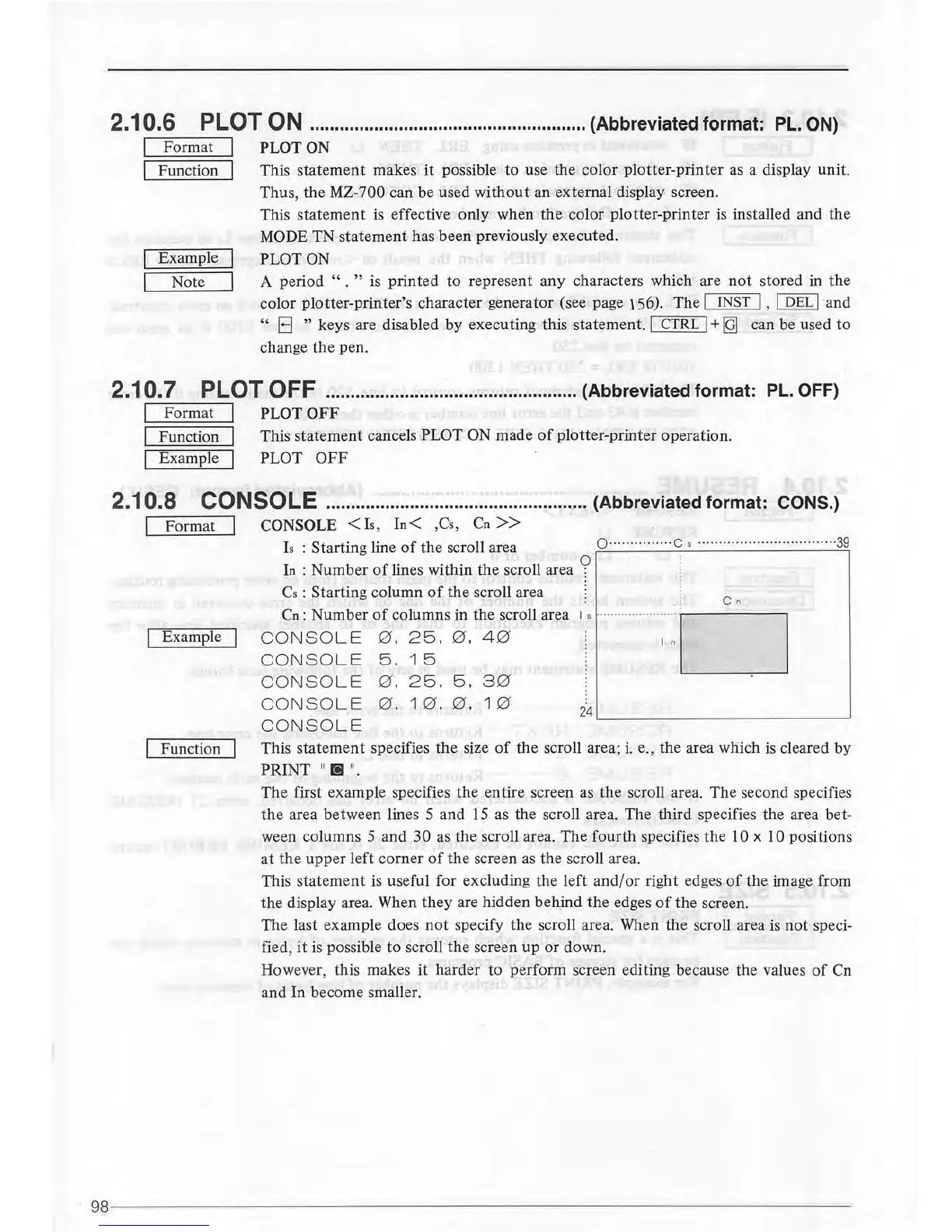
This statement specifies
the
size
of
the scroll area;
i.
e., the area which
is
cleared by
PRINT
11
[!]
11
•
The first example specifies
the
entire screen as the scroll area. The second specifies
the
area between lines 5 and
15
as the scroll area. The third specifies the area bet-
ween columns 5
and
30 as the scroll area. The fourth specifies
the
10 x 10 positions
at
the
upper
left
corner
of
the screen
as
the scroll area.
This
statement
is
useful for excluding the left
and/or
right edges
of
the image from
the
display area. When
they
are hidden beh.ind
the
edges
of
the screen.
The last example does
not
specify the scroll area. When
the
scroll area
is
not
speci-
fied,
it
is possible
to
scroll the screen
up
or
down.
However, this makes it harder to perform screen editing because the values
of
Cn
and In become smaller.
98
---------------------------------------------------------------------



 To Next Page