3.5.3 Cursor control keys and insert and delete keys
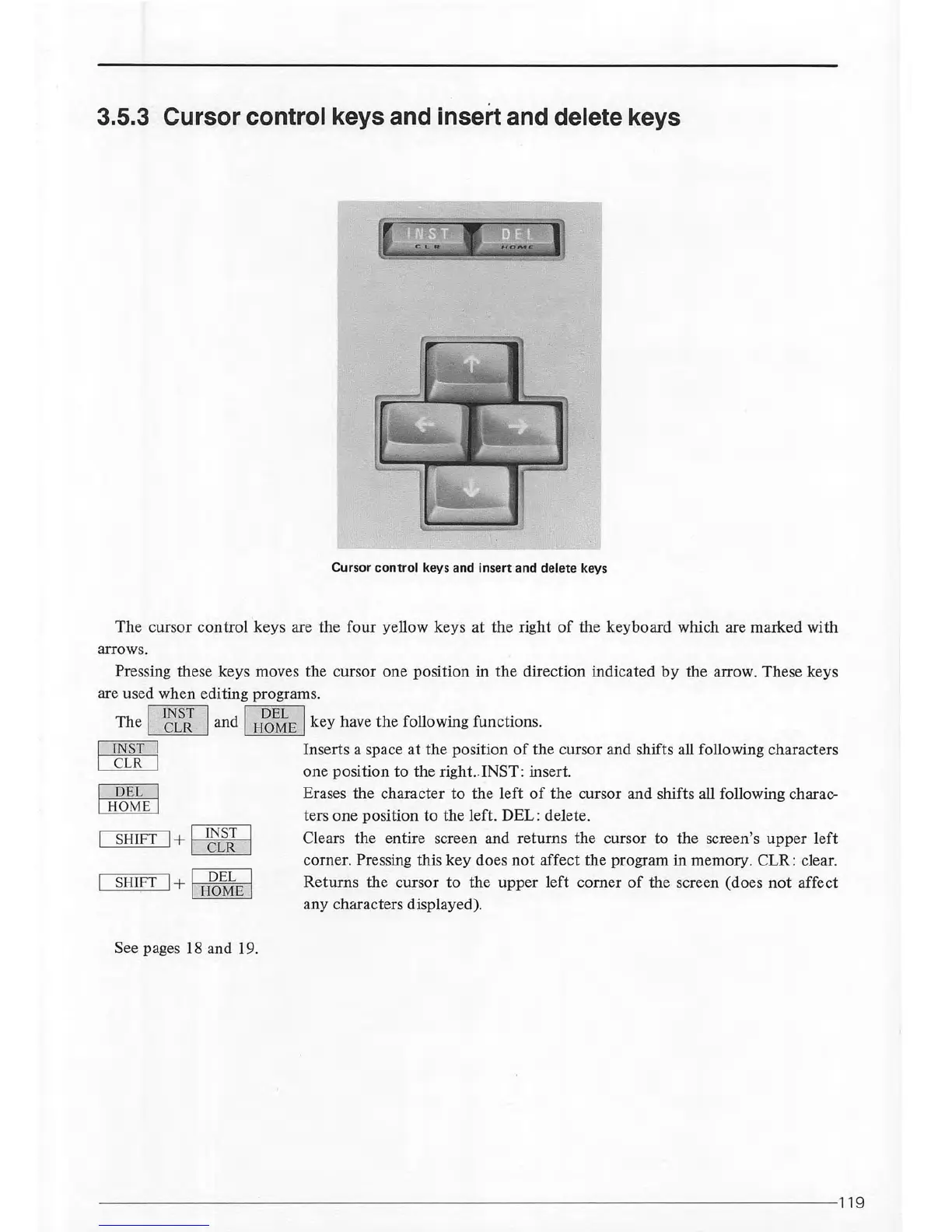
Cursor
control
keys and insert and delete keys
The
cursor
control
keys are the four yellow keys at the right
of
the keyboard which are marked with
arrows.
Pressing these keys moves the cursor one position in
the
direction indicated
by
the arrow. These keys
are used when editing programs.
The
I
1
~{J
I and I
H~~
E
I key have
the
following functions.
c:JR[LJ
OJdLJ
~
SHIFT I+ I
~i'I
I
SHIFT I+ I
H~~
E
I
See pages
18
and 19.
Inserts a space
at
the position
of
the cursor and shifts all following characters
one position to the right.. INST: insert.
Erases the character to the left
of
the cursor and shifts all following charac-
ters one position to the
left
. DEL: delete.
Clears the entire screen and returns the cursor to the screen's
upper
left
corner. Pressing this
key
does
not
affect the program in memory. CLR: clear.
Returns the cursor to the upper left corner
of
the screen (does
not
affect
any characters displayed).
--------------
--
----------------------------------------------------
---119



 To Next Page