5.2.4 J command
(J
:Jump)
I Format I J h h h h
Function
h h h h . . . . . destination address
This command transfers control
to
the
specified address; i.e.,
it
sets the specified
address in
the
program counter.
*01
2
00
J
····················· Jumps
to
address $1200.
5.2.5 S command
(S:
Save)
I Format I S h h h h
h'
h'
h' h'
h" h"
h"
h"
h h h h · · · ·······starting address
h ' h ' h ' h ' · · · · end address
Function
h • h " h • h • · · · execution address
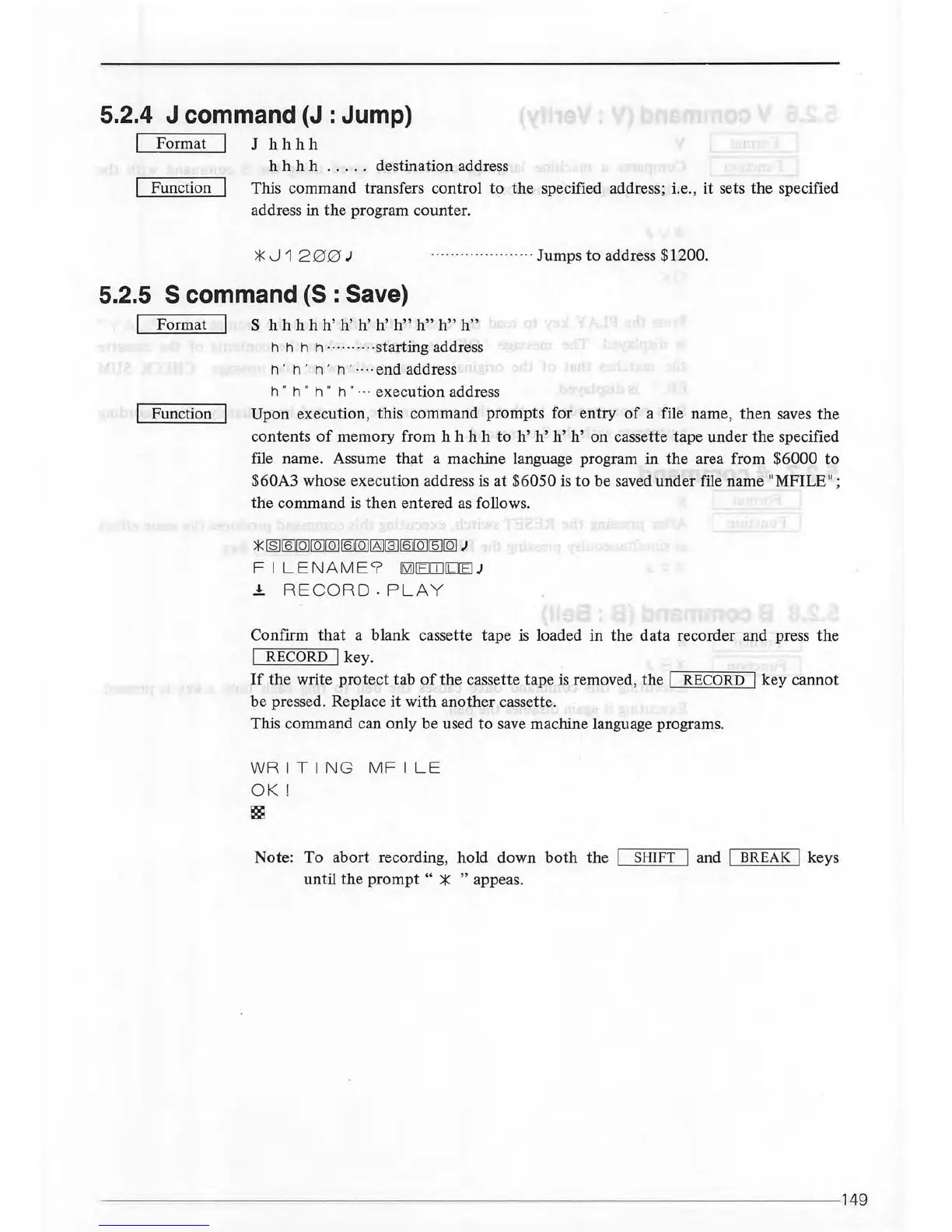
Upon execution, this command prompts for entry
of
a file name,
then
saves the
contents
of
memory from h h h h
to
h'
h'
h' h'
on cassette tape under the specified
file name. Assume
th;:tt
a machine language program in
the
area from $6000
to
$60A3 whose execution address
is
at
$6050 is
to
be saved under file name "MFILE";
the
command is
then
entered
as
follows.
)\(
IB]
f§l
[Q][QJ
[Q)[QJ[Q]I6]
[3]
f&ml
[5][Q)J
F I LENA
ME
9
IMHEITliLIEI
J
.!. RE C
ORD-PLA
Y
Confirm
that
a blank cassette tape
is
loaded
in
the
data
recorder and press
the
I
RECORD
I key.
If
the
write
protect
tab
of
the
cassette tape
is
removed,
the
I
RECORD
I key cannot
be pressed. Replace
it
with another cassette.
This command can only be used
to
save machine language programs.
WRITI
NG
MFILE
OK
!
~
Note: To abort recording, hold down
both
the SHIFT I and I BREAK I keys
until
the
prompt
" * " appeas.
------------------------------------------------------------------
--
- 149



 To Next Page