A.
6. 3. 3 Parameter specification
1.
Leading blanks are ignored.
2.
Any
number
preceded
by
11
--
11
is
treated
as
a negative number.
3.
If
the
number
of
digits
of
a
number
exceeds 3, only
the
lower 3 digits are effective.
4. Each parameter is ended with
11
,
11
or
a CR code.
If
other
than
numbers are included in <:!.parameter,
subsequent characters are ignored until a comma
or
CR code
is
detected.
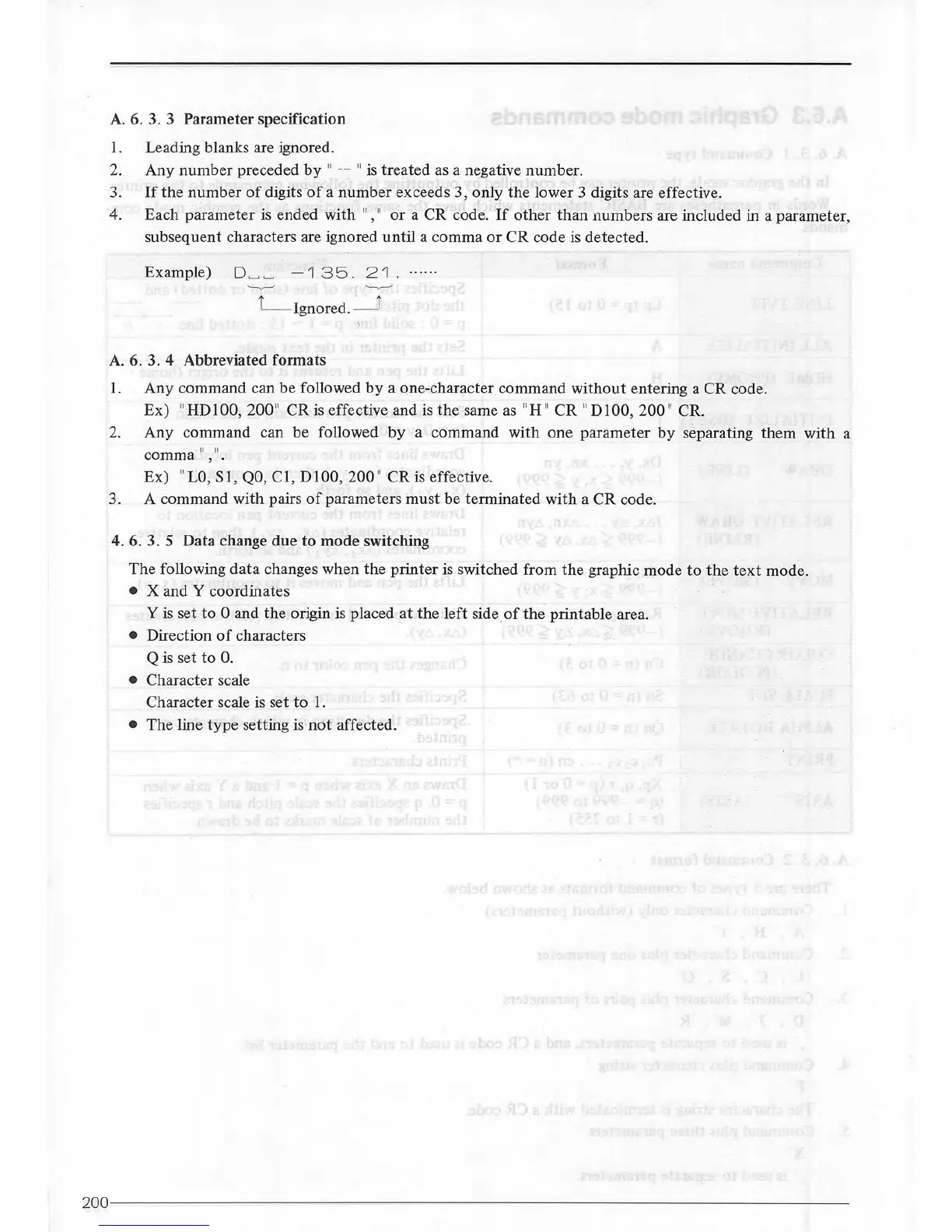
Example)
D
~~
-
'1
35.
2'1,
A. 6. 3. 4 Abbreviated formats
1.
Any command can be followed
by
a one-character command
without
entering a CR code.
Ex)
11
HD 100, 200
11
CR
is
effective, and is
the
same
as
11
H
11
CR
11
D I 00, 200
''
CR.
2.
Any command can be followed
by
a command with one parameter
by
separating them with a
comma
11
,
11
•
Ex)
11
LO,
S
1,
QO,
C I, D I 00, 200
11
CR
is
effective.
3. A command with pairs
of
parameters must be terminated with a CR code.
4. 6. 3.
5 Data change due
to
mode
switching
The following
data
changes when the printer
is
switched from
the
graphic mode
to
the
text
mode.
• X and Y coordinates
Y
is
set
to
0 and
the
origin
is
placed
at
the
left side.
of
the
printable area.
• Direction
of
characters
Q
is
set to 0.
• Character scale
Character scale
is
set
to
I.
• The line
type
setting is
not
affected.
200--------
--------------------------
---------------------------------



 To Next Page