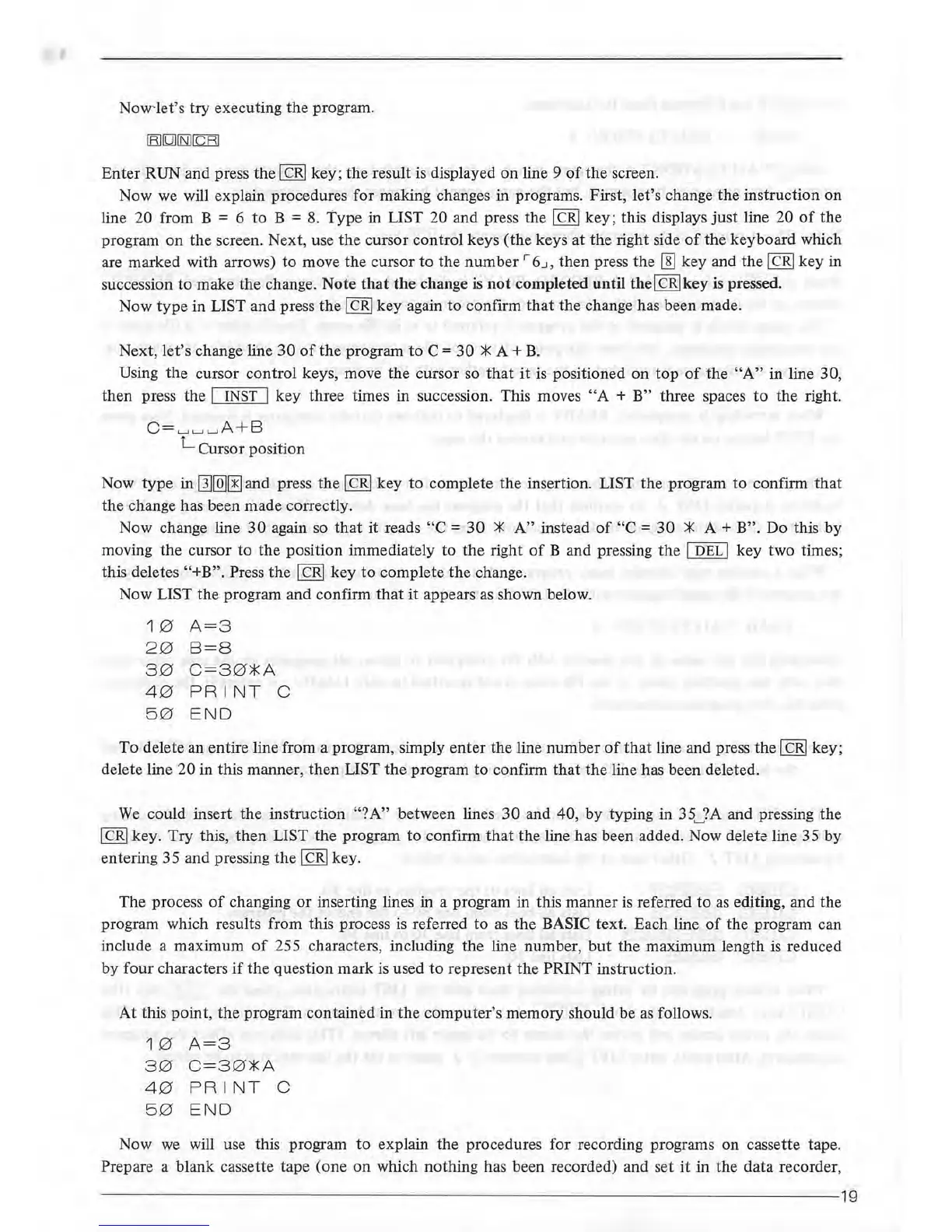
Now'let's
try
executing the program.
Enter
RUN and press
the
I
CR/
key;
the
result is displayed
on
line 9
of
the screen.
Now we will explain procedures for making changes in programs. First, let's change the instruction
on
line 20 from B = 6 to B =
8.
Type in LIST 20 and press the I
CR/
key; this displays
just
line 20
of
the
program on
the
screen. Next, use
the
cursor control keys
(the
keys
at
the
right side
of
the keyboard which
are marked with arrows)
to
move the cursor
to
the
number
r
6_.~,
then press the I]] key and the I
CR/
key in
succession
to
make the change. Note
that
the
change is
not
completed until the/ CR/key is pressed.
Now
type
in LIST and press
the/
CR/
key
again
to
confirm
that
the change has been made.
'
Next, let's change line
30
of
the
program
to
C =
30
*
A+
B.
Using the cursor control keys, move the cursor so
that
it
is positioned on
top
of
the
"A"
in line 30,
then press the I INST I key three times in succession. This moves
"A
+ B" three spaces
to
the right.
C=
._,._,
._,A+B
L Cursor position
Now
type
in
[][QJ[!J
and press
the
I
CR/
key
to
complete
the
insertion. LIST
the
program to confirm
that
the change has been made correctly.
Now change line
30
again so
that
it reads
"C
=
30
*
A"
instead
of
"C
=
30
*
A+
B". Do this
by
moving
the
cursor to the position immediately to
the
right
of
B and pressing
the
I
DEL
I key two times;
this deletes
"+B". Press
the
/CR/
key
to
complete
the
change.
Now
LIST the program and confirm
that
it
appears
as
shown below.
1 0
A=3
2 0
8=8
3 0
C=3
0*
A
4 0
PRINT
C
5 0 END
To
delete an entire line from a program, simply
enter
the line
number
of
that
line and press the I
CR/
key;
delete line
20
in this
manner
,
then
LIST
the
program
to
confirm
that
the
line has been deleted.
We
could insert
the
instruction
"?A
" between lines
30
and 40,
by
typing in 35
._,
?A and pressing
the
I
CR
/ key.
Try
this,
then
LIST
the
program
to
confirm
that
the line has been added. Now delete line 35
by
entering 35 and pressing
the
/CR/
key.
The process
of
changing
or
inserting lines in a program in this manner
is
referred
to
as
editing, and the
program which results from this process
is
referred
to
as
the
BASIC text. Each line
of
the program can
include a maximum
of
255 characters, including the line number,
but
the
maximum length
is
reduced
by
four
characters
if
the
question
mark
is used
to
represent the
PRINt
instruction.
At
this
point
,
the
program contained in
the
computer's memory should be
as
follows.
1 0
A=3
3 0
C=3
0
*A
4 0
PRINT
C
5 0 END
Now
we
will use this program
to
explain the procedures for recording programs on cassette tape.
Prepare a blank cassette tape (one
on
which nothing has been recorded) and set
it
in the data recorder,
--
--------
----
----
--------
------
--------
--
------
----
-----------------19



 To Next Page