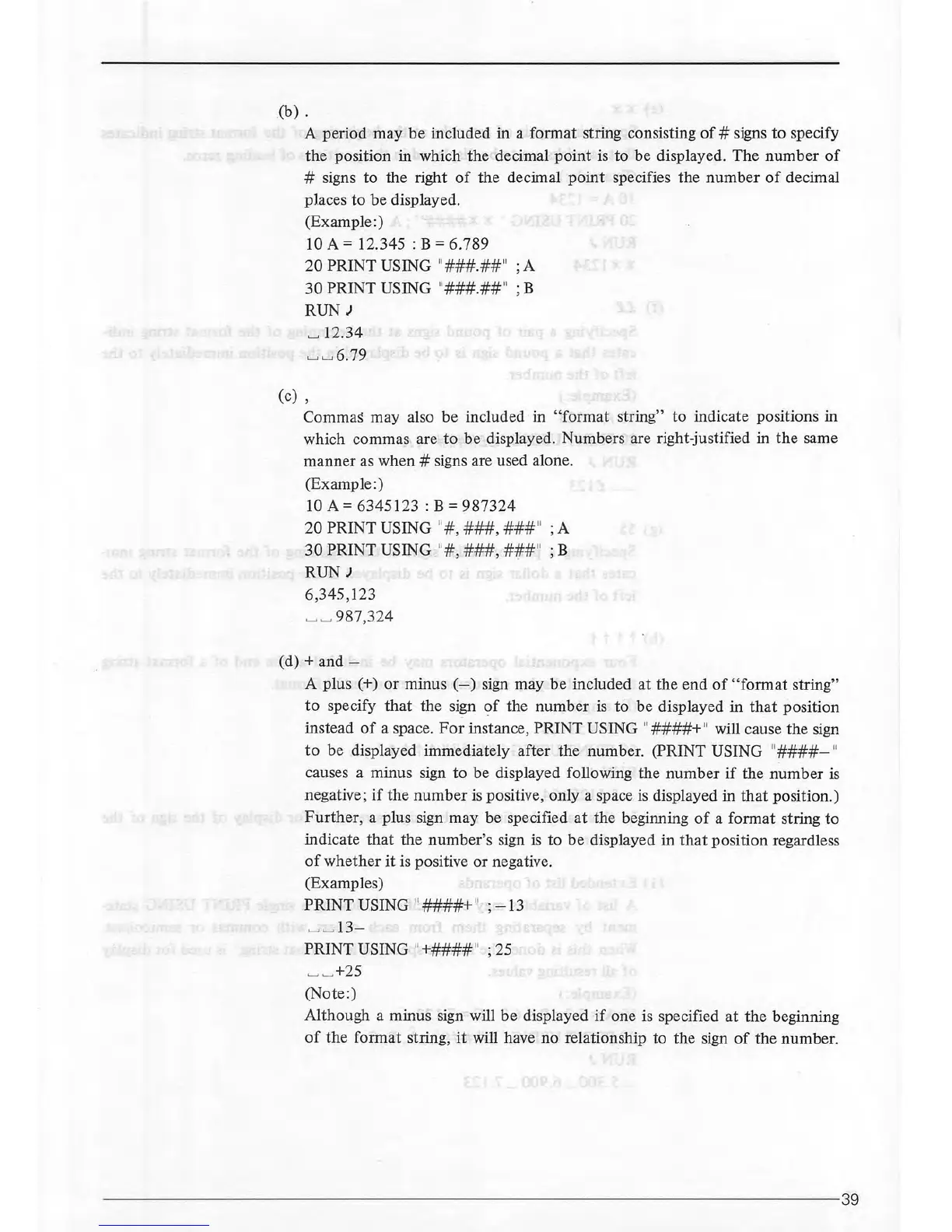
(b)
.
A period may
be
included in a format string consisting
of#
signs
to
specify
the position in which the decimal
point
is to be displayed.
The
number
of
# signs to the right
of
the decimal
point
specifies the
number
of
decimal
places
to
be
displayed.
(Example:)
10
A=
12.345 : B = 6.789
20
PRINT USING
11
###.##
11
; A
30PRINTUSING
11
###.##
11
;B
RUN J
~
12.34
~~
6.79
(c) '
Commas may also be included in
"format
string"
to
indicate positions in
which commas are to be displayed. Numbers are right-justified in
the
same
manner as when # signs are used alone.
(Example:)
10
A=
6345123:
B =
987324
20
PRINT USING
11
#,
###,
###
11
; A
30
PRINT USING
11
#,
###,
###
11
; B
RUN J
6,345,123
~ ~
987,324
(d)+
and-
A plus ( +)
or
minus
(-)
sign may
be
included
at
the end
of
"format
string"
to
specify
that
the sign
of
the
number
is
to be displayed in
that
position
instead
of
a space.
For
instance, PRINT USING
11
####+
11
will cause the sign
to
be displayed immediately after the number. (PRINT USING
11
####-
11
causes a minus sign
to
be displayed following the
number
if
the
number
is
negative;
if
the
number
is
positive, only a space
is
displayed in
that
position.)
Further,
a plus sign may be specified
at
the beginning
of
a format string
to
indicate
that
the number's sign
is
to
be
displayed
in
that
position regardless
of
whether
it
is positive
or
negative.
(Examples)
PRINT USING
11
####+
11
;
-13
~~
13-
PRINT USING
11
+####
11
; 25
~~
+25
(Note:)
Although a minus sign will
be
displayed
if
one is specified
at
the beginning
of
the
format string,
it
will have no relationship to the sign
of
the number.
-----------------------------------------------------------------------39



 To Next Page