2. 3. 5. 6 RESTORE
....
..
. . . . .
..
....
.
...
. . .
..
. . . . . . . . .
..
(abbreviated format: . . . RES.)
I Format I RESTORE or RESTORE Ln
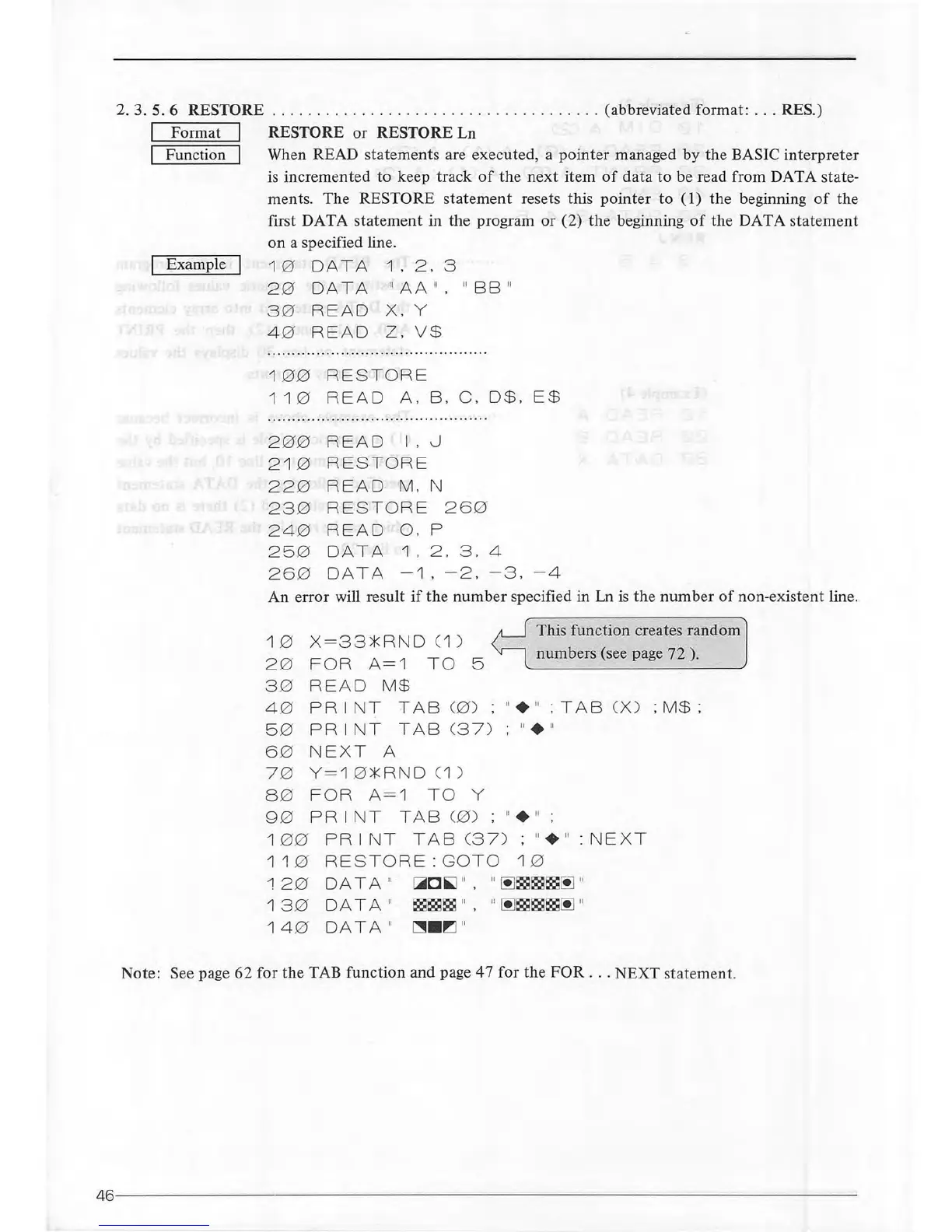
I Function I When READ statements are executed, a pointer managed
by
the BASIC
interpreter
is
incremented to keep track
of
the
next
item
of
data
to
be read from DATA state-
ments. The
RESTORE statement resets this
pointer
to
(1)
the
beginning
of
the
first DATA
statement
in the program
or
(2) the beginning
of
the DATA statement
Example
on
a specified line.
1 0 DAT A
1.
2.
3
20
DATA "
AA
".
" BB "
30
RE AD
X.
Y
4 0 READ Z.
V$
1
00
RE S TORE
1
10
RE
AD
A. B.
C.
D
$.
E$
2
00
RE
AD
I . 0
2 1 0
RES TORE
220
RE AD
M.
N
230
RE
STOR
E
260
2 4 0
RE AD
0.
p
250
DATA
1 . 2 .
3.
4
260
DATA
-1.
- 2 . -
3.
-4
An error will result if the
number
specified in Ln
is
the
number
of
non
-existent line.
10 X=
33*
RND C1 )
20
FOR A=1 TO 5
3 0
READ
M$
4 .0
P R I NT
TAB
C0)
5 0
P R
INT
TAB
C3
7 )
60
NEXT A
7 0
Y
=1
0*
RN
D
(1)
8 0
FOR
A= 1 TO
y
This function creates random
numbers (see page 72 ).
"+ "
;TA
B
CX)
;M$;
:
11
+
\1
90
PRINT
TAB
C0)
; "+ " ;
1
00
PRI
NT TAB C37) ; "+ " : NE XT
1
10
RESTO
RE
:GO
TO 1 0
~20
DATA "
1
30
DATA "
14
0 DATA "
i:,iii~
O
~
"
.
"
~c;::sc;::gc;::s~
"
c;::sc;::sc;::s
" ,
~~
~c;::sc;::sc;::s~
"
("11111
·
~
11
Note: See page 62 for
the
TAB function and page 47 for
the
FOR
.
..
NEXT statement.
46
----------------------------------------------
--
----
--
--------------------



 To Next Page