Website: http://www.sharp.co.uk/support Help Line: 08705 274277 (office hours)
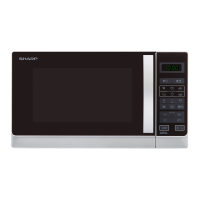
CONTROL PANEL
3
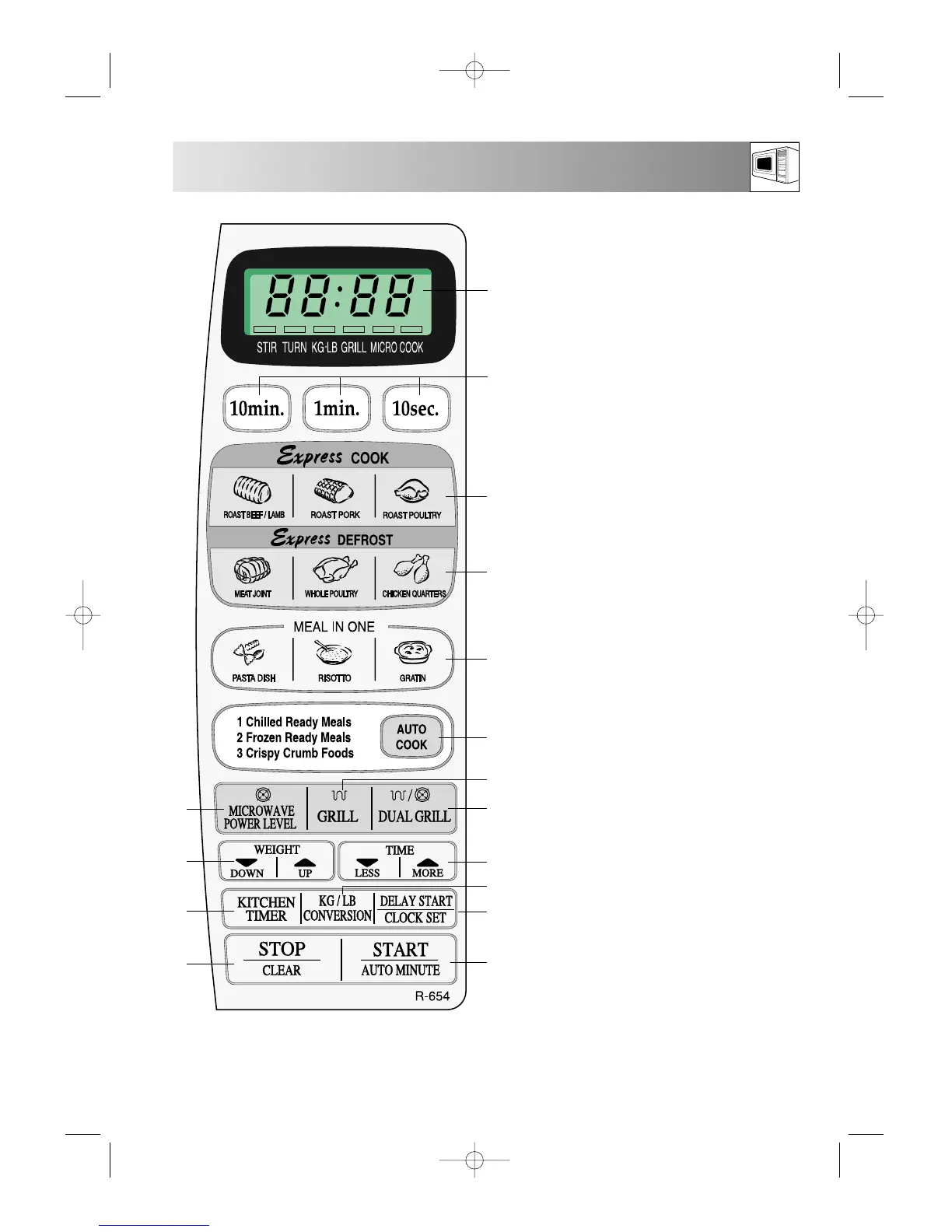
1. DIGITAL DISPLAY
2. TIME keys:
Use to enter cooking time.
3. EXPRESS COOK keys:
Use to cook foods illustrated.
4. EXPRESS DEFROST keys:
Use to cook foods illustrated.
5. MEAL IN ONE keys:
Use to cook foods illustrated.
6. AUTO COOK key:
Use for programming the AUTO COOK
menus 1 - 3.
7. GRILL key:
Press to select grill.
8. DUAL GRILL key:
Press to select a combination of microwave
and grill.
9. LESS/MORE keys:
Press to shorten/lengthen cooking time.
10. WEIGHT CONVERSION key:
Use to change weight unit, e.g. Kg/g to
Lb/oz.
11. DELAY START/CLOCK SET key:
Use to set the clock, display the time or
programme DELAY START.
12. START/AUTO MINUTE key:
Press to start a programme. Press to cook
on 100P for 1 minute or increase time
during cooking in multiples of 1 minute.
13. STOP/CLEAR key:
Press once to stop a programme, twice to
cancel a programme.
14. KITCHEN TIMER key:
Press to use as a minute timer, or to
programme standing time.
15. WEIGHT keys:
Press up or down to select correct
weight/number of pieces.
When minimum (or maximum)
weight/number is reached, the display will
not change, even if you continue to press
the DOWN (or UP) key.
16. MICROWAVE POWER LEVEL key:
Press to select microwave power level.
1
2
3
13
4
5
6
8
9
11
12
7
14
15
16
10


 To Next Page