EasyManua.ls Logo

Sharp VC-A105B - Page 18

Sharp VC-A105B
71 pages
Print Icon
To Next Page IconTo Next Page
To Previous Page IconTo Previous Page
Loading...
@
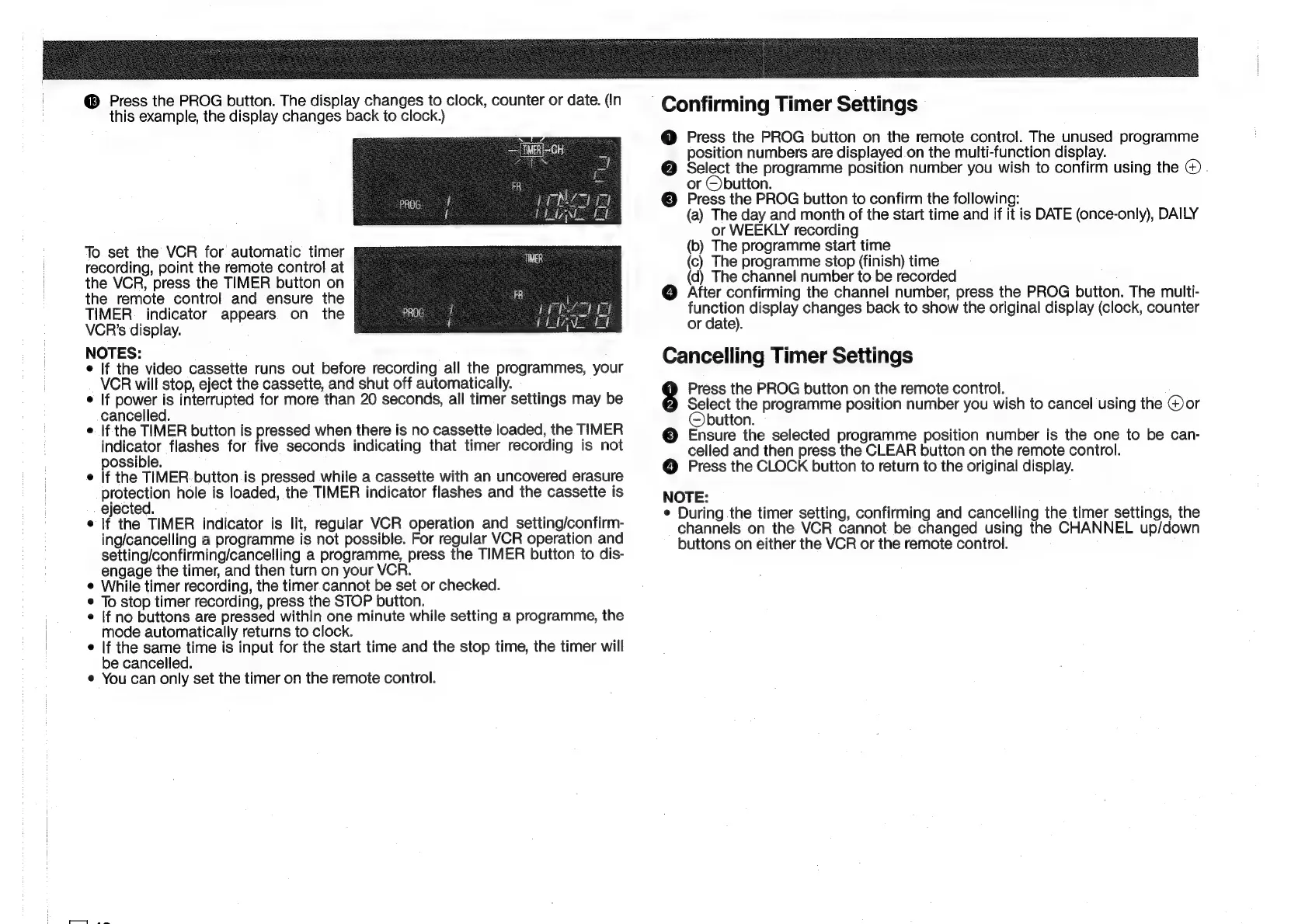
Press
the
PROG
button.
The
display
changes
to
clock,
counter
or
date.
(In
this
example,
the
display
changes
back
to
clock.)
—[IMER|-CH
f
i
~
To
set
the
VCR
for
automatic
timer
recording,
point
the
remote
control
at
the
VCR,
press
the
TIMER
button
on
the
remote
control
and
ensure
the
TIMER.
indicator
appears
on
the
VCR's
display.
NOTES:
if
the
video
cassette
runs
out
before
recording
all
the
programmes,
your
VCR
will
stop,
eject
the
cassette,
and
shut
off
automatically.
If
power
is
interrupted
for
more
than
20
seconds,
all
timer
settings
may
be
cancelled.
If
the
TIMER
button
is
pressed
when
there
is
no
cassette
loaded,
the
TIMER
eet
flashes
for
five
seconds
indicating
that
timer
recording
is
not
possible.
If
the
TIMER
button
is
pressed
while
a
cassette
with
an
uncovered
erasure
shoe
hole
is
loaded,
the
TIMER
indicator
flashes
and
the
cassette
is
ejected.
If
the
TIMER
indicator
is
lit,
regular
VCR
operation
and
setting/confirm-
ing/cancelling
a
programme
is
not
possible.
For
regular
VCR
operation
and
setting/confirming/cancelling
a
programme,
press
the
TIMER
button
to
dis-
engage
the
timer,
and
then
turn
on
your
VCR.
¢
While
timer
recording,
the
timer
cannot
be
set
or
checked.
*
To
stop
timer
recording,
press
the
STOP
button.
¢
If
no
buttons
are
pressed
within
one
minute
while
setting
a
programme,
the
mode
automatically
returns
to
clock.
¢
If
the
same
time
is
input
for
the
start
time
and
the
stop
time,
the
timer
will
be
cancelled.
e
You
can
only
set
the
timer
on
the
remote
control.
Confirming
Timer
Settings
@
Press
the
PROG
button
on
the
remote
control.
The
unused
programme
position
numbers
are
displayed
on
the
multi-function
display.
e
pean
the
programme
position
number
you
wish
to
confirm
using
the
@.
or
utton.
©
Press
the
PROG
button
to
confirm
the
following:
(a)
The
day
and
month
of
the
start
time
and
if
it
is
DATE
(once-only),
DAILY
or
WEEKLY
recording
(b)
The
programme
start
time
(c)
The
programme
stop
(finish)
time
(d)
The
channel
number
to
be
recorded
@
After
confirming
the
channel
number,
press
the
PROG
button.
The
multi-
neon
display
changes
back
to
show
the
original
display
(clock,
counter
or
date).
Cancelling
Timer
Settings
Press
the
PROG
button
on
the
remote
control.
Sen
the
programme
position
number
you
wish
to
cancel
using
the
@or
utton.
©
Ensure
the
selected
programme
position
number
is
the
one
to
be
can-
celled
and
then
press
the
CLEAR
button
on
the
remote
control.
@
Press
the
CLOCK
button
to
return
to
the
original
display.
NOTE:
¢
During
the
timer
setting,
confirming
and
cancelling
the
timer
settings,
the
channels
on
the
VCR
cannot
be
changed
using
the
CHANNEL
up/down
buttons
on
either
the
VCR
or
the
remote
control.

Related product manuals