EasyManua.ls Logo

Sharp VC-A105B - Page 7

Sharp VC-A105B
71 pages
Print Icon
To Next Page IconTo Next Page
To Previous Page IconTo Previous Page
Loading...
©
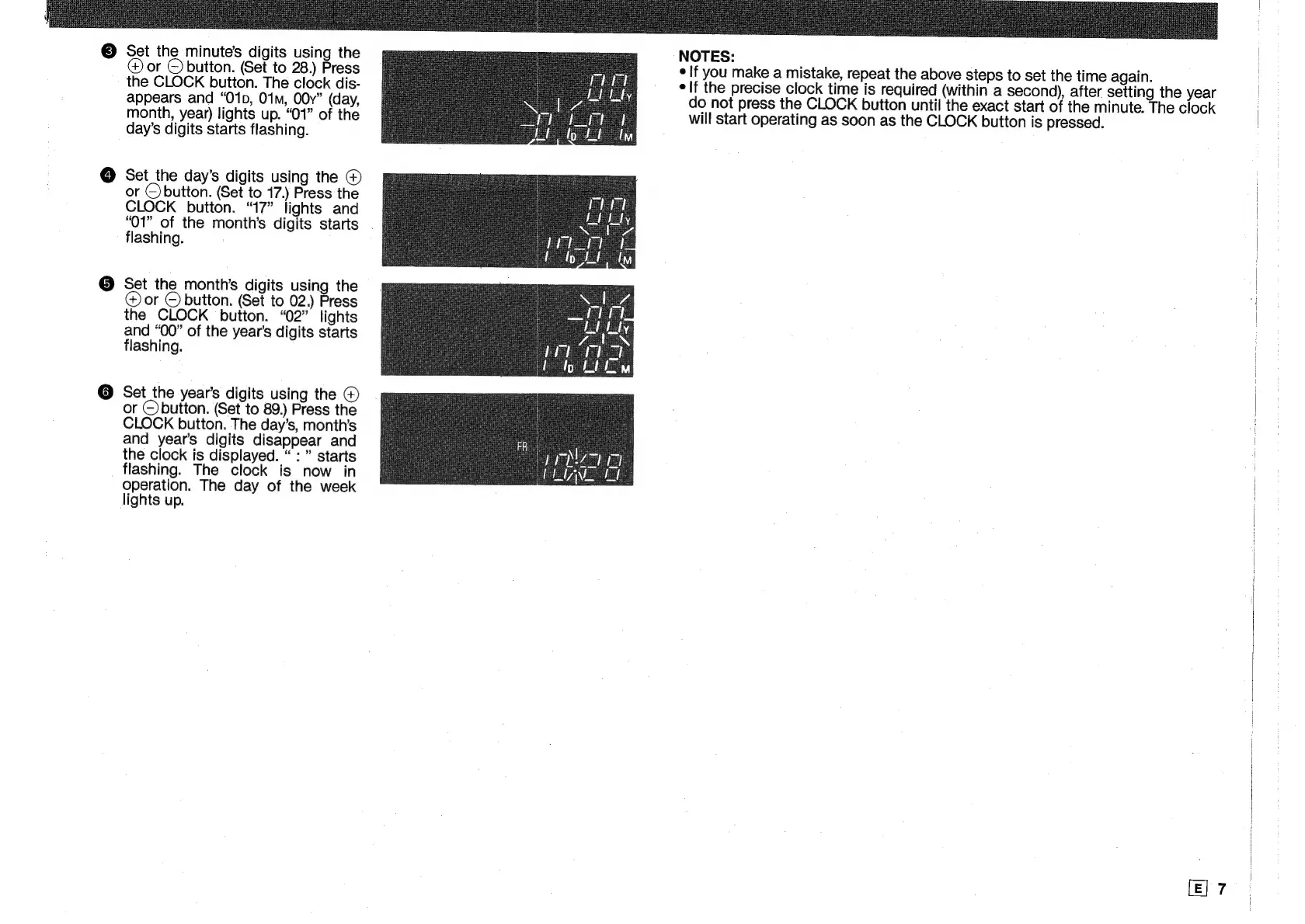
Set
the
minute's
digits
using
the
@
or
©
button.
(Set
to
28.)
Press
the
CLOCK
bution.
The
clock
dis-
appears
and
“O1p,
01m,
OOy”
(day,
month,
year)
lights
up.
“01”
of
the
day’s
digits
starts
flashing.
Set_the
day’s
digits
using
the
©
or
©button.
(Set
to
17.)
Press
the
CLOCK
button.
“17”
lights
and
“O01”
of
the
month’s
digits
starts
.
flashing.
Set
the
month’s
digits
using
the
@
or
©
button.
(Set
to
02.)
Press
the
CLOCK
button.
“02”
lights
and
“00”
of
the
year’s
digits
starts
flashing.
Set
the
year’s
digits
using
the
©
or
©)button.
(Set
to
89.)
Press
the
CLOCK
button.
The
day’s,
month’s
and
year’s
digits
disappear
and
the
clock
is
displayed.
:
starts
flashing.
The
clock
is
now
in
operation.
The
day
of
the
week
lights
up.
NOTES:
¢
If
you
make
a
mistake,
repeat
the
above
steps
to
set
the
time
again.
elf
the
precise
clock
time
is
required
(within
a
second),
after
setting
the
year
do
not
press
the
CLOCK
button
until
the
exact
start
of
the
minute.
The
clock
will
start
operating
as
soon
as
the
CLOCK
button
is
pressed.
[E]
7

Related product manuals