EasyManua.ls Logo

Sharp YC-PC322A - User Manual

Sharp YC-PC322A
32 pages
Print Icon
To Next Page IconTo Next Page
Loading...
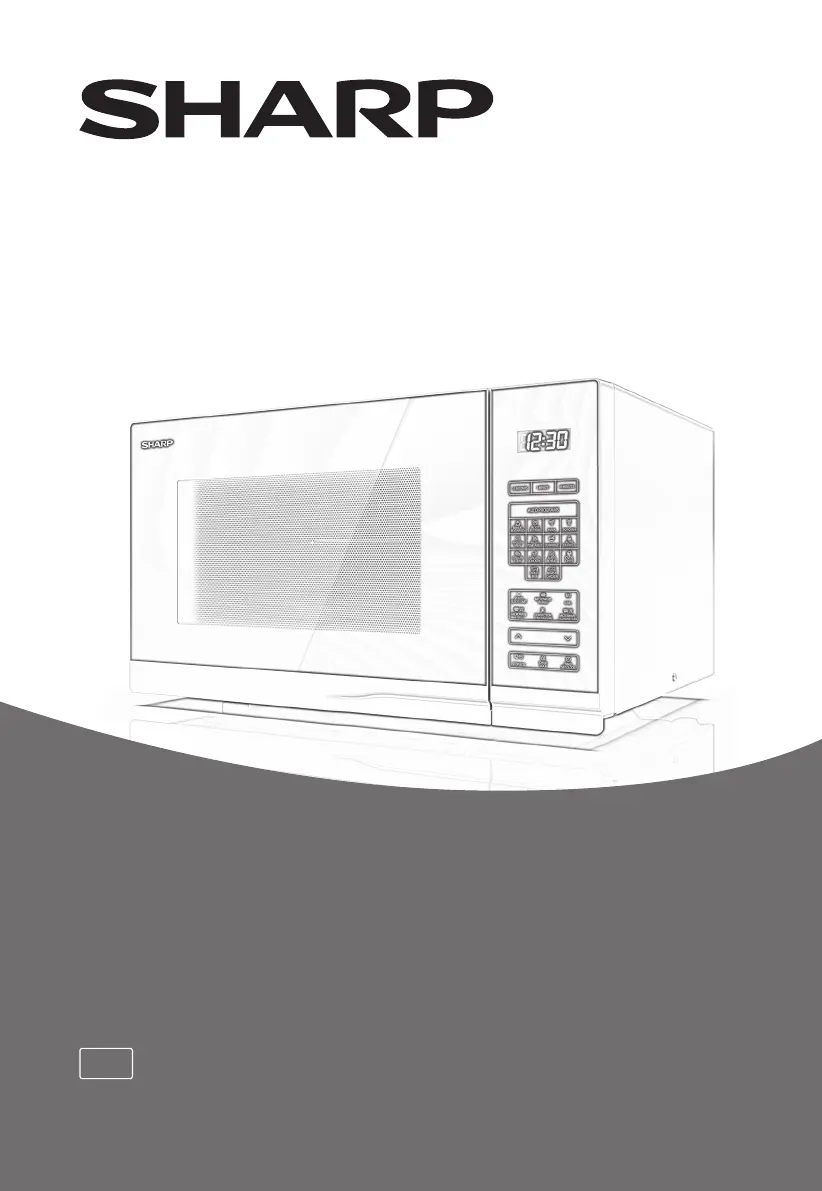
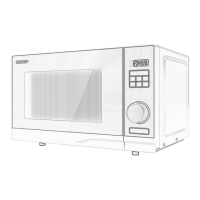
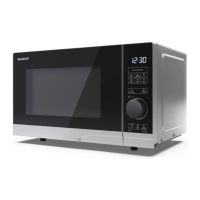
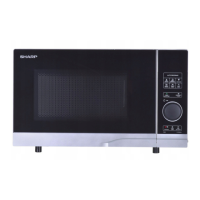
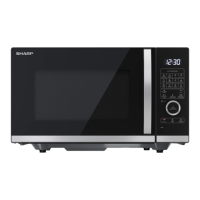
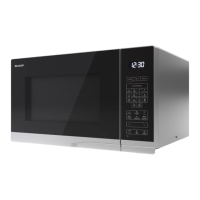
*Product images are for illustration purpose only. Actual product may vary.
EN
YC-PC322A
Microwave oven
User manual

Questions and Answers

  • K
    Kelly MoralesSep 8, 2025
    What to do about arcing potatoes in my Sharp YC-PC322A?
    • P
      pmaciasSep 8, 2025
      To prevent arcing potatoes in your Sharp Microwave Oven, ensure all “eyes” are removed from the potatoes and that they have been pierced. Place them directly onto the turntable in a heat resistant flan dish or similar.
  • C
    Carlos HayesAug 23, 2025
    Why is my Sharp YC-PC322A Microwave Oven cooking so slowly?
    • S
      Sandra OwenAug 23, 2025
      If your Sharp Microwave Oven is cooking food too slowly, ensure that you have selected the correct power level for your cooking needs.
  • A
    Adam McdonaldAug 25, 2025
    Why is the grill element in my Sharp YC-PC322A Microwave Oven not always on?
    • J
      Jordan JohnsAug 26, 2025
      When using the grill only mode in your Sharp Microwave Oven, the heating element turns on and off to maintain the oven temperature at a preset level. This is normal.
  • S
    Samantha WalshAug 27, 2025
    Why does my Sharp Microwave Oven make a noise?
    • A
      Amanda PearsonAug 27, 2025
      The microwave energy pulses ON and OFF during cooking and defrosting, which may cause the Sharp Microwave Oven to make a noise.
  • E
    Eric JohnsonAug 28, 2025
    What to do if "Fail" appears on my Sharp YC-PC322A Microwave Oven display?
    • L
      lloydkellyAug 28, 2025
      If "Fail" appears in the display of your Sharp Microwave Oven and you hear a bleep every minute, it means the buttons on the control panel were pressed continuously for more than 1 minute.
  • D
    David BakerSep 22, 2025
    Why is there a draught circulating around the door of my Sharp Microwave Oven?
    • L
      Lucas ClarkSep 22, 2025
      When your Sharp Microwave Oven is working, air circulates within the cavity. The door doesn't form an airtight seal, so air may escape from the door. This is normal.
  • K
    kimberly63Sep 16, 2025
    Why does condensation form in my Sharp Microwave Oven?
    • G
      gary27Sep 16, 2025
      Condensation may form in your Sharp Microwave Oven, and may drip from the door because the oven cavity is typically colder than the food being cooked. Steam produced during cooking condenses on the colder surface. The amount of steam depends on the food's water content, with foods like potatoes having high moisture. Condensation trapped in the door glass should clear within a few hours.
  • M
    Michelle GarciaSep 18, 2025
    How to prevent arcing when cooking potatoes in Sharp YC-PC322A?
    • B
      Bradley MitchellSep 18, 2025
      To prevent arcing when cooking potatoes in your Sharp Microwave Oven: * Ensure all 'eyes' are removed from the potatoes. * Pierce the potatoes before cooking. * Place them directly onto the turntable in a heat-resistant flan dish or similar.
  • S
    Sean ZavalaSep 7, 2025
    Why is there condensation in my Sharp YC-PC322A?
    • P
      Pedro MccoySep 7, 2025
      The oven cavity of your Sharp Microwave Oven will normally be colder than the food being cooked, so steam produced when cooking will condense on the colder surface.
  • J
    Jessica MorrowSep 4, 2025
    Why does my Sharp Microwave Oven still make noise after cooking?
    • J
      James SmithSep 4, 2025
      At the end of the cooking cycle, the fan in your Sharp Microwave Oven may stay on for several minutes to cool down the oven.

Summary

Disposal Information

For Private Households

Instructions for disposing of the microwave oven for private users in the EU and other regions.

For Business Users

Instructions for disposing of the microwave oven for business users in the EU and other regions.

Microwave Energy Safety Precautions

General Safety Instructions

Oven Installation and Setup

Technical Specifications and Safety

Radio Interference Management

How to minimize interference with radio and TV equipment.

Electrical Grounding Safety

Essential safety procedures for grounding the microwave oven.

Product Specifications

Detailed technical data for the microwave oven model.

Oven Components and Accessories

Control Panel and Basic Operation

Control Panel Layout

Overview of the microwave's control panel, buttons, and display functions.

Initial Operation Steps

Important steps to follow before the first use of the microwave oven.

Clock Setting Procedure

Instructions for setting the digital clock on the microwave oven.

Cooking Functions Overview

Microwave Cooking Guide

How to use the microwave function, including power levels and timing.

Quick Start Operation

How to use the quick start feature for immediate cooking at 100% power.

Combined Cooking Modes

Grill Cooking Function

Using the grill element for cooking and browning foods.

Microwave & Grill Combination

Combining microwave and grill for faster cooking and improved texture.

Advanced Cooking Options

Convection Cooking Mode

Utilizing convection for even cooking and crisping, with temperature settings.

Microwave & Convection Combination

Using microwave and convection simultaneously for efficient cooking.

Automatic Cooking Menus

Auto Menu Program Details

Guide to using pre-programmed auto cook menus for various food types.

Specialized Oven Features

Auto Defrost Function

Instructions for defrosting food by weight using the auto defrost feature.

Auto Reheat Function

Instructions for reheating food by weight using the auto reheat feature.

Kitchen Timer Usage

How to use the built-in kitchen timer for countdown functionality.

Power Saving Mode

How to activate and deactivate the oven's power saving feature.

Safety and Control Features

Mute Sound Alerts

How to enable or disable audible tones from the microwave.

Child Lock and Safety Lock

Features to prevent unsupervised operation and accidental use by children.

Automatic Protection Systems

Overview of the oven's internal protection mechanisms against faults.

Cleaning and Care Instructions

Cookware Compatibility Guide

Microwave Cooking Tips

Defrosting Advice and Techniques

Reheating Advice and Tips

Troubleshooting Guide

Service and Assistance

Sticking Button Safeguard

Information on the button protection mechanism to prevent operational errors.

Pre-Service Checks

Essential checks to perform before contacting a service technician for repairs.

Sharp YC-PC322A Specifications

General IconGeneral
BrandSharp
ModelYC-PC322A
CategoryMicrowave Oven
LanguageEnglish

Related product manuals