EasyManua.ls Logo

Sharp ZQ-6100M - Page 123

Sharp ZQ-6100M
194 pages
Print Icon
To Next Page IconTo Next Page
To Previous Page IconTo Previous Page
Loading...
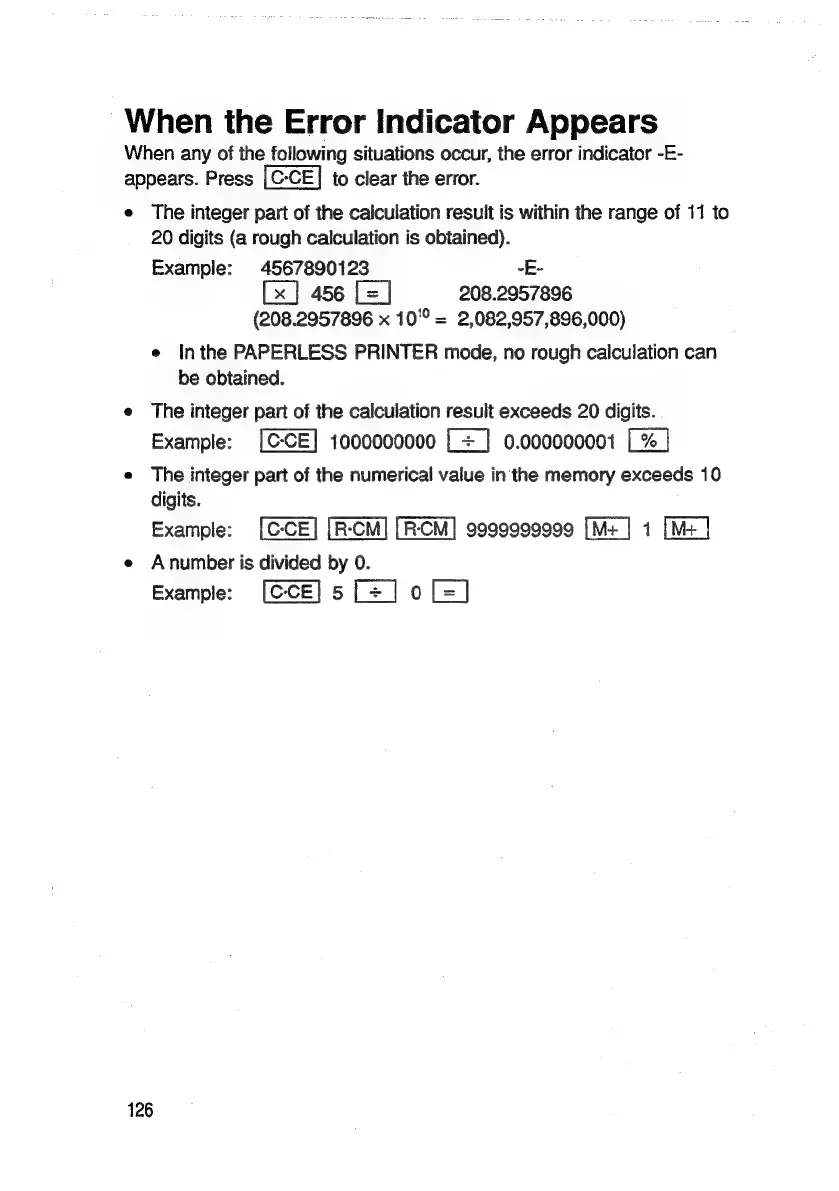
-When
the
Error
Indicator
Appears
When
any
of
the
following
situations
occur,
the
error
indicator
-E-
appears.
Press
to
clear
the
error.
e
The
integer
part
of
the
calculation
result
is
within
the
range
of
11
to
20
digits
(a
rough
calculation
is
obtained).
Example:
4567890123
-E-
456
[=]
208.2957896
(208.2957896
x
10°°
=
2,082,957,896,000)
e
Inthe
PAPERLESS
PRINTER
mode,
no
rough
calculation
can
be
obtained.
e
The
integer
part
of
the
calculation
result
exceeds
20
digits.
Example:
1000000000
[+
]
0.000000001
e
The
integer
part
of
the
numerical
value
in
the
memory
exceeds
10
digits.
Example:
9999999999
1
e
Anumber
is
divided
by
0.
Example:
5[=]o[-]
126

Related product manuals