EasyManua.ls Logo

Sharp ZQ-6100M - Page 150

Sharp ZQ-6100M
194 pages
Print Icon
To Next Page IconTo Next Page
To Previous Page IconTo Previous Page
Loading...
2.
Transferring
single
entries:
Recall
the
entry
to
transfer
on
the
sending
unit.
Transferring
whole
files:
Press
to
go
to
the
initial
entry
display
for
the
mode
on
both
units.
In
the
SCHEDULE
mode,
this
is
the
START
TIME
entry
prompt
for
the
1Q-8000
and
ZQ-6000
series
Organizers
and
the
date
entry
display
for
the
IQ-7000,
ZQ-5000
and
ZQ-2000
series
Organizers.
3.
Select
UNIT
TO
UNIT
from
the
Option
menu
on
both
units.
4.
Select
RECEIVE
or
VERIFY
for
the
receiving
unit
and
SEND
for
the
_
sending
unit.
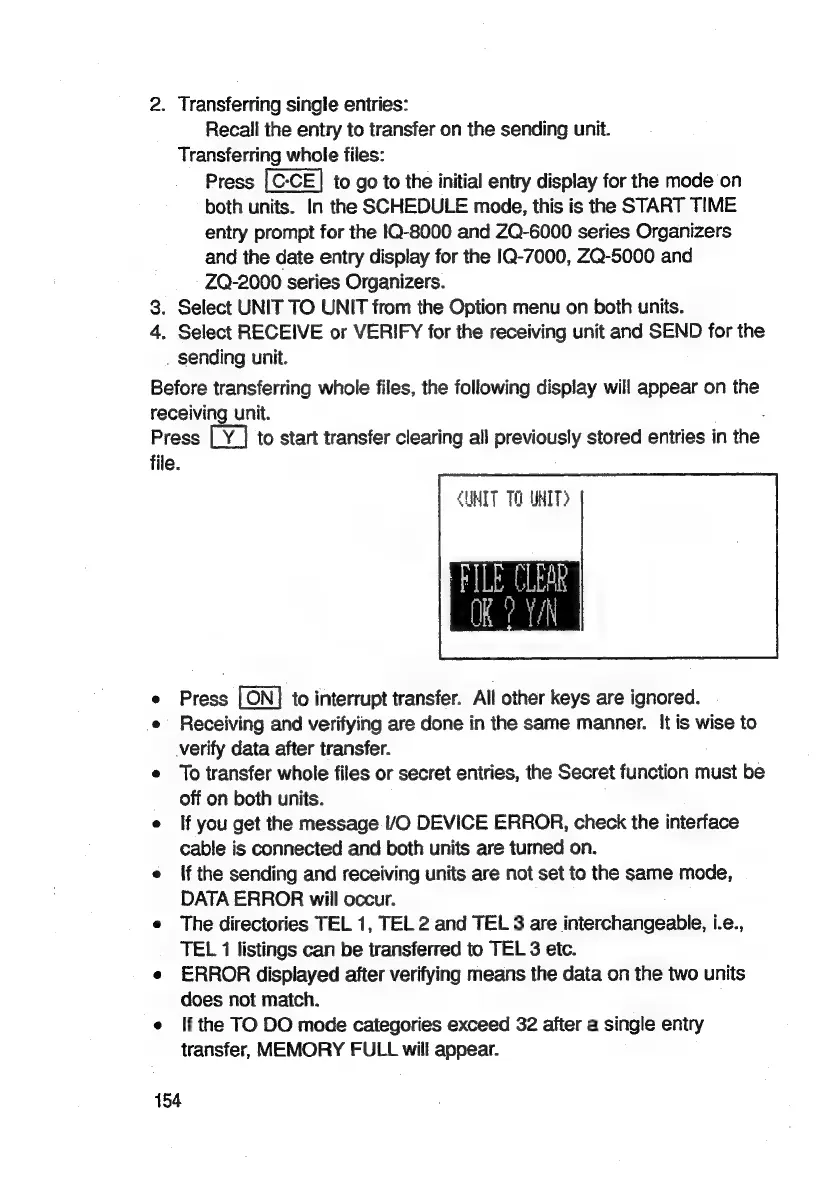
Before
transferring
whole
files,
the
following
display
will
appear
on
the
receiving
unit.
Press
to
start
transfer
clearing
all
previously
stored
entries
in
the
file.
UNIT
TO
UNIT?
e
Press
to
interrupt
transfer.
All
other
keys
are
ignored.
e
Receiving
and
verifying
are
done
in
the
same
manner.
It
is
wise
to
verify
data
after
transfer.
e
To
transfer
whole
files
or
secret
entries,
the
Secret
function
must
be
off
on
both
units.
e
If
you
get
the
message
/O
DEVICE
ERROR,
check
the
interface
cable
is
connected
and
both
units
are
turned
on.
e
Ifthe
sending
and
receiving
units
are
not
set
to
the
same
mode,
DATA
ERROR
will
occur.
e
The
directories
TEL
1,
TEL
2
and
TEL
3
are
interchangeable,
i.e.,
TEL
1
listings
can
be
transferred
to
TEL
3
etc.
e
ERROR
displayed
after
verifying
means
the
data
on
the
two
units
does
not
match.
e
{f
the
TO
DO
mode
categories
exceed
32
after
a
single
entry
transfer,
MEMORY
FULL
will
appear.
154

Related product manuals