EasyManua.ls Logo

Sharp ZQ-6100M - Page 165

Sharp ZQ-6100M
194 pages
Print Icon
To Next Page IconTo Next Page
To Previous Page IconTo Previous Page
Loading...
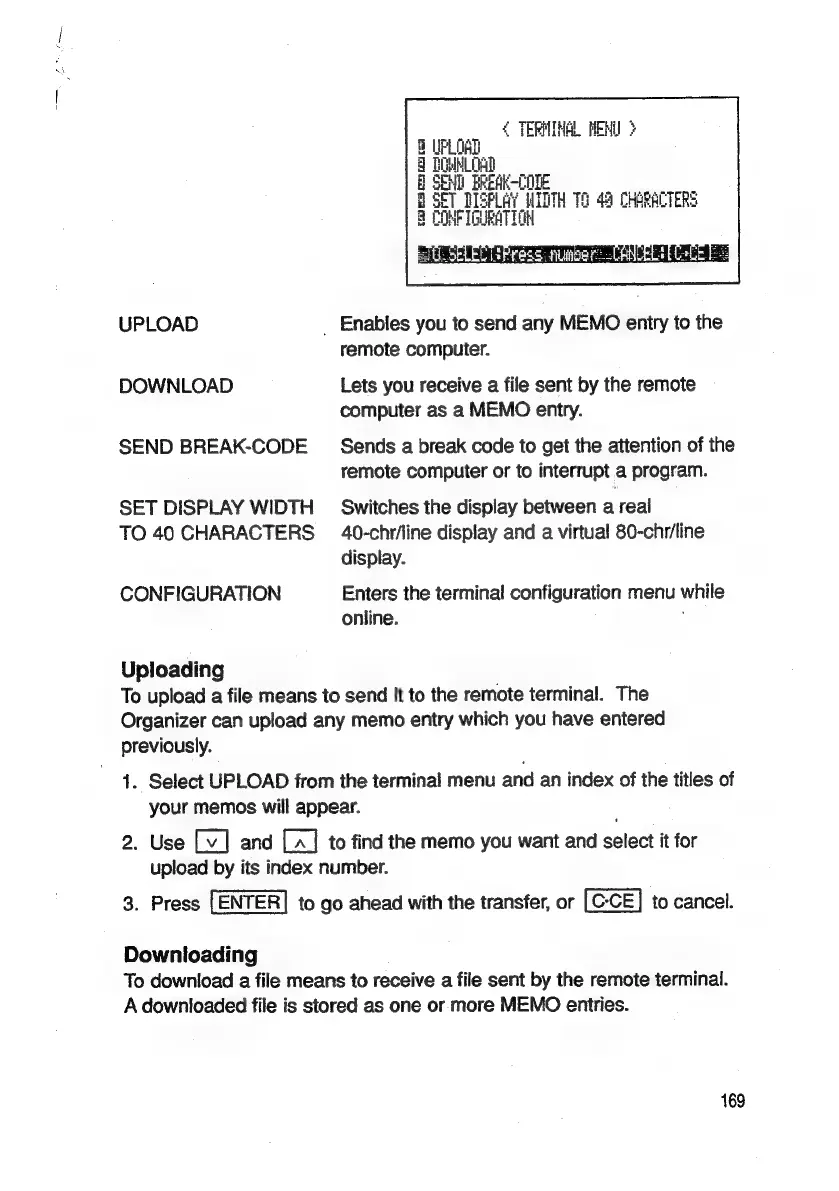
UPLOAD
DOWNLOAD
SEND
BREAK-CODE
SET
DISPLAY
WIDTH
TO
40
CHARACTERS
CONFIGURATION
Uploading
¢
TERMINAL
MENU
3
PLOAD
HMMM
OA
END
EREACODE
ET
DISPLAY
WIDTH
12
49
CHARACTERS
CNP
IGUBATION
a
|
q
8
a:
can
=
SERS
Ss
_
Enables
you
to
send
any
MEMO
entry
to
the
remote
computer.
Lets
you
receive
a
file
sent
by
the
remote
computer
as
a
MEMO
entry.
Sends
a
break
code
to
get
the
attention
of
the
remote
computer
or
to
interrupt
a
program.
Switches
the
display
between
a
real
40-chr/line
display
and
a
virtual
80-chr/line
display.
Enters
the
terminal
configuration
menu
while
online.
To
upload
a
file
means
to
send
it
to
the
remote
terminal.
The
Organizer
can
upload
any
memo
entry
which
you
have
entered
previously.
1.
Select
UPLOAD
from
the
terminal
menu
and
an
index
of
the
titles
of
your
memos
will
appear.
2.
Use
and
to
find
the
memo
you
want
and
select
it
for
upload
by
its
index
number.
3.
Press
[ENTER]
to
go
ahead
with
the
transfer,
or
to
cancel.
Downloading
To
download
a
file
means
to
receive
a
file
sent
by
the
remote
terminal.
A
downloaded
file
is
stored
as
one
or
more
MEMO
entries.
169

Related product manuals