EasyManua.ls Logo

Sharp ZQ-6100M - Page 172

Sharp ZQ-6100M
194 pages
Print Icon
To Next Page IconTo Next Page
To Previous Page IconTo Previous Page
Loading...
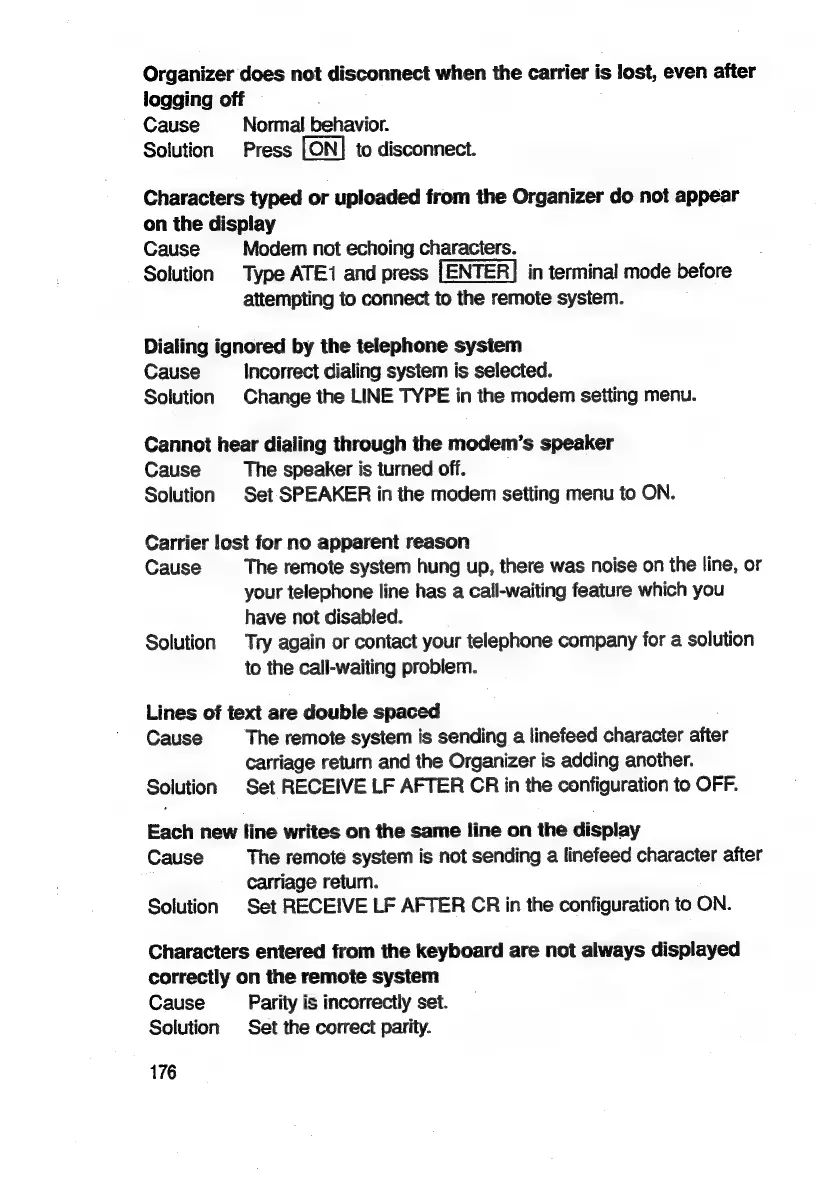
Organizer
does
not
disconnect
when
the
carrier
is
lost,
even
after
logging
off
Cause
Normal
behavior.
Solution
Press
to
disconnect.
Characters
typed
or
uploaded
from
the
Organizer
do
not
appear
on
the
display
Cause
Modem
not
echoing
characters.
Solution
Type
ATE1
and
press
in
terminal
mode
before
attempting
to
connect
to
the
remote
system.
Dialing
ignored
by
the
telephone
system
Cause
Incorrect
dialing
system
is
selected.
Solution
Change
the
LINE
TYPE
in
the
modem
setting
menu.
Cannot
hear
dialing
through
the
modem’s
speaker
Cause
The
speaker
is
turned
off.
Solution
Set
SPEAKER
in
the
modem
setting
menu
to
ON.
Carrier
lost
for
no
apparent
reason
Cause
The
remote
system
hung
up,
there
was
noise
on
the
line,
or
your
telephone
line
has
a
call-waiting
feature
which
you
have
not
disabled.
Solution
Try
again
or
contact
your
telephone
company
for
a
solution
to
the
call-waiting
problem.
Lines
of
text
are
double
spaced
Cause
The
remote
system
is
sending
a
linefeed
character
after
carriage
return
and
the
Organizer
is
adding
another.
Solution
Set
RECEIVE
LF
AFTER
CR
in
the
configuration
to
OFF.
Each
new
line
writes
on
the
same
line
on
the
display
Cause
The
remote
system
is
not
sending
a
linefeed
character
after
carriage
return.
Solution
Set
RECEIVE
LF
AFTER
CR
in
the
configuration
to
ON.
Characters
entered
from
the
keyboard
are
not
always
displayed
correctly
on
the
remote
system
Cause
Parity
is
incorrectly
set.
Solution
Set
the
correct
parity.
176

Related product manuals