EasyManua.ls Logo

Sharp ZQ-6100M - Page 49

Sharp ZQ-6100M
194 pages
Print Icon
To Next Page IconTo Next Page
To Previous Page IconTo Previous Page
Loading...
2.
Press
|DEL|
and
a
warning
will
appear.
3.
Press
and
CONFIRM
DELETIONS:
[ENTER]
will
appear.
4.
Press
to
delete
the
block
of
entries.
Press
any
other
key
to
leave
the
entries
intact.
Deleting
all
SCHEDULE
entries
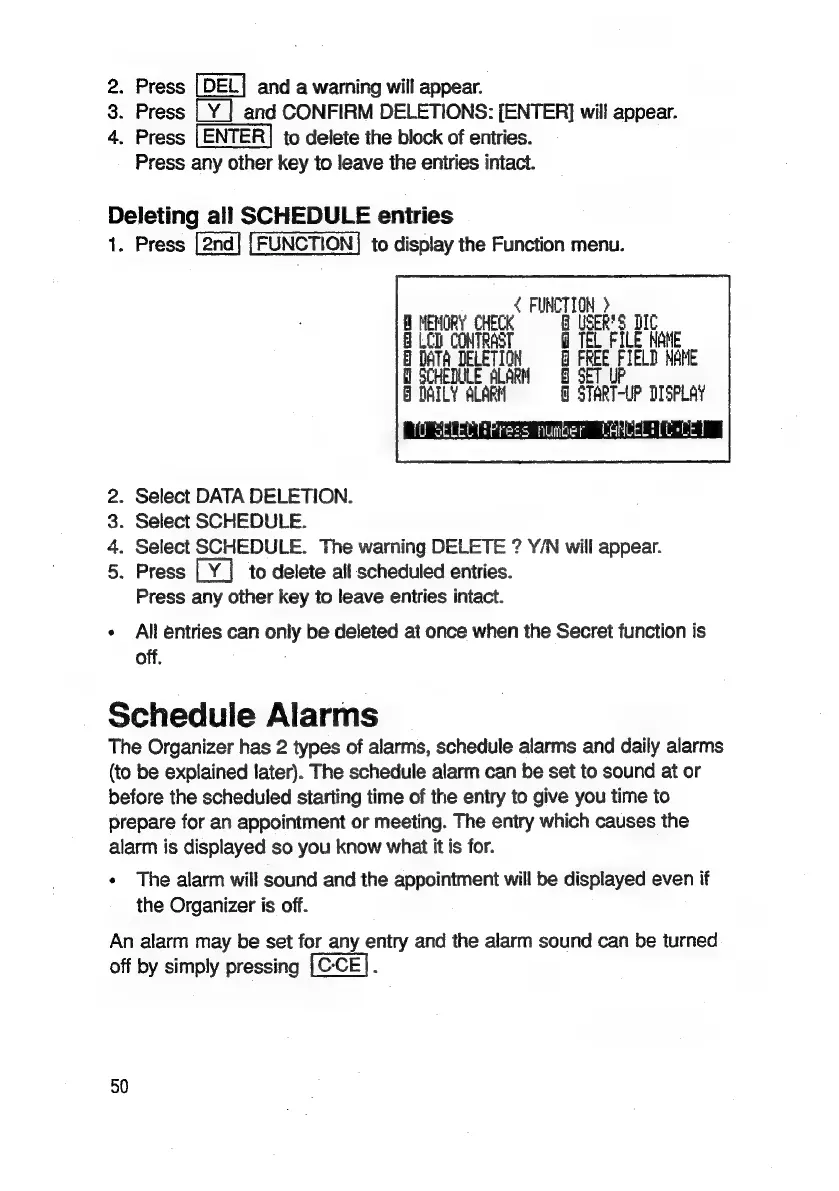
1.
Press
to
display
the
Function
menu.
<
FUNCTION
>
MEMORY
CHECK
G@
USER'S
DIC
@
LCD
CONTRAST
TEL
FILE
MANE
DATA
DELETION
©
FREE
FIELD
NAME
SCHEDULE
ALARM
DAILY
ALARM
Q
START-UP
DISPLAY
Press
numer
LARCELEL
LL
.
Select
DATA
DELETION.
.
Select
SCHEDULE.
.
Select
SCHEDULE.
The
warning
DELETE
?
Y/N
will
appear.
.
Press
to
delete
all
scheduled
entries.
Press
any
other
key
to
leave
entries
intact.
om
f&
O&O
Ph
All
entries
can
only
be
deleted
at
once
when
the
Secret
function
is
off.
Schedule
Alarms
The
Organizer
has
2
types
of
alarms,
schedule
alarms
and
daily
alarms
(to
be
explained
later).
The
schedule
alarm
can
be
set
to
sound
at
or
before
the
scheduled
starting
time
of
the
entry
to
give
you
time
to
prepare
for
an
appointment
or
meeting.
The
entry
which
causes
the
alarm
is
displayed
so
you
know
what
it
is
for.
«
The
alarm
will
sound
and
the
appointment
will
be
displayed
even
if
the
Organizer
is
off.
An
alarm
may
be
set
for
any
entry
and
the
alarm
sound
can
be
turned
off
by
simply
pressing
:
50

Related product manuals