EasyManua.ls Logo

Sharp ZQ-6100M - Page 54

Sharp ZQ-6100M
194 pages
Print Icon
To Next Page IconTo Next Page
To Previous Page IconTo Previous Page
Loading...
THINGS
TO
DO
The
TO
DO
mode
of
your
Organizer
is
a
very
convenient
and
efficient
way
to
keep
track
of
the
things
you
have
to
do.
Each
entry
can
contain:
e
adescription
of
the
item
itself,
e
the
date
it
is
to
be
done,
e
apriority
level,
and
e
up
to
5
categorizing
fields.
Of
these,
only
the
description
must
be
specified
all
the
others
are
optional
according
to
the
case.
You
can
easily
recall
a
list
of
all
the
things
you
have
to
do
in
order
of
date
or
priority,
and
even
“filter”
the
list
according
to
category,
retrieving
only
those
relevant
to
your
current
task.
The
entries
are
also
visible
in
the
weekly
and
daily
displays
for
an
immediate
appraisal
of
what
is
to
be,
or
can
be,
taken
care
of
today,
as
well
as
appearing
on
the
monthly.
calendar
as
a
spot
(J
)
by
the
due
date.
Once
done,
a
TO
DO
entry
can
be
easily
checked
off,
automatically
dropping
it
to
the
bottom
of
the
priority
list.
Making
an
Entry
You
want
to
call
Frank
about
a
sales
meeting
today,
but
it
is
not
the
most
important
thing
on
your
agenda.
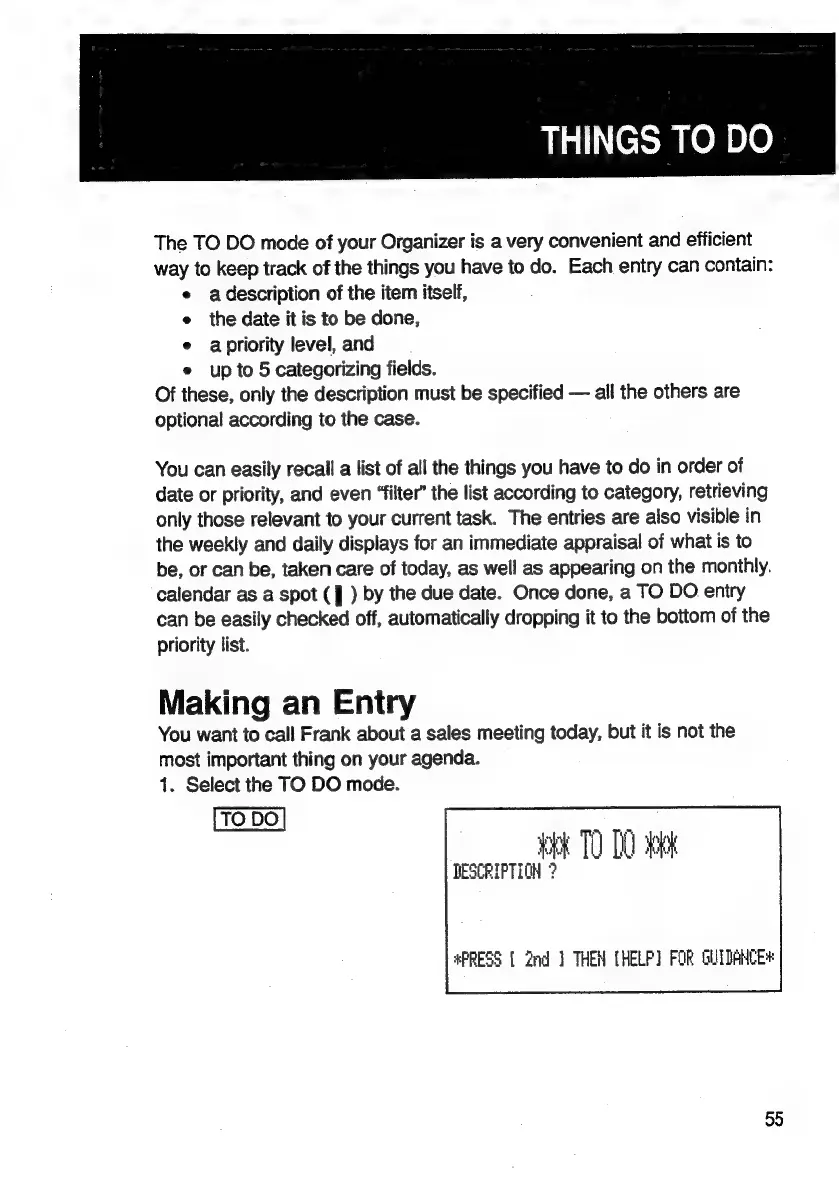
1.
Select
the
TO
DO
mode.
:
yee
TO
D0
tock
DESCRIPTION
?
#PRESS
{
2nd
]
THEN
(HELP)
FOR
GUIDANCE*
55

Related product manuals