EasyManua.ls Logo

Sharp ZQ-6100M - Page 58

Sharp ZQ-6100M
194 pages
Print Icon
To Next Page IconTo Next Page
To Previous Page IconTo Previous Page
Loading...
The
category
“e-mail”
has
been
added.
The
category
menu
may
define
up
to
32
different
categories
at
one
time.
They
may
be
added
os
panier:
as
above,
or
manually
as
described
later.
Use
[A]
and
to
step
up
and
down
through
the
pages
of
categories.
Add
one
more
entry
before
going
on
to
help
illustrate
the
following
examples.
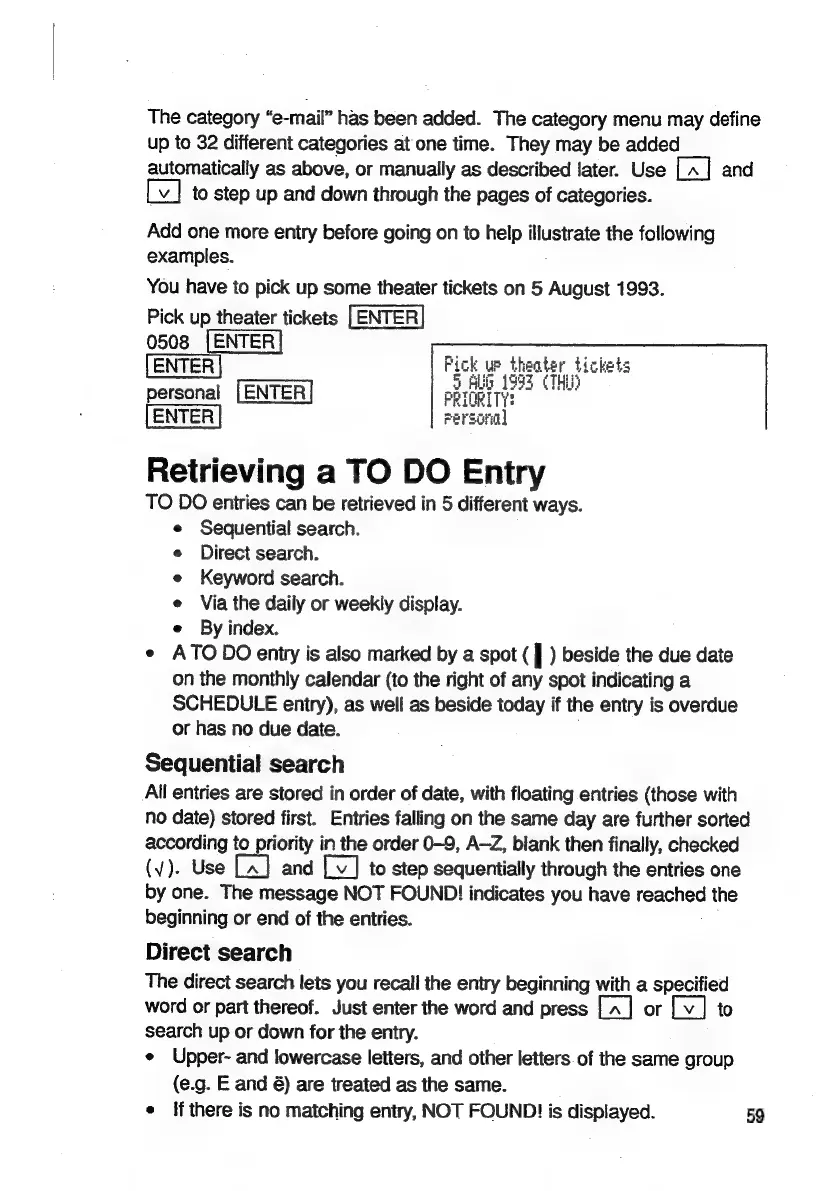
You
have
to
pick
up
some
theater
tickets
on
5
August
1993.
Pick
up
theater
tickets
[ENTER
0508
(ENTER
ENTER
Paee
aa
die
personal
[ENTER
Retrieving
a
TO
DO
Entry
TO
DO
entries
can
be
retrieved
in
5
different
ways.
Sequential
search.
Direct
search.
Keyword
search.
Via
the
daily
or
weekly
display.
e
By
index.
e
ATODO
entry
is
also
marked
by
a
spot
(
|
)
beside
the
due
date
on
the
monthly
calendar
(to
the
right
of
any
spot
indicating
a
SCHEDULE
entry),
as
well
as
beside
today
if
the
entry
is
overdue
or
has
no
due
date.
Sequential
search
Ail
entries
are
stored
in
order
of
date,
with
floating
entries
(those
with
no
date)
stored
first.
Entries
falling
on
the
same
day
are
further
sorted
according
to
Tad
in
the
order
0-9,
A-Z,
blank
then
finally,
checked
(v¥).
Use
and
[v]
to
step
sequentially
through
the
entries
one
by
one.
The
message
NOT
FOUND!
indicates
you
have
Caer
the
beginning
or
end
of
the
entries.
Direct
search
The
direct
search
lets
you
recall
the
entry
beginning
with
a
specified
word
or
part
thereof.
Just
enter
the
word
and
press
|.
|
[A]
or
[vy]
to
search
up
or
down
for
the
entry.
e
Upper-
and
lowercase
letters,
and
other
letters.of
the
same
group
(e.g.
E
and
6)
are
treated
as
the
same.
e
{f
there
is
no
matching
entry,
NOT
FOUND!
is
displayed.
59

Related product manuals