EasyManua.ls Logo

Sharp ZQ-6100M - Page 66

Sharp ZQ-6100M
194 pages
Print Icon
To Next Page IconTo Next Page
To Previous Page IconTo Previous Page
Loading...
e
There
will
be
no
confirmation
if
the
category
is
not
referenced
by
any
entries.
;
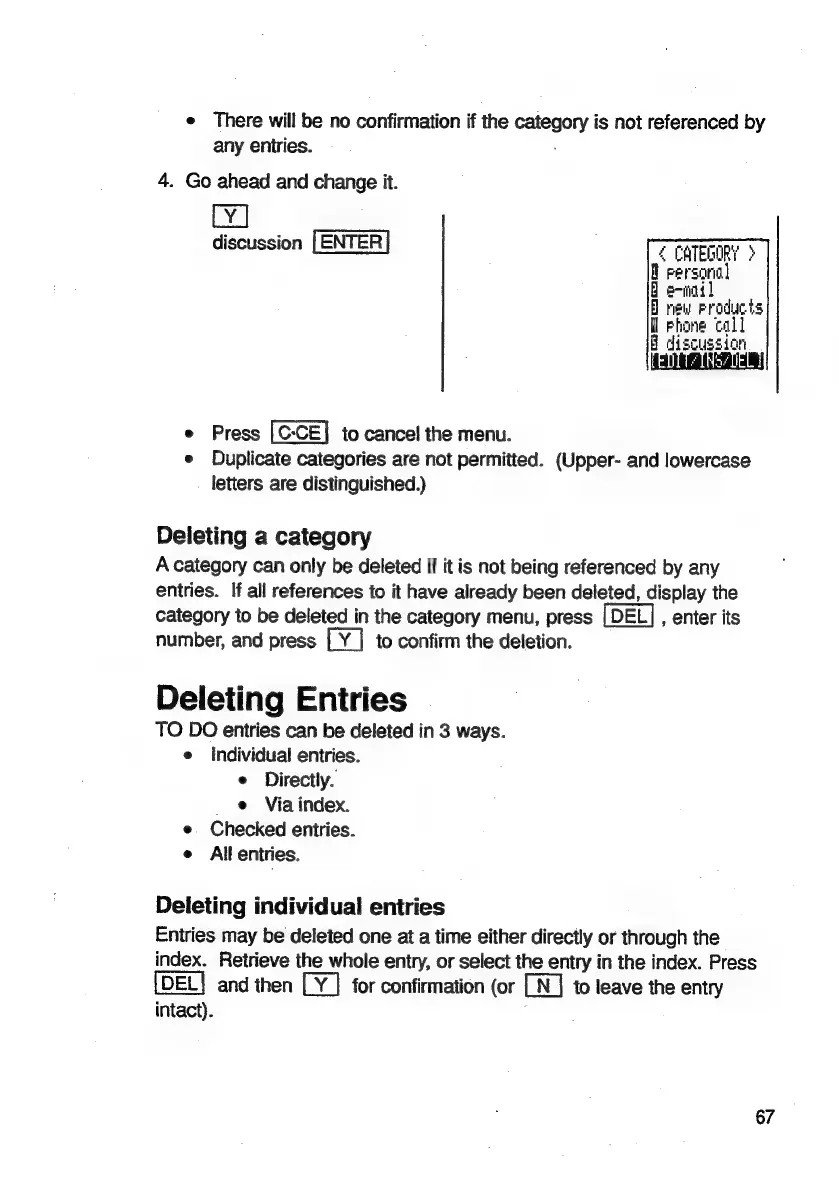
4.
Go
ahead
and
change
it.
discussion
<
CATEGORY
>
rersonal
Q
e-inail
A
rey
Products
@
Phone
call
g
discussion
!
e
Press
to
cancel
the
menu.
e
Duplicate
categories
are
not
permitted.
(Upper-
and
lowercase
letters
are
distinguished.)
Deleting
a
category
A
category
can
only
be
deleted
if
it
is
not
being
referenced
by
any
entries.
If
all
references
to
it
have
already
been
deleted,
display
the
category
to
be
deleted
in
the
category
menu,
press
,
enter
its
number,
and
press
to
confirm
the
deletion.
Deleting
Entries
TO
DO
entries
can
be
deleted
in
3
ways.
e
Individual
entries.
e
Directly.
e
Via
index.
e
Checked
entries.
e
All
entries.
Deleting
individual
entries
Entries
may
be
deleted
one
at
a
time
either
directly
or
through
the
index.
Retrieve
the
whole
entry,
or
select
the
entry
in
the
index.
Press
and
then
for
confirmation
(or
[IN]
to
leave
the
entry
intact).
67

Related product manuals