EasyManua.ls Logo

Sharp ZQ-6100M - Page 79

Sharp ZQ-6100M
194 pages
Print Icon
To Next Page IconTo Next Page
To Previous Page IconTo Previous Page
Loading...
e
The
first
20
characters
of
the
name
and
the
first
16
digits
of
the
number
of
each
listing
are
displayed.
Any
data
exceeding
this
is
trailed
by
“---”.
Press
[>
]
and
[=<]
to
move
the
index
cursor
and
select
the
starting
letter
of
the
name
field
for
the
index,
or
press
the
letter
you
want
directly
on
the
keyboard.
If
a
listing
was
being
displayed
when
you
called
up
the
index,
that
listing
will
appear
at
the
top
of
the
list.
f
and
J
at
the
bottom
of
the
display
indicate
if
there
are
more
listings
in
the
group
above
or
below
those
currently
visible.
and
let
you
step
up
and
down
a
page
at
a
time
in
a
group.
To
see
the
whole
listing,
move
the
pointer
using
[a
|
and
Lv}
to
indicate
the
listing
you
want,
and
press
Editing
Listings
To
edit
a
listing,
retrieve
it
and
press
to
activate
the
edit
mode.
Edit
using
[<]
[>]
[a]
[¥]
[INS]
.
(See
“Making
Corrections”
on
page
20.)
After
editing,
press
to
store
the
revised
data.
If
you
press
instead
of
just
,
the
revised
listing
will
be
stored
as
a
new
listing
without
affecting
the
original
one.
Deleting
Listings
You
can
delete
any
or
all
of
the
listings
in
a
telephone
directory.
An
individual
listing
is
deleted
by
directly
recalling
it
and
pressing
or
by
moving
the
pointer
in
the
index
to
the
one
you
want
to
delete
and
pressing
.
The
delete
warning
message
will
appear
to
confirm
your
intentions
before
the
listing
is
erased.
To
delete
all
entries
in
one
of
the
3
directories:
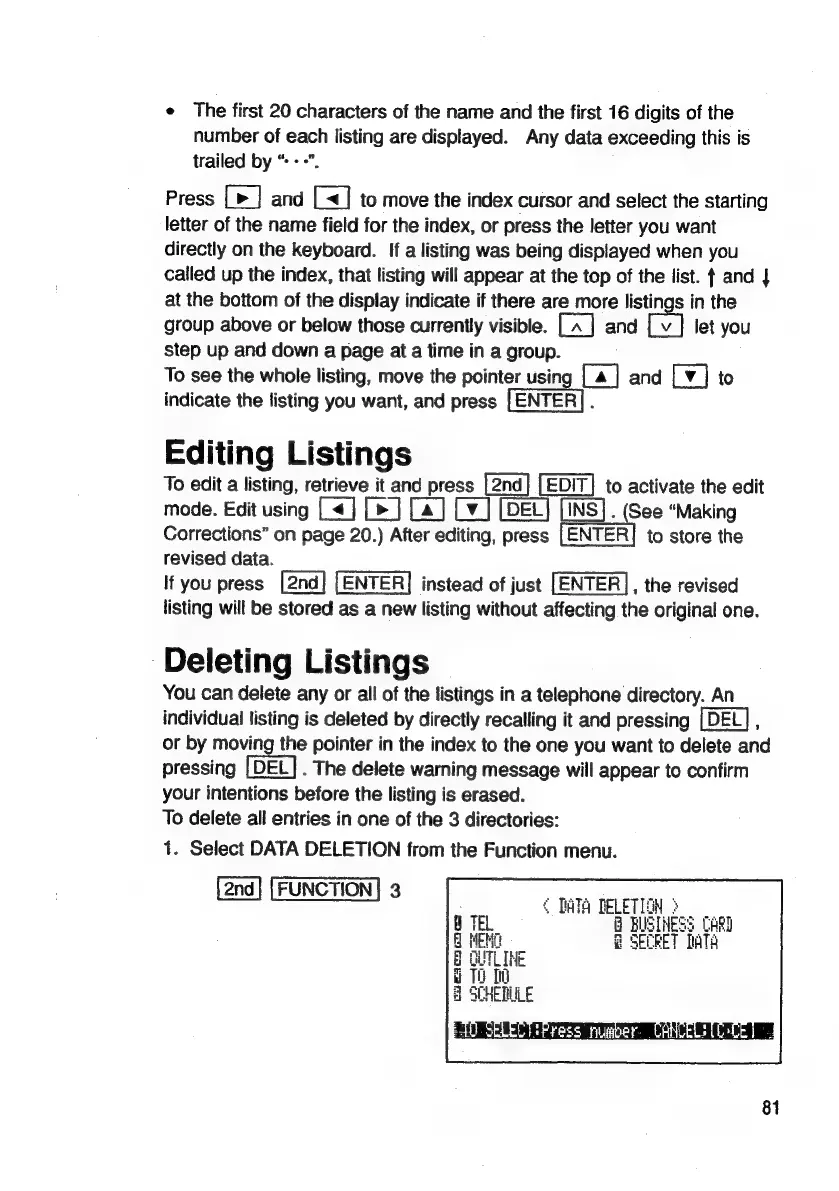
1.
Select
DATA
DELETION
from
the
Function
menu.
|
2nd]
[FUNCTION]
3
[2na]
[FUNCTION]
4
DATA
DELETION
3
B
BUSINESS
CARD
@
SECRET
DATA
To
00
SCHEDULE
EL
a
g
é
g
ci
a
81

Related product manuals