EasyManua.ls Logo

Sharp ZQ-6100M - Page 82

Sharp ZQ-6100M
194 pages
Print Icon
To Next Page IconTo Next Page
To Previous Page IconTo Previous Page
Loading...
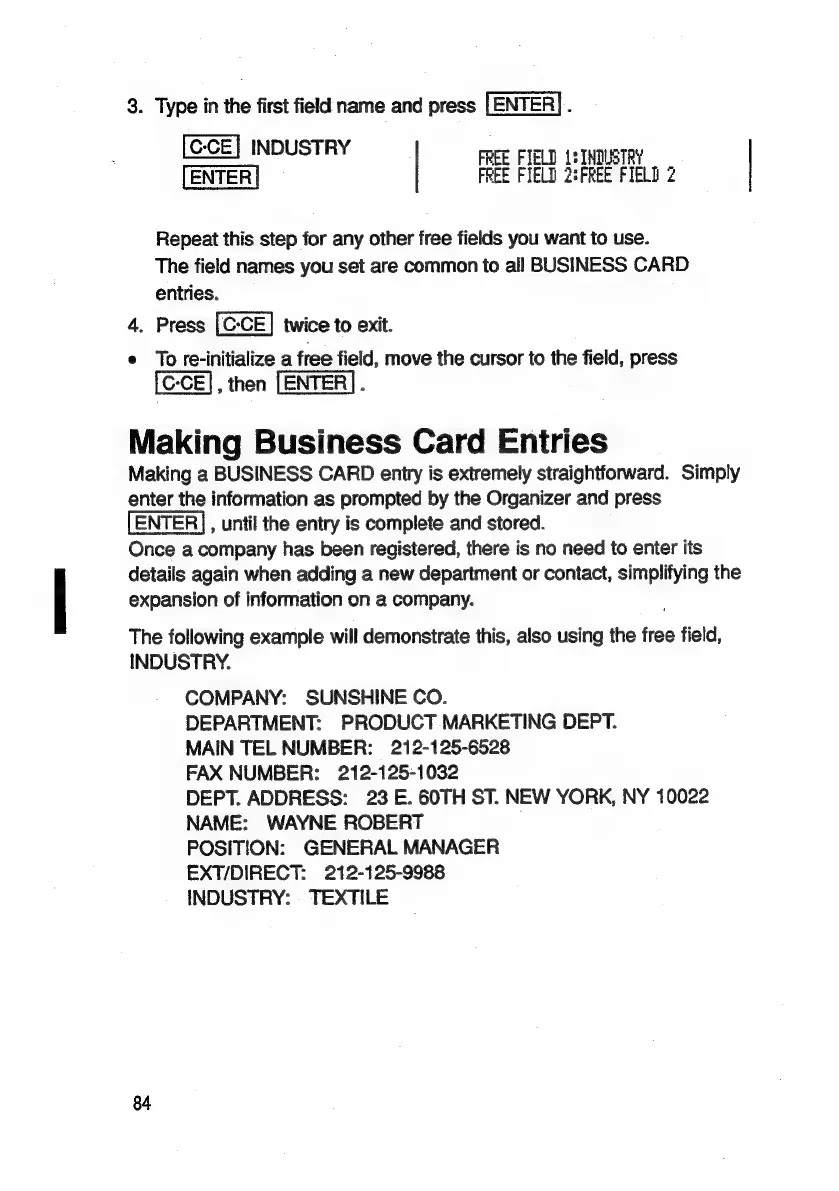
3.
Type
in
the
first
field
name
and
press
[ENTER].
INDUSTRY
FREE
FIELD
1:
INDUSTRY
FREE
FIELD
2:FREE
FIELD
2
Repeat
this
step
for
any
other
free
fields
you
want
to
use.
The
field
names
you
set
are
common
to
all
BUSINESS
CARD
entries.
4.
Press
twice
to
exit.
e
To
se-initialize
a
free
field,
move
the
cursor
to
the
field,
press
[CCE],
then
[ENTER]
.
Making
Business
Card
Entries
Making
a
BUSINESS
CARD
entry
is
extremely
straightforward.
Simply
enter
the
information
as
prompted
by
the
Organizer
and
press
,
until
the
entry
is
complete
and
stored.
Once
a
company
has
been
registered,
there
is
no
need
to
enter
its
details
again
when
adding
a
new
department
or
contact,
simplifying
the
expansion
of
information
on
a
company.
The
following
example
will
demonstrate
this,
also
using
the
free
field,
INDUSTRY.
COMPANY:
SUNSHINE
CO.
DEPARTMENT:
PRODUCT
MARKETING
DEPT.
MAIN
TEL
NUMBER:
212-125-6528
FAX
NUMBER:
212-125-1032
DEPT.
ADDRESS:
23
E.
60TH
ST.
NEW
YORK,
NY
10022
NAME:
WAYNE
ROBERT
.
POSITION:
GENERAL
MANAGER
EXT/DIRECT:
212-125-9988
INDUSTRY:
TEXTILE
84

Related product manuals