EasyManua.ls Logo

Sharp ZQ-6100M - Page 85

Sharp ZQ-6100M
194 pages
Print Icon
To Next Page IconTo Next Page
To Previous Page IconTo Previous Page
Loading...
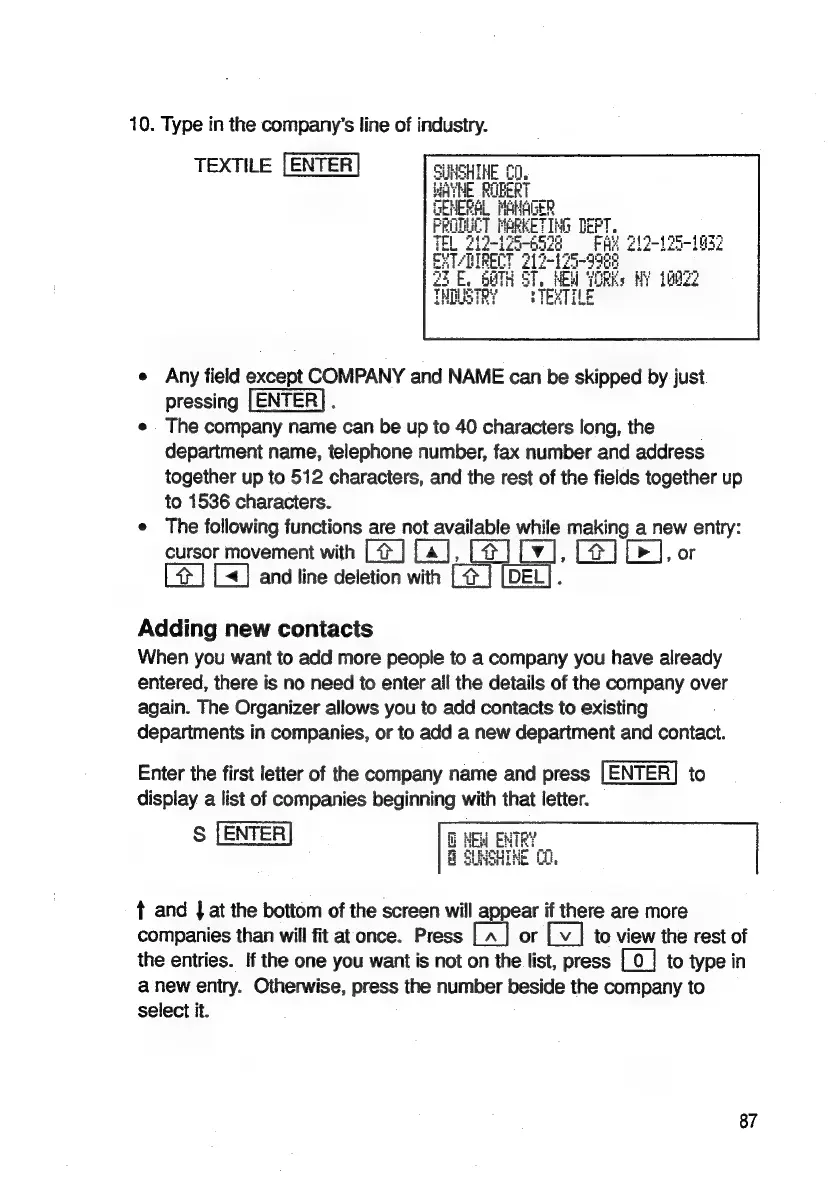
10.
Type
in
the
company’s
line
of
industry.
TEXTILE
[ENTER
e
Any
field
except
COMPANY
and
NAME
can
be
skipped
by
just
pressing
:
e
The
company
name
can
be up
to
40
characters
long,
the
department
name,
telephone
number,
fax
number
and
address
together
up
to
512
characters,
and
the
rest
of
the
fields
together
up
to
1536
characters.
e
The
following
functions
are
not
available
while
making
a
new
entry:
cursor
movement
with
[@]
[a],
[4]
Ba
[¥]
[>],
or
[4]
[]
and
line
deletion
with
[x]
Adding
new
contacts
When
you
want
to
add
more
people
to
a
company
you
have
already
entered,
there
is
no
need
to
enter
all
the
details
of
the
company
over
again.
The
Organizer
allows
you
to
add
contacts
to
existing
departments
in
companies,
or
to
add
a
new
department
and
contact.
Enter
the
first
letter
of
the
company
name
and
press
[ENTER]
to
display
a
list
of
companies
beginning
with
that
letter.
S
[ENTER]
t
and
|
at
the
bottom
of
the
screen
will
appear
if
there
are
more
companies
than
will
fit
atonce.
Press
or
to
view
the
rest
of
the
entries.
If
the
one
you
want
is
not
on
the
list,
press
[0
]
to
type
in
a
new
entry.
Otherwise,
press
the
number
beside
the
company
to
select
it.
87

Related product manuals