EasyManua.ls Logo

Sharp ZQ-6100M - Page 86

Sharp ZQ-6100M
194 pages
Print Icon
To Next Page IconTo Next Page
To Previous Page IconTo Previous Page
Loading...
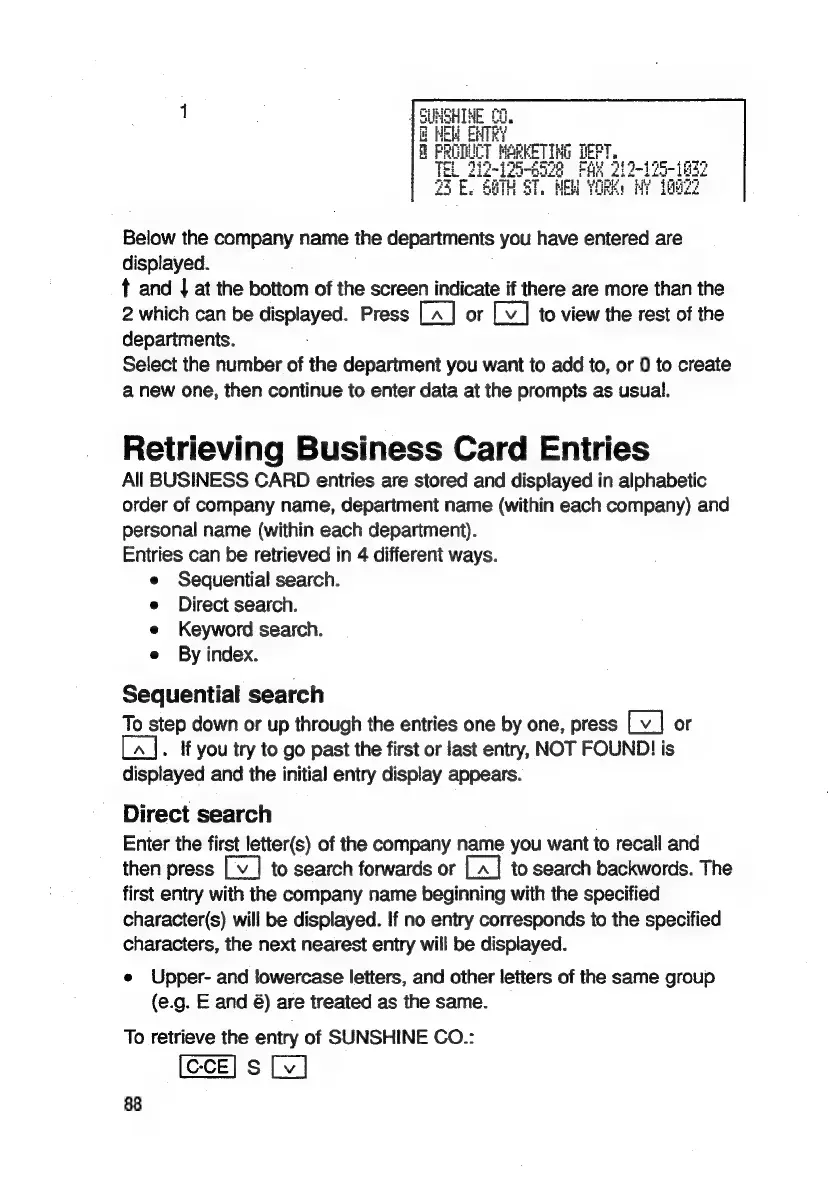
Below
the
company
name
the
departments
you
have
entered
are
displayed.
t
and
|
at
the
bottom
of
the
screen
indicate
if
there
are
more
than
the
2
which
can
be
displayed.
Press
or
to
view
the
rest
of
the
departments.
Select
the
number
of
the
department
you
want
to
add
to,
or
0
to
create
a
new
one,
then
continue
to
enter
data
at
the
prompts
as
usual.
Retrieving
Business
Card
Entries
All
BUSINESS
CARD
entries
are
stored
and
displayed
in
alphabetic
order
of
company
name,
department
name
(within
each
company)
and
personal
name
(within
each
department).
Entries
can
be
retrieved
in
4
different
ways.
e
Sequential
search.
e
Direct
search.
e
Keyword
search.
e
By
index.
Sequential
search
To
step
down
or
up
through
the
entries
one
by
one,
press
or
.
If
you
try
to
go
past
the
first
or
last
entry,
NOT
FOUND!
is
displayed
and
the
initial
entry
display
appears.
Direct
search
.
Enter
the
first
letter(s)
of
the
company
name
you
want
to
recall
and
then
press
to
search
forwards
or
to
search
backwords.
The
first
entry
with
the
company
name
beginning
with
the
specified
character(s)
will
be
displayed.
If
no
entry
corresponds
to
the
specified
characters,
the
next
nearest
entry
will
be
displayed.
e
Upper-
and
lowercase
letters,
and
other
letters
of
the
same
group
(e.g.
E
and
&)
are
treated
as
the
same.
To
retrieve
the
entry
of
SUNSHINE
CO.:
S
88

Related product manuals