12 English
CONTROLS
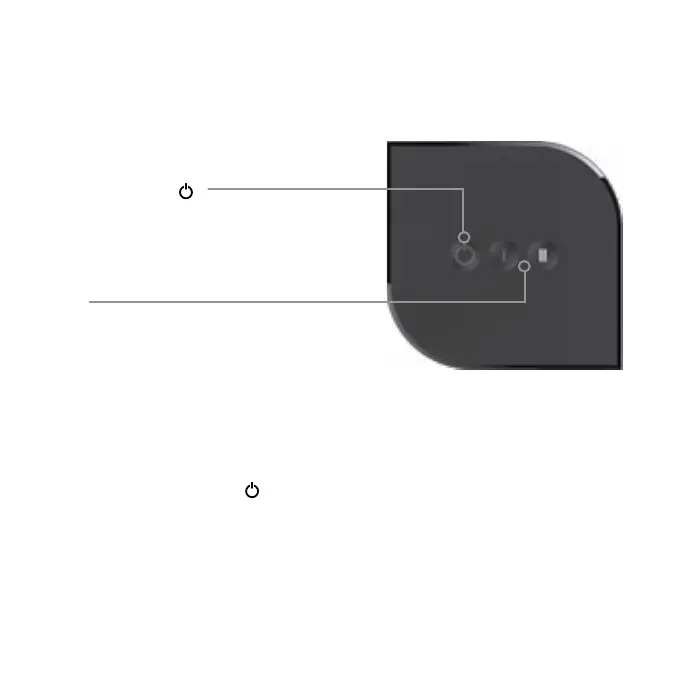
POWER ON OFF
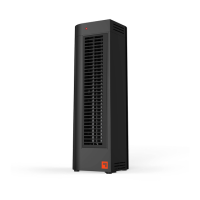
POWER INDICATOR LIGHT
Red light on front of product illuminates
to indicate the heater is powered on.
MODE
Low Heat (I) 750 watts or
High Heat (II) 1500 watts
Before use, check the heater for visible damage. DO NOT USE THIS HEATER if there is
evidence of damage. If any damage is found, contact Consumer Service.
1. Position heater so airflow is not obstructed.
2. Plug power cord into standard grounded wall outlet.
3. Touch the power button (
). The red light illuminates to indicate the heater is
powered on.
4. Select a Mode - Low Heat (I) or High Heat (II) setting.
HOW TO USE


 To Next Page