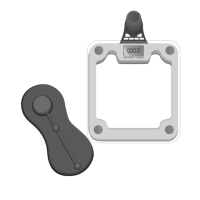
Important Notes
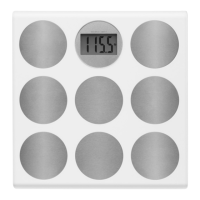
• This scale is intended for use as a personal scale in a private
household.
• This scale contains sensitive electronic components and must
not be placed close to heat sources or in environments that are
exposed to extreme humidity.
• Measurement results from various scales may differ slightly.
• The scale represents a sensitive electronic instrument.
High-frequency devices may sometimes cause disturbance
when used in the immediate vicinity of other products (for
example, mobile phones, CB radio, remote controls and
microwave ovens).
• If there are errors such as irregular or faulty readouts on the
screen, remove the scale from the source of disturbance or
deactivate the source of disturbance when you are using
the scale.
Setup
1. Remove the insulation tab from the battery compartment.
2. Open the battery compartment and set the desired measure
-
ment unit by sliding the switch located in the compartment.


 To Next Page