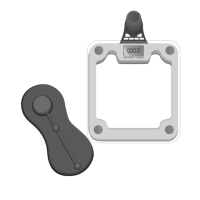
Setup
3. Place the scale on a solid, flat surface. To help prevent
slipping, ensure that both the floor and the scale surface
are dry.
Using the Scale
IMPORTANT: Never jump on the scale.
1. Gently tap your foot on the center of the scale. CAL appears
on the LCD. CAL indicates that the scale is calibrated.
2. Stand with both feet on the scale once 0.0 appears on the
LCD. Stand still, without shifting your weight.
3. During weight measurement, the displayed value increases
until your weight has been determined.
4. Your weight is shown in 0.1kg/0.2lb. increments.
Warning Indicators
o-Ld: EEEE appears on the LCD if the weight exceeds
the maximum weighing capacity of 180 kg/396 lbs./28 ST.
Step off the scale immediately.


 To Next Page