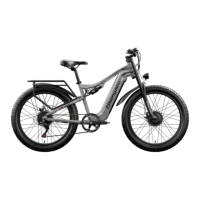
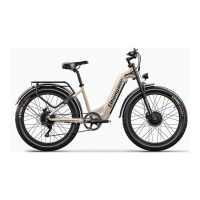
Shengmilo E- Bike Use and Care
The following table of contents provides general guidance on Shengmilo e-bike variable power assist settings and their effects on both range and perfor- mance. This content will apply broadly to most
riders, but multiple factors will affect individual results including rider fitness and weight, terrain, proper maintenance, etc. While Shengmilo hopes and believes you will thoroughly enjoy your e-bike,
no guarantees of universal performance characteristics for all owners can be given.
Basic Display Settings
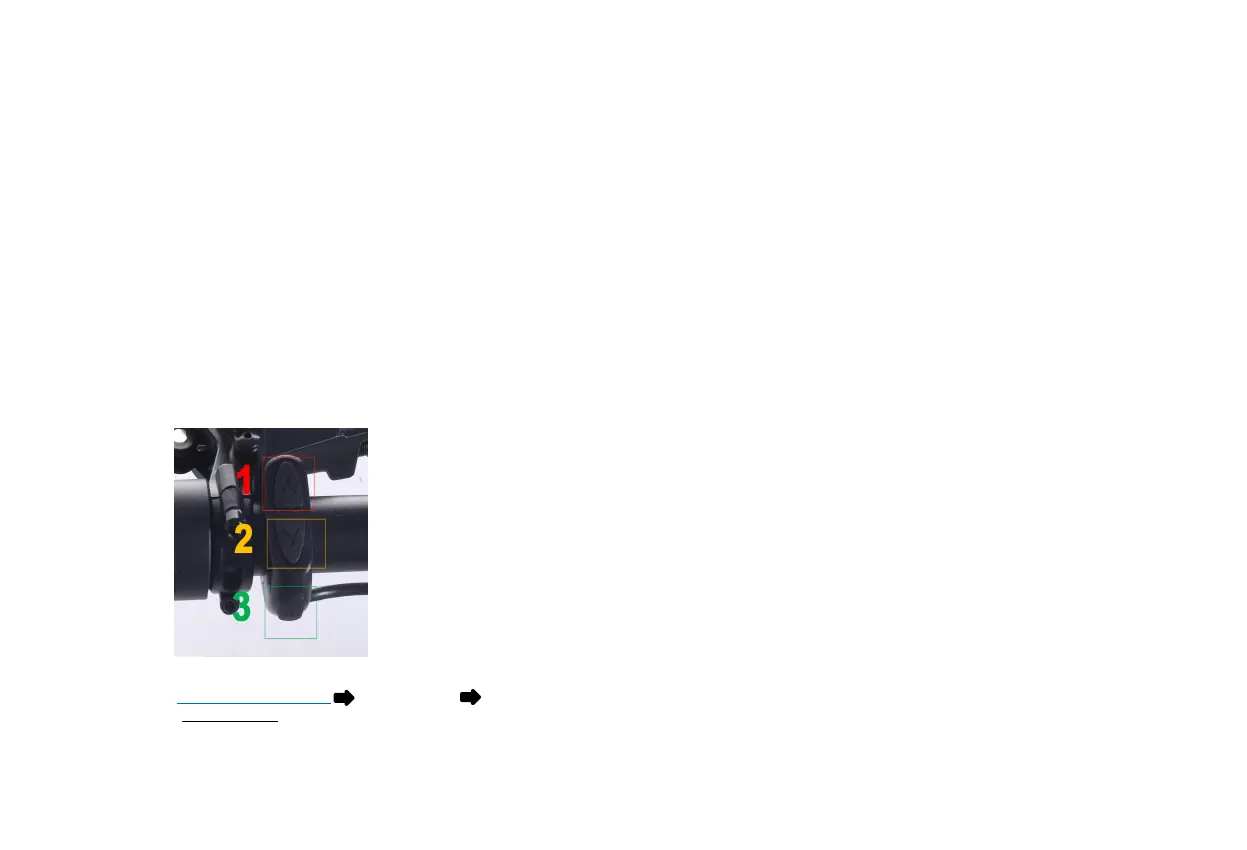
◆ Control Panel
The display is controlled using the 3-button display remote mounted on the left side of the handlebar (depicted at right). The top button shows an arrow pointing up (1), the bottom button shows an
arrow pointing down (2), and the middle button is labeled "MODE" (3). Reference the LCD Display Operations table in this manual for instructions on how to perform various operations using these
buttons and, when applicable, other components of the bike.
*Go look on our website: www.shengmilo-bikes.com Owner’s Manual Shengmilo M5 Display Setting 2022
*For video tutorial, search Display Settings on Shengmilo YouTube Channel


 To Next Page