EasyManua.ls Logo

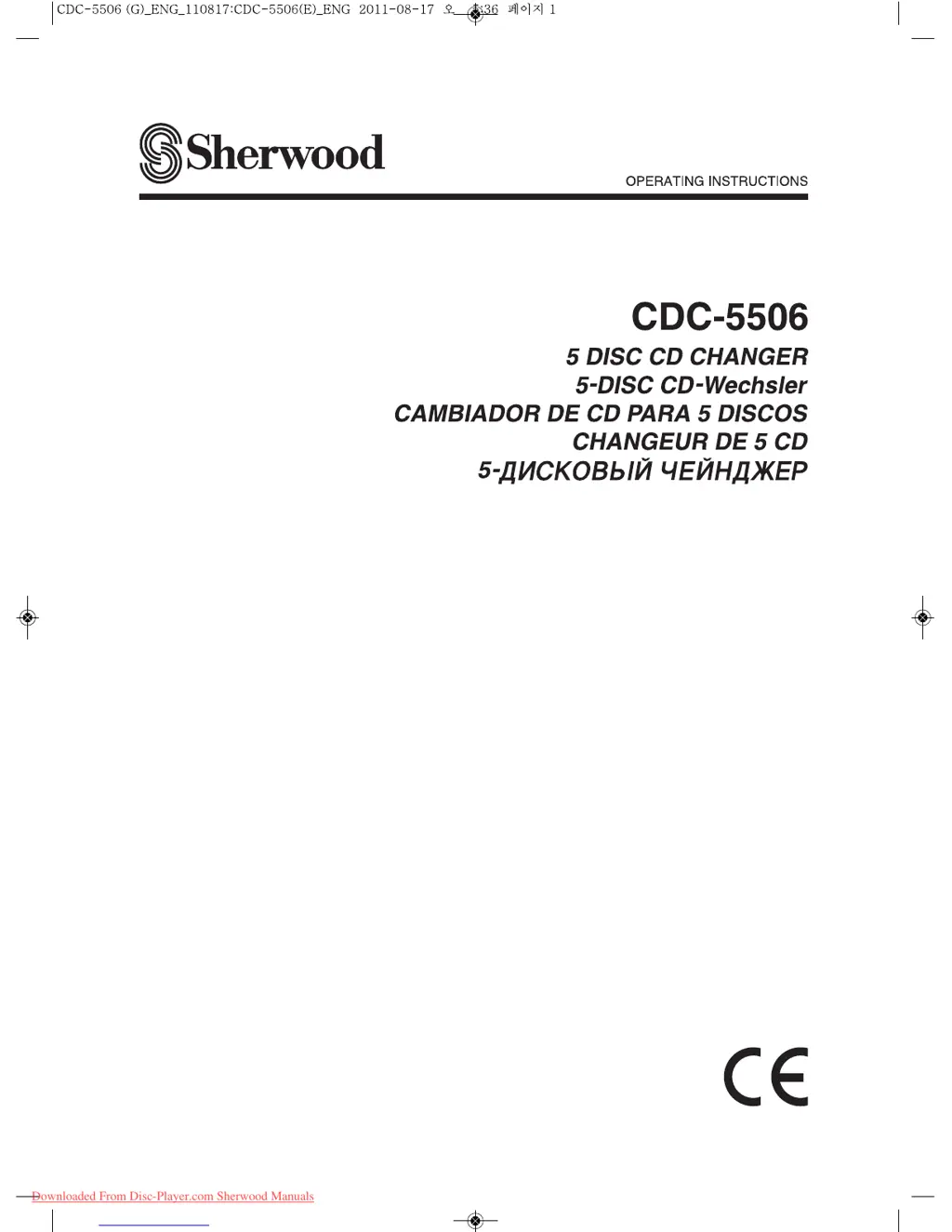
Sherwood CDC-5506 - User Manual

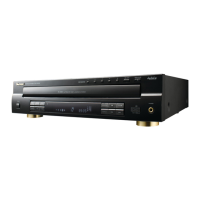
Sherwood CDC-5506
18 pages
Print Icon
To Next Page IconTo Next Page
Loading...
Downloaded From Disc-Player.com Sherwood Manuals

Questions and Answers

  • J
    jesusmathewsAug 19, 2025
    How to fix no power on my Sherwood CDC-5506?
    • N
      Nicole HolmesAug 19, 2025
      If your Sherwood CD Player has no power, ensure the AC input cord is securely connected. Also, verify the AC wall outlet is functional by testing it with a lamp or another appliance.
  • O
    oortizAug 21, 2025
    What to do if my Sherwood CDC-5506 CD Player has no sound?
    • J
      James BrownAug 21, 2025
      If your Sherwood CD Player produces no sound, ensure that all connections are made correctly and that your amplifier/receiver is operating correctly. Also, check if the pause mode is activated (indicated by the “ ” symbol) and deactivate it by pressing the “ ” button.
  • J
    Justin WilliamsAug 23, 2025
    Why does my Sherwood CD Player sound skip?
    • T
      Terry CollinsAug 23, 2025
      If your Sherwood CD Player is skipping, try playing another disc to rule out defects or scratches. Also, make sure that the unit is placed on a stable surface free from vibration or physical shock.
  • P
    Pamela MorrisAug 26, 2025
    What to do if my Sherwood CDC-5506 CD Player has no play?
    • J
      Jake LopezAug 26, 2025
      If your Sherwood CD Player is not playing discs, ensure the disc is loaded with the printed side up. Clean the disc if it's dirty, and try another disc if the current one is defective or deeply scratched. Note that only music files in MP3 and WMA formats can be played.
  • C
    Cesar BrowningAug 27, 2025
    Why is the sound poor or distorted on my Sherwood CDC-5506?
    • J
      Jamie CarrollAug 28, 2025
      If the sound from your Sherwood CD Player is poor or distorted, check that the unit is not connected to the PHONO input jacks of your amplifier/receiver; ensure connections are made correctly. Verify all cords are securely connected.
  • M
    Mr. Robert SnyderAug 29, 2025
    How to fix programming not working on Sherwood CD Player?
    • W
      Walter GoodmanAug 30, 2025
      If programming is not performed on your Sherwood CD Player, try again with a scratch-free disc. Ensure that you are following the correct programming procedure and check that the number of programmed tracks/files is not exceeding 32.
  • C
    Chase WolfSep 1, 2025
    Why does Sherwood CDC-5506 take long to read disc?
    • V
      Vanessa StaffordSep 1, 2025
      It may take a longer time to read a disc or an USB memory device that contains many files and folders, etc. This is not malfunction.
  • B
    Barbara SanchezSep 3, 2025
    Why is there no sound coming from my Sherwood CD Player?
    • D
      Duane MatthewsSep 3, 2025
      If you're not getting any sound from your Sherwood CD Player, it could be due to a few reasons. Check if the connections are made correctly. Ensure that your amplifier/receiver is operating correctly. Also, if the pause indicator is on, press the pause button to cancel the pause mode.
  • J
    Jeffrey PetersSep 5, 2025
    How to fix a Sherwood CD Player with no power?
    • T
      Tina Oconnor DDSSep 5, 2025
      If your Sherwood CD Player has no power, start by checking the AC input cord to ensure it is securely connected. Also, verify that the AC wall outlet is functional by testing it with a lamp or another appliance.
  • K
    Kenneth KelleySep 7, 2025
    What to do if my Sherwood CD Player won't play?
    • G
      Gary MendezSep 8, 2025
      If your Sherwood CD Player isn't playing, consider these possibilities: * The disc may be loaded upside down; reload it with the printed side up. * The disc could be dirty; try cleaning it. * The disc might be defective or deeply scratched; use another disc. * If using CD-R/CD-RW, ensure it's a standard disc. * If you are using CD-R/CD-RW disc, only music files in MP3 and WMA formats can be played.

Summary

Introduction

Read This Before Operating Your Unit

Safety and initial operating instructions for safe use.

For Your Safety

Crucial safety information and precautions for user protection.

Rear Panel Connections

Connecting Analog Audio Outs

Steps to connect analog audio outputs to an amplifier or receiver.

Front Panel and Remote Controls

Remote Control Operation Range

Loading Remote Control Batteries

Instructions for inserting batteries into the remote control.

Operations

Playing Tracks and Files

Step-by-step guide to playing music tracks or files from discs or USB.

Selecting a Disc for Playback

How to choose a specific disc for playback from the changer.

Selecting Tracks or Files During Play

Methods for skipping tracks or files during active playback.

Repeat Play Modes

Options for repeating tracks, folders, or entire discs/files.

Troubleshooting Guide

Specifications

Sherwood CDC-5506 Specifications

Typical Audio Performances IconTypical Audio Performances
number of channels2
frequency response20~20, 000 Hz ±0.8 dB
signal to noise ratio94 dB
dynamic range86 dB
total harmonic distortion0.009 %
audio output level2 V RMS
digital output wavelength660 nm -20 ~ -15 dBm
Optical Readout System IconOptical Readout System
laser typeSemiconductor laser
wavelength760~800 nm
numerical aperture0.45
Signal Format IconSignal Format
sampling frequency44.1 kHz
D/A conversionMultibit (Sigma-delta conversion)
oversampling8 times
General IconGeneral
power supply230 V ~ 50 Hz
power consumption23 W
dimensions440x112x397 mm (17-5/16x4-7/16x15-4/6 inches)
weight5.6 kg (12.4 lbs)

Related product manuals