45
Font color
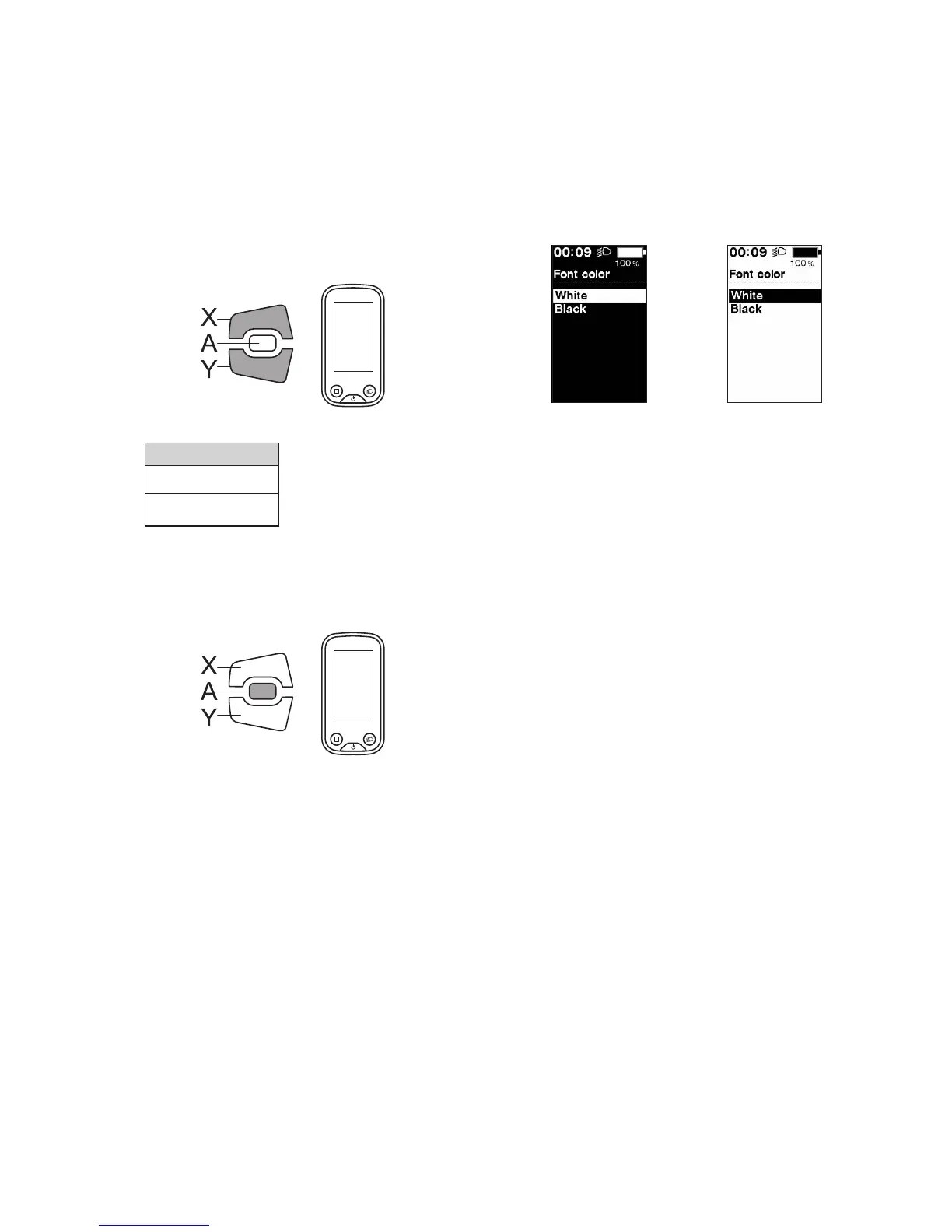
Toggle the font character color between black and white.
1.
Enter the [Font color] menu.
(1) Launch the setting menu.
(2) Press Assist-X or Assist-Y to select [Font color], then
press Assist-A.
2.
Press Assist-X or Assist-Y to move the cursor to the
item you want to configure.
Assist
Configurable items
[White]
[Black]
White
Black
3.
Press Assist-A to confirm the setting.
*
The screen will automatically return to the setting
menu screen.
Assist
Adjust
If you need to adjust the rear shifting unit, contact the place of purchase.





 To Next Page