21
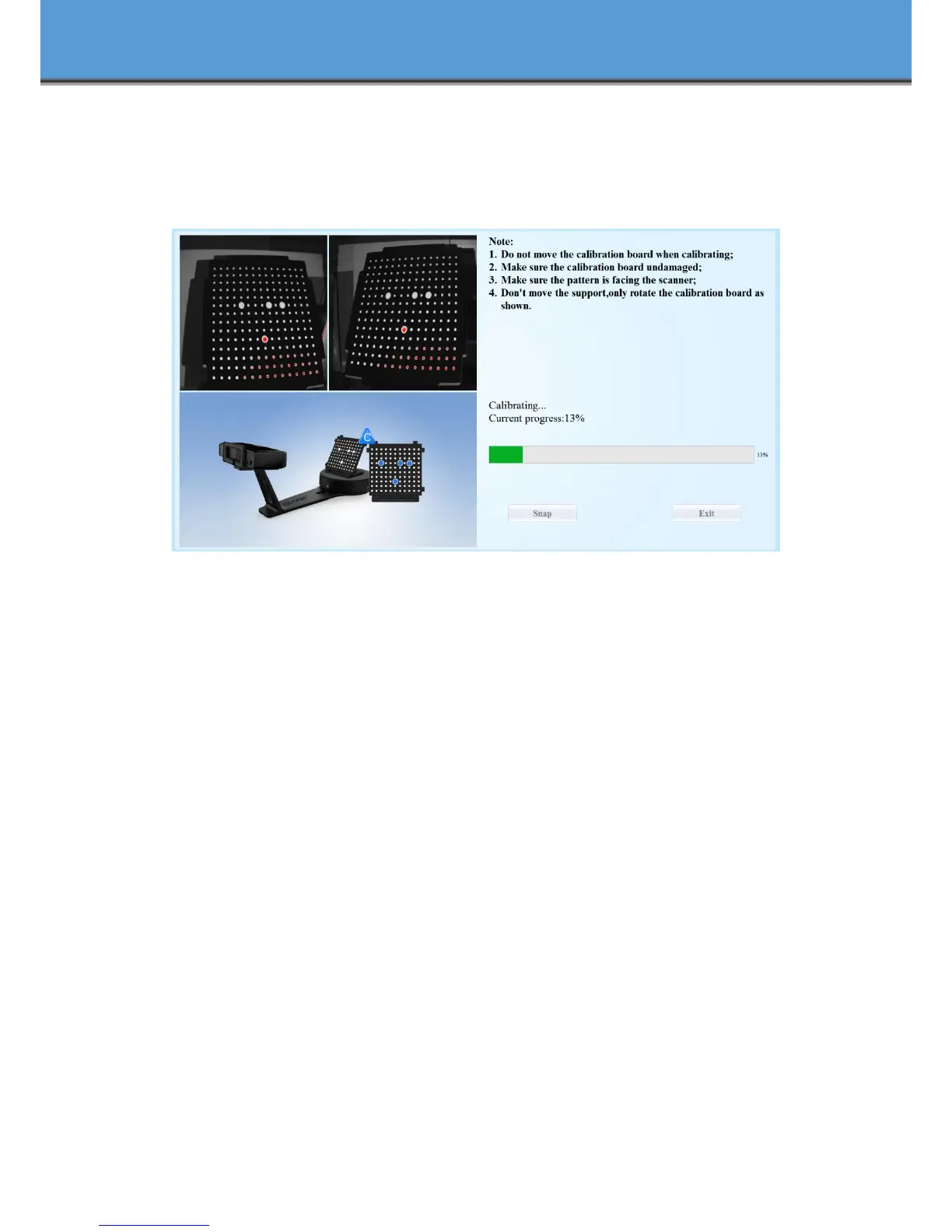
Upon completion of the 3rd calibration sequence, the software will automatically calculate
and archive the current conditions. This calculation may take several seconds but once complete,
you are ready to start automatic turntable scanning.
When calibration is finished, the software will close the calibration window automatically
and enter the scan mode selection page.
If the calibration fails, please try to re-calibrate following the instructions above. If
calibration fails again, please contact your local support representative.














 To Next Page